28
Impulse Response Settings
Page Knob Parameter Description
1
1 IR Sel
Selects one of the 128 available IR index locations. If a
location contains an IR, its name appears in the inspec-
tor header.
2 Low Cut
Filters a portion of the IR's bass and/or treble frequen-
cies, which can help remove rumble and/or high-end
harshness.
3 Hi Cut
2
1 Mix
Blends the IR signal with the dry signal passed through
the IR block. When set to 0%, the path bypasses the
IR completely. When set to 100%, the entire path is fed
through the IR, and no dry signal is heard.
2 Level
Adjusts the overall output level of the IR block.
Send/Return
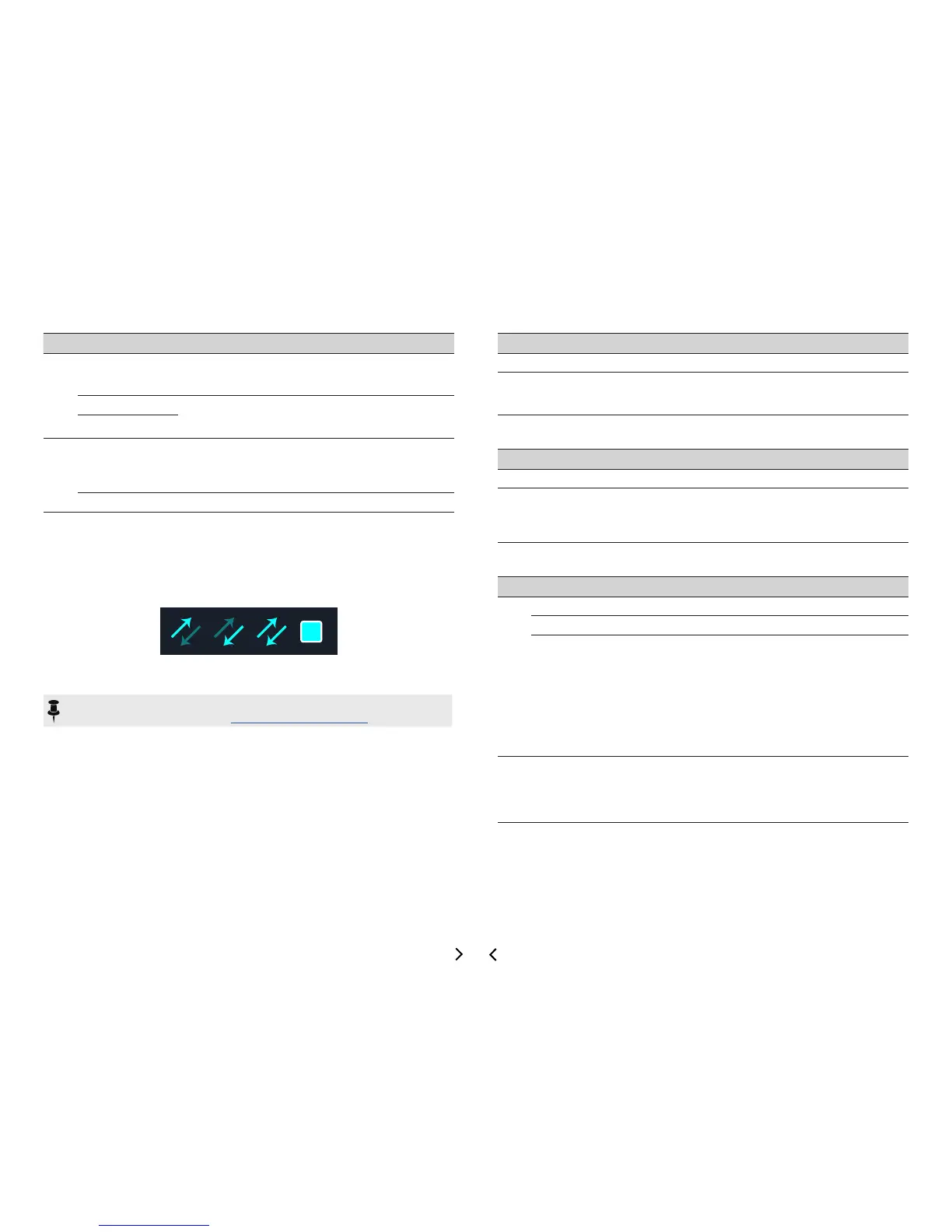
Each of the sends and returns can be used independently, or used together as a
(mono or stereo) FX loop.
FXloopsletyoudynamicallyinsertyourfavoriteexternalstompboxes(orrackeects)
into any location in your preset.
NOTE: Each send and return pair can be set for instrument (for inserting stomp-
boxes) or line-level operation. See "Global Settings > Ins/Outs"
Send Settings
Knob Parameter Description
1 Send
Adjusts the level sent to your external devices.
2 Dry Thru
Adjusts the level of the signal passed through the Send block,
independent of the Knob 1 (Send) level. Normally, this should
be set to 0.0dB.
Return Settings
Knob Parameter Description
1 Return
Adjusts the level received at the Return jack.
2 Mix
Blends the Return signal vs. the dry signal passed through the
Return block. When set to 0%, the path bypasses the Return
completely. When set to 100%, the entire signal is fed from the
Return, and no dry thru signal is heard.
FX Loop Settings
Page Knob Parameter Description
1
1 Send
Adjusts the level sent to your external device.
2 Return
Adjusts the level received at the Return jack.
3 Mix
Blends the FX loop signal vs. the dry signal passed
through the FX Loop block. When set to 0%, the path
bypasses the FX loop completely. When set to 100%,
the entire path is fed through the FX loop, and no dry
thru signal is heard.*
This means that, if you don't currently have your ex-
ternal gear connected to the Send & Return jacks, you
won't hear any output signal unless you bypass the FX
Loop block!
2 1 Trails
Trails O: An external stompbox would be instantly
muted when the FX Loop block is bypassed. Trails On:
An external delay or reverb stompbox would continue to
decay naturally when the FX Loop block is bypassed or
adierentsnapshotisselected.



 To Next Page