30
Split > A/B Settings
Knob Parameter Description
1 RoutTo
Determines the amount of the signal sent to Path A vs. Path B.
Press the knob to set to Even Split.
Split > Crossover Settings
Knob Parameter Description
1 Freq
Any signal above this frequency is sent to Path A (upper); any
signal below this frequency is sent to Path B (lower).
2 Revrse
When on, reverses the path assignments (any signal above
the crossover frequency is sent to Path B, any signal below
the crossover frequency is sent to Path A).
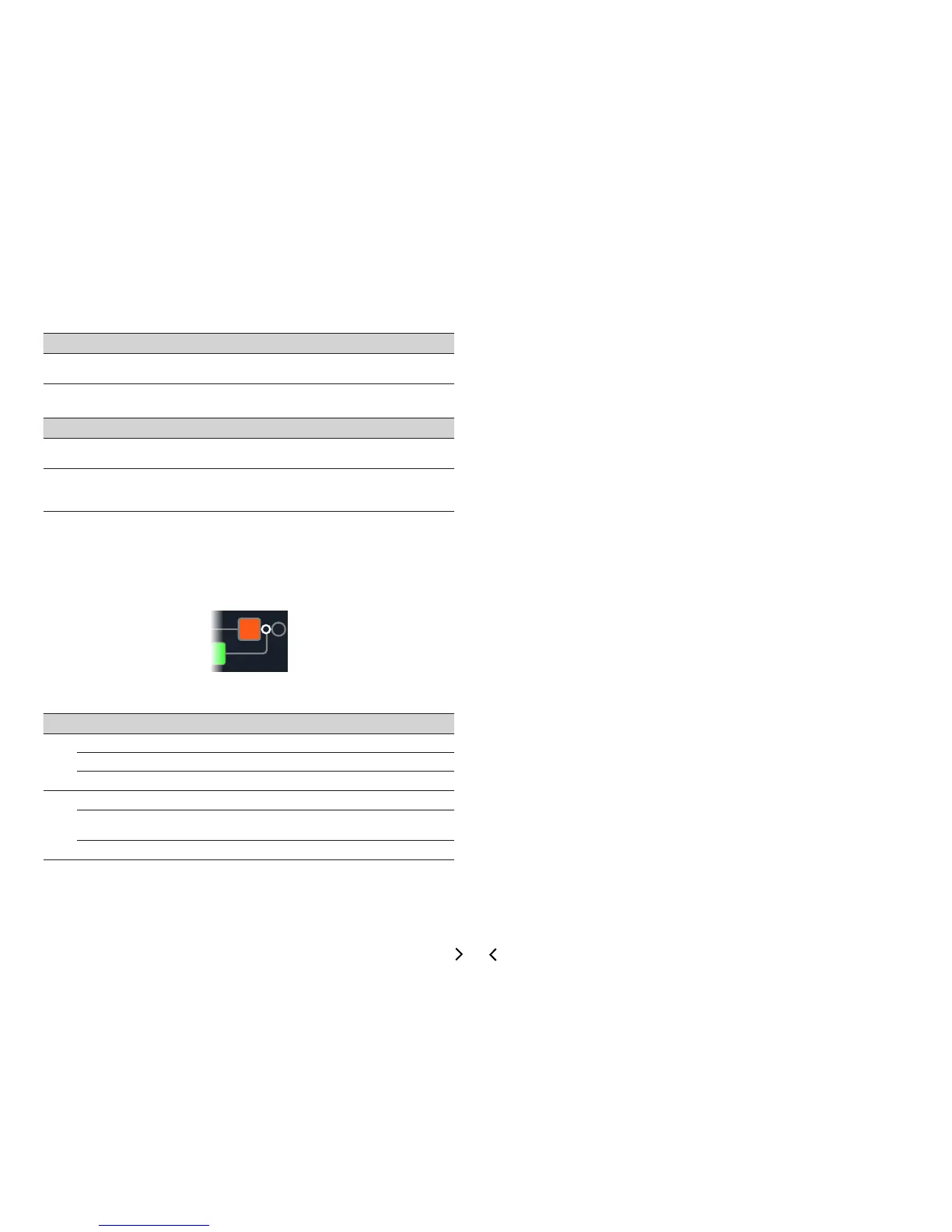
Mixer
A Mixer block appears any time a parallel path is created, but is visible only when
selected:
Mixer Settings
Page Knob Parameter Description
1
1 A Level
Adjusts the output level of Path A (upper).
2 A Pan
Adjusts the left/right stereo balance of Path A.
3 B Level
Adjusts the output level of Path B (lower).
2
4 B Pan
Adjusts the left/right stereo balance of Path B.
5 B Polari
Inverts the polarity of Path B. Typically, this should be
set to "Normal."
6 Level
Adjusts the overall output level of the Mixer block.



 To Next Page