What are Snapshots?
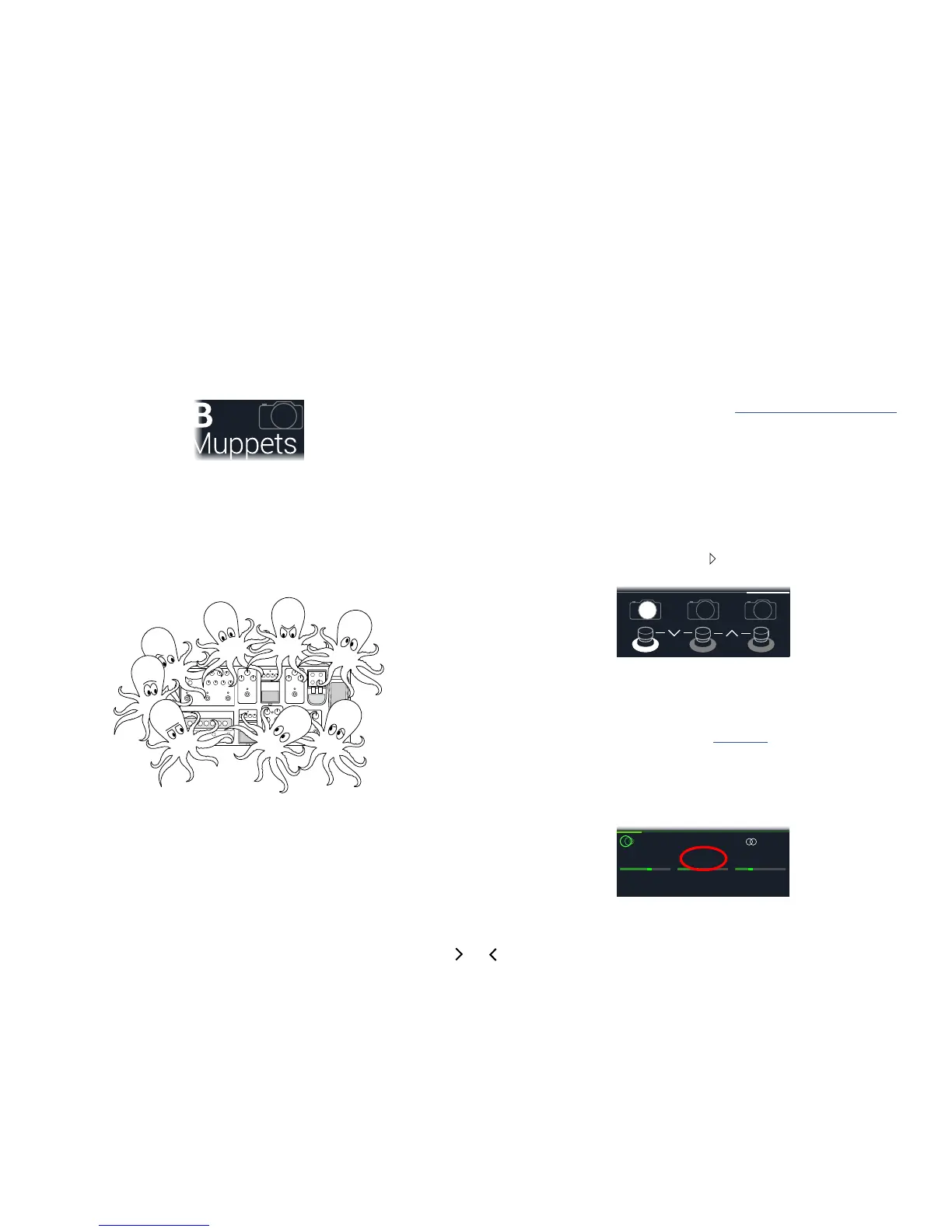
Imagine you have eight pet octopuses, all slithering around your amp and pedalboard.
Instead of tap-dancing on your pedals (and accidentally stepping on a tentacle), you
shout "Okay, gang—here's the verse... now!" and your octopuses switch some pedals
on,switchotherpedalso,andtweakallyourampsandpedals'knobstomakethe
best possible settings for your song's verse, all seamlessly with spillover delay and
reverb trails. Then you shout "Ready for the chorus... now!" and your octopuses in-
stantly tweak everything for your song's chorus. That's the power of snapshots.
The only thing your octopuses/snapshots can't do is rearrange your pedalboard or
swapoutaneectorampforadierentone(unlessbotheectorampblocksexist
in the same preset).
Each preset can have up to 64 parameters assigned to Snapshots; hence, eight octo-
puses with eight tentacles each. The octopuses can remember three separate groups
ofon/ostatusesandsettingtweaksperpreset(say,foryourverse,chorus,andover-
indulgent noise segue); that is, HX Stomp has three snapshots per preset.
Each of the three snapshots in HX Stomp stores and recalls the state of certain ele-
ments in the current preset, including:
• Eect Bypass—Thebypass(on/o)stateofallprocessingblocks(The bypass
state of the 1 Switch Looper is not stored/recalled via snapshot)
• Parameter Control—The values of any parameters assigned to controllers
(up to 64 per preset)
• Tempo—The current system tempo, if "Global Settings > MIDI/Tempo" >
Tempo Select is set to "Per Snapshot." (By default, it's set to "Per Preset")
Dependingonhowyoucongurethem,snapshotscanactasthreevariationsofthe
sametone,threedrasticallydierenttones,oranycombinationthereof—allwithinthe
same preset. In many cases, a single preset's snapshots may accommodate all the
various tones required for a song.
Using Snapshots
1. From Play view, press PAGE until you see Snapshot foot-
switch mode:
2. Press one of the three snapshot switches to select a dierent
snapshot.
3. Adjust the preset by doing one or more of the following:
• Turn one or more eects on or o by pressing stomp mode footswitch-
es or pressing the Upper Knob in "Edit View". Snapshots remember every
block'son/ostate.
• To adjust a parameter AND have it automatically update per snapshot,
press and turn the knob.Snapshotsrememberthevaluesofupto64eects
parameters. The parameter's value appears white, indicating a controller's as-
signed to it—in this case, the Snapshots controller:
Harmony Delay



 To Next Page