Overview
1•3
Performance View
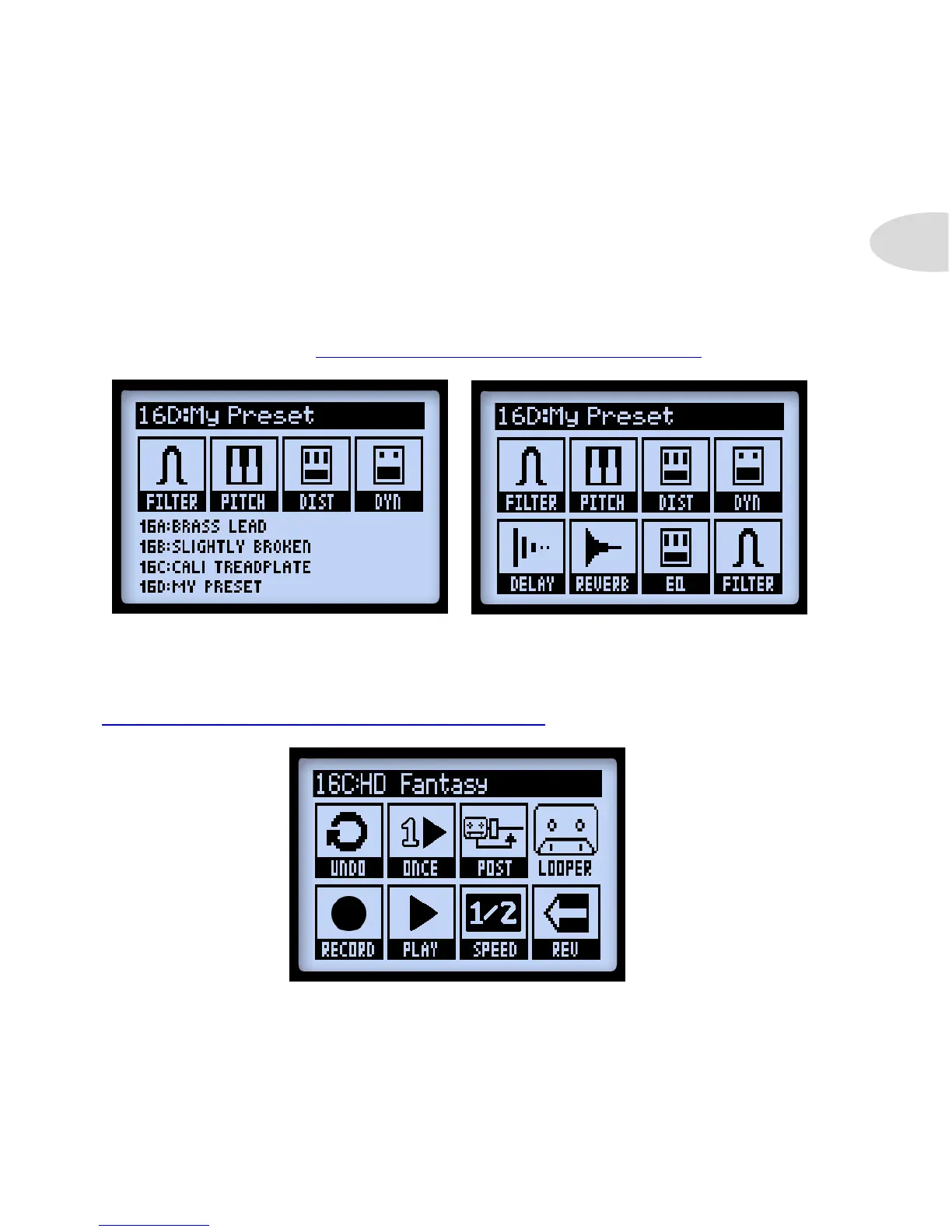
This screen displays the functions available for your POD HD A, B, C & D buttons and
for Line 6 FBV™ Controller functions, if one is connected. This screen appears in three
different variations, depending on your device settings. The four options on the lower half
of the screen pertain to the A, B, C & D buttons (and to FBV footswitches A - D).
You’ll see one of the following screens appear, dictated by the current POD HD Setup - FS
MODE setting - Also see “Page 1, Setup:Utilities Options” on page 2•2 for details.
“FS 5-8” Mode“ABCD” Mode
When POD HD is in Looper Mode, a 3rd variation of the screen displays the Looper
functions that are accessed by the A, B, C & D buttons and FBV footswitches. Also see
“Looper Controls & Performance View” on page 8•1.
The Performance View with Looper Mode active



 To Next Page