Stompboxes & Effects • About the Stompboxes
6 • 4
amplitude or frequency of (a wave) by (using) a wave of a lower frequency to carry a
signal” (definition courtesy of The Oxford Encyclopedic English Dictionary, Third Edition,
thank you very much). That modulating wave is what causes all that swooshing,
pulsing, and warbling.
For Modulation effects, there are controls for
SPEED and DEPTH. SPEED controls how
fast (or slow) the modulating waveform sweeps.
DEPTH controls the overall amplitude
of the modulating wave, which usually determines just how intense the effect will be.
There’s always a
MIX control, and sometimes there are also other controls. Refer to the
individual effects listed in the following pages of this chapter for details.
Tap Tempo
Many of PODXT’s Delay and Mod effects feature the ability to set your SPEED or DELAY
TIME to match your musical tempo. Tapping on PODXT’s TAP button or your FBV’s
T
AP switch on each beat of a song will set your tempo. Actually, you only need to Tap
twice, but what the hey.
To tell a particular effect to “listen” to the Tap Tempo, all you have to do is spin the
E
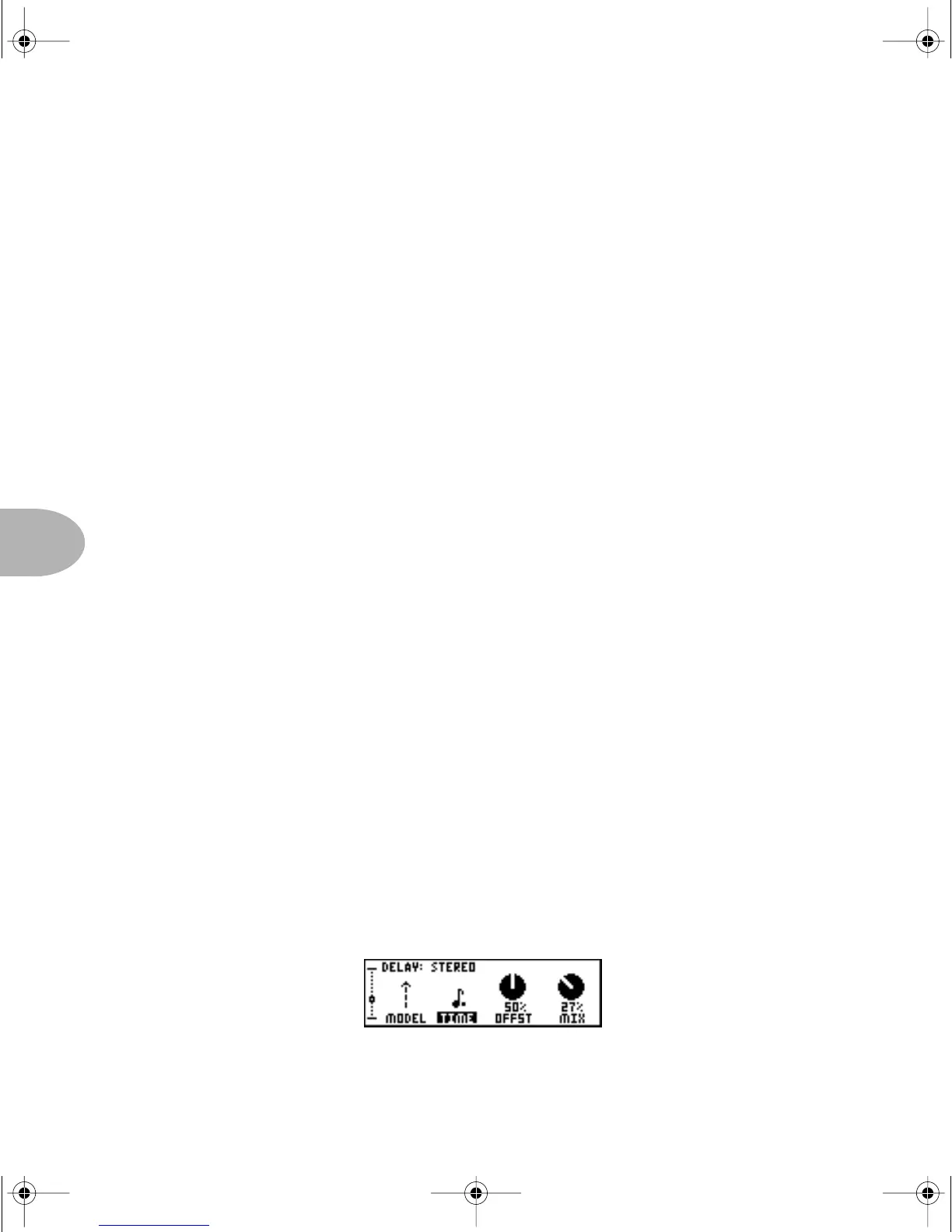
FFECT TWEAK knob way down below the lowest SPEED or Delay TIME. For delays,
you’ll go down past 20 milliseconds and you’ll see a whole note in the display. Keep
turning until you see a quarter note. Now tap twice and you’ll hear the delay time is in
perfect sync with what you tapped. Give the Delay
TIME another twiddle to select a
half note, and the delay is now twice as long as it was before, since half notes are twice
as long as quarter notes. Nifty, huh?
Setting a Mod speed for Tap Tempo works just like Delay
TIME. Select a Mod effect’s
SPEED parameter, then turn the EFFECT TWEAK knob all the way down until you see
notes showing for the
SPEED. Tap away on your PODXT’s TAP button and hear the
results!
Here’s the Delay page with a note selected for
TIME:
PODxt Manual Book RevC.book Page 4 Friday, August 29, 2003 5:43 PM



 To Next Page