GETTING SET UP • PODxt Pro — Configurations & Connections
3 • 12
FX Loop
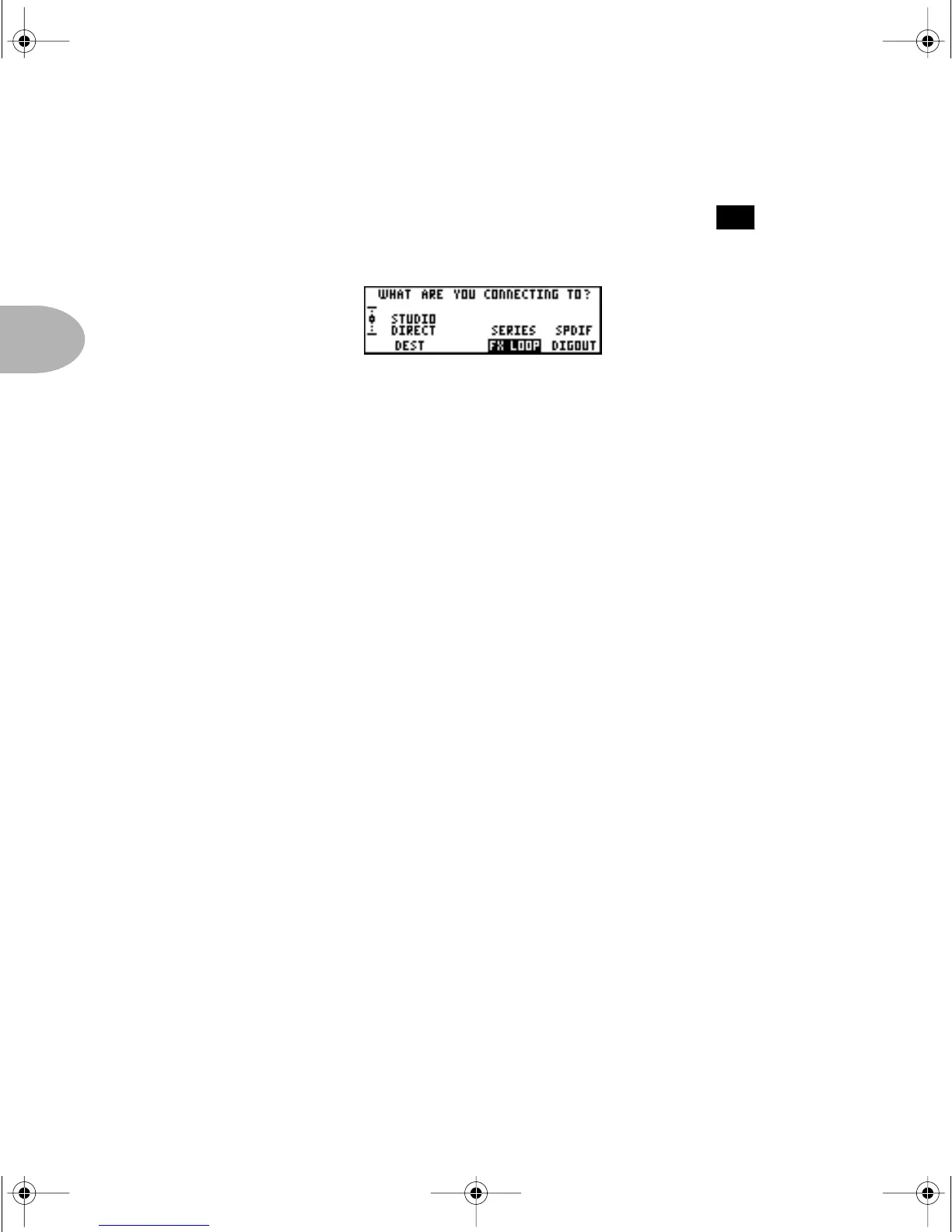
Press the Soft Button below FX LOOP and spin the EFFECT TWEAK knob to
choose
SERIES or PARALLEL operation for the loop.
Setting
LOOP to SERIES means that PODXT Pro will send its full signal out to the
effect, and then output the signal that returns from the effect. If you turn the effect off,
or turn its output level all the way down, you won’t hear anything. Use the mix control
on the effect unit that’s connected to the loop to determine how much effect you hear
versus how much of the uneffected POD
XT Pro sound.
If you set
LOOP to PARALLEL, PODxt Pro will send a parallel copy of its signal to the
loop, while simultaneously sending its signal to its own outputs as usual. Some people
prefer this type of setup, because only a small portion of their tone is run through the
effect, preventing some effect units from degrading their overall tone. When running
parallel, you should set the mix control on the effect unit that’s connected to the loop
to 100% wet. Then adjust the balance of effect versus uneffected POD
XT Pro sound by
adjusting the output volume control of the connected effect unit.
PLEASE NOTE: Many effects can result in compromised sound when run in
parallel, because the signal coming back from the effect unit is out of phase with the
signal that has stayed in the POD
XT Pro. This is generally not a problem for delay
or reverb, as long as the external effect is running 100% wet. It is often a problem
with modulation effects (chorus, phase, flange, etc.), compression, or any other
effect that includes some unprocessed sound mixed with processed sound. For these
effects, series is generally the way to go with the effects loop.
You can turn the loop on/off from a connected FBV foot controller or the loop on/off
parameter in the last E
DIT displays. This on/off state is stored with Channels that you
save, so you can have some with the loop on, and some with the loop off.
14
PODxt Manual Book RevC.book Page 12 Friday, August 29, 2003 5:43 PM



 To Next Page