GETTING SET UP • PODxt Pro — Configurations & Connections
3 • 11
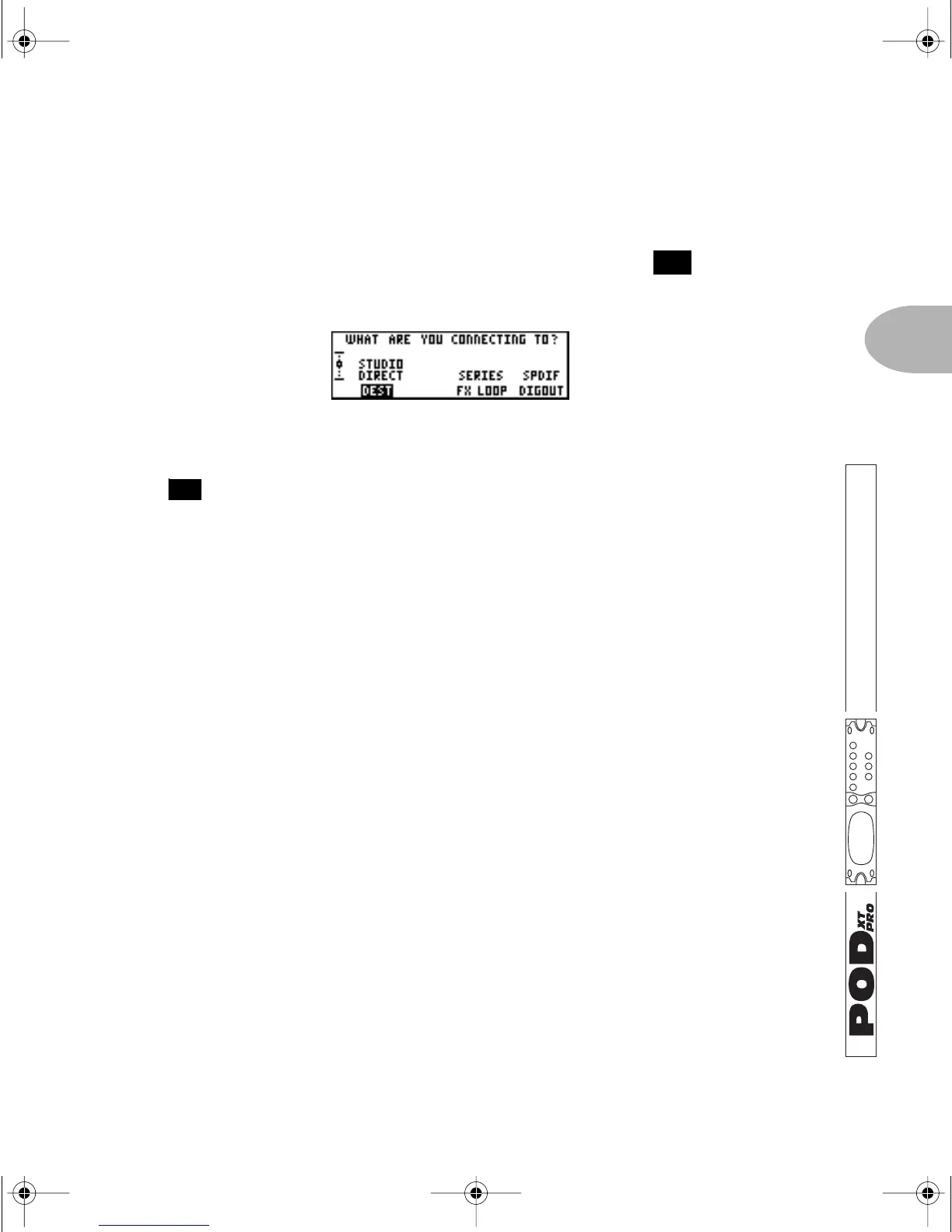
What are you connecting to?
You can supply your PODXT Pro with one of three answers to this question, and
thereby insure that your trusty tone partner gives you the best possible sound in any
setup. To start the dialogue, press the I/O & D
IG SELECT button twice to see the
display ask, “What are you connecting to?”
STUDIO: DIRECT—When plugging PODXT Pro straight into a P.A., or using in-ear
monitoring systems, press the Soft Button below
DEST and turn the EFFECT TWEAK
knob to select
STUDIO: DIRECT for amazing tone, night after night. Line 6
exclusive A.I.R. processing serves up a virtual speaker-cabinet-air-microphone
experience so good you may never use a regular guitar amplifier and microphone on
stage again. You’re as powerful as the entire P.A.—and guaranteed to be in the mix!
LIVE: 2X12 & LIVE: 4X12—These modes are best when you are running into a power
amp that is driving guitar cabinets. The Mic and Room components of A.I.R. are
turned off, and the Cabinet Models are revoiced to sound their best coming through
the kind of speaker you choose.
POD
XT Pro remembers the DEST setting you choose, so you don’t have to re-set
every time you power up. If you change to a different setting when using a different
setup, don’t forget to change back to your standard setting once you’re back to your
regular setup.
FEATURE FOCUS
26
14
PODxt Manual Book RevC.book Page 11 Friday, August 29, 2003 5:43 PM



 To Next Page