GETTING SET UP • PODxt Pro — Configurations & Connections
3 • 10
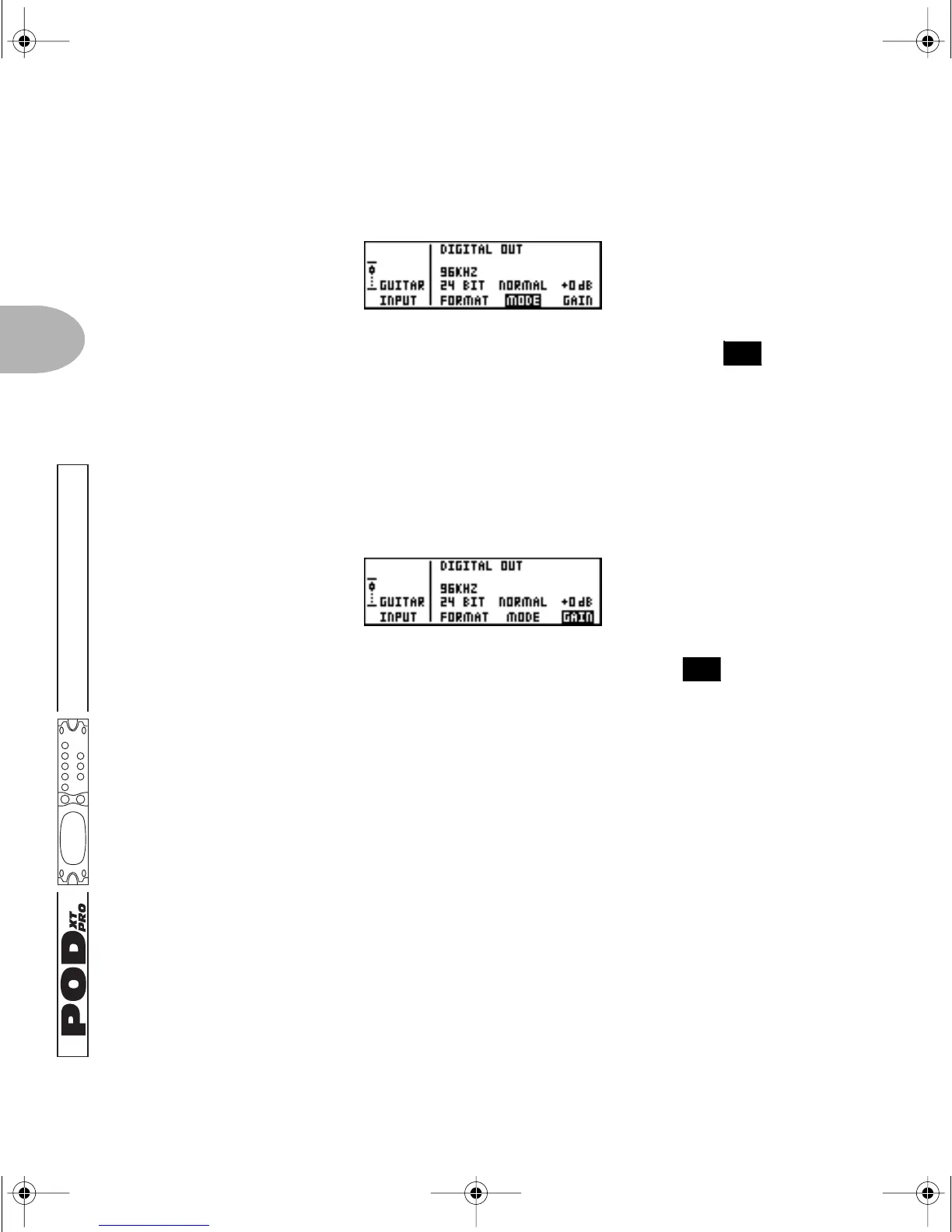
MODE: Normal or Dry Guitar
Press the Soft Button below
MODE and spin the EFFECT TWEAK knob to
choose
NORMAL (delicious amp-cab-fx-mic-room processed sound comes out of the
digital outs) or
DRYGTR (unprocessed guitar comes out of the digital outs). See
page 3•14 for more info on why this can be cool.
GAIN: Extra gain on the digital outs
Press the Soft Button below
GAIN and spin the EFFECT TWEAK knob to add up
to 12 db of gain on the digital outs only. This can be used to increase the digital output
level of sounds that don’t have a lot of distortion or other settings that are driving their
levels up.
“Danger, Will Robinson!” Well, not danger, really, but important to know: If you are
recording the dry guitar signal via the digital output and intend to re-amp the signal by
digitally feeding it back to POD
XT Pro later, DO NOT add gain—leave the signal at
+0db—and play the signal back from your recorder to POD
XT Pro’s digital input
without an increase or decrease in level. If you dash madly forward and don’t follow this
advice, you’ll be feeding the re-amp signal to PODxt Pro at a different level than the
signal that was used while you were tracking the guitar in the first place, and the
change in input gain to PODxt Pro will make it impossible to get a clean sound, or will
give you a less gainy sound than you expect. Of course, if you’re a danger-lover looking
for unpredictable versatility during re-amping, this may be just your thing.... See
page 3•14 for more on that.
FEATURE FOCUS
14
14
PODxt Manual Book RevC.book Page 10 Friday, August 29, 2003 5:43 PM



 To Next Page