GETTING SET UP • Re-Amping with PODxt Pro
3 • 15
Now, connect the rear panel Unprocessed Guitar Out to an analog input of your
recording device, and route it to a record track. This is the signal you will be recording
so that it can be used for re-amping during mixdown. You may also, if you wish, track
PODXT Pro’s left and right outputs to your recorder at the same time.
Connect the monitor output from this record track that’s receiving the unprocessed
guitar signal to the rear panel Line In jack of POD
XT Pro. Press the I/O & DIG
S
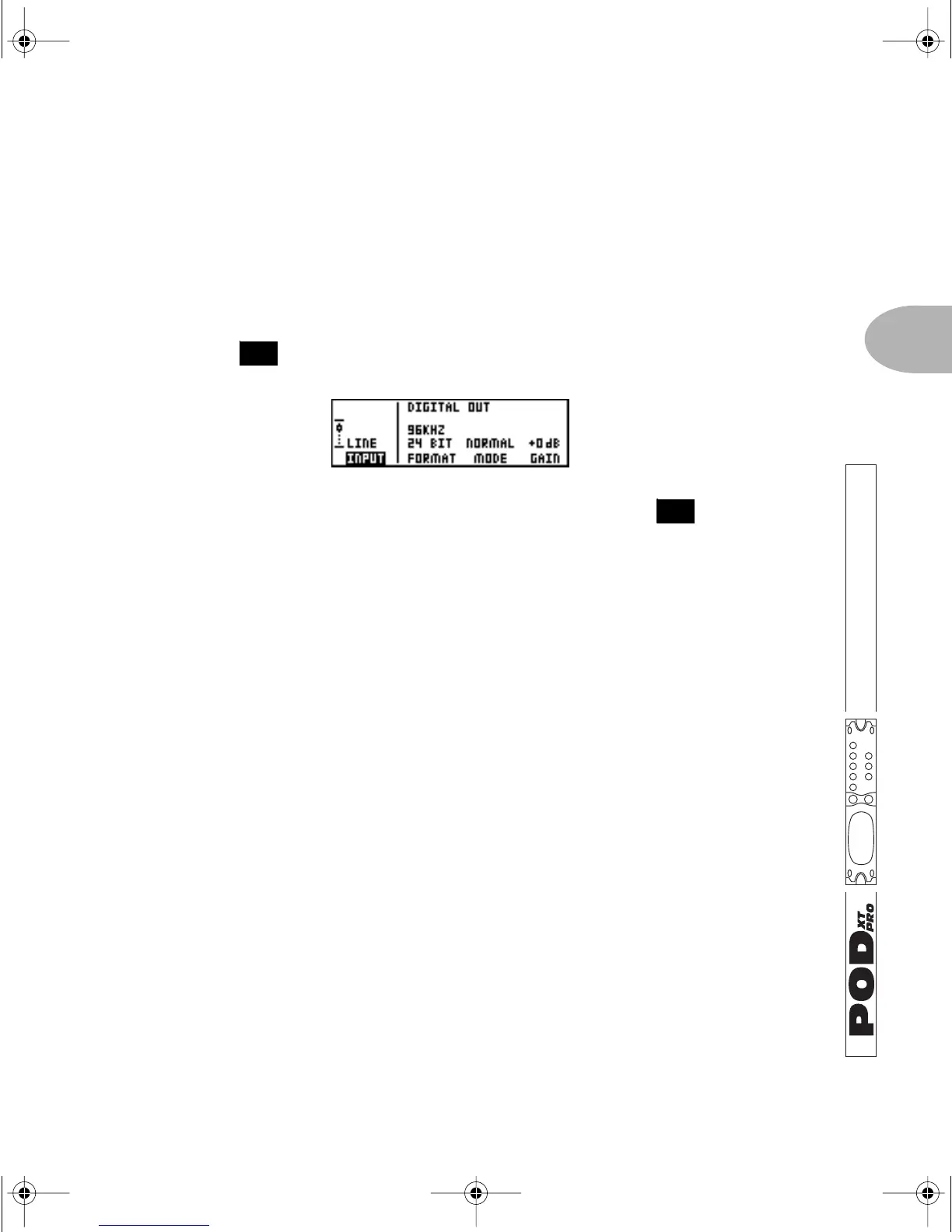
ELECT button once to see this page:
Press the Soft Button below
INPUT and spin the EFFECT TWEAK knob to choose
LINE IN. PODXT Pro is now ready to process the signal that’s received at the Line In,
while simultaneously sending your unprocessed guitar signal to the Unprocessed
Guitar Out, so you can record it.
Dial up your tone as you normally would, and record. The dry signal will be recorded,
and all the while you will hear the full Amp, Cab and Effects processing of your POD
XT
Pro at the same time. Like listening to reverb on your vocal while recording, without
committing it to the recorded track. Pretty cool, huh?
Now, as you mix, you can adjust the guitar tone to your heart’s content. Turn up the
Drive a little, back off on the Chorus—heck, change the Amp Model and use a
different modeled microphone selection. When you are ready to commit a processed
sound to a track, you can record the left and right analog or digital outputs of the
POD
XT Pro to your recording system.
FEATURE FOCUS
26
14
PODxt Manual Book RevC.book Page 15 Friday, August 29, 2003 5:43 PM



 To Next Page