Creating & Storing Sounds • Inside the Edit Menu
4 • 3
Double Press for Easy Access
Want to change the Mod effect, or pick a different Delay model? No worries! Press
twice quickly on the C
OMP, STOMP, MOD or DELAY button any time to go straight to
the first page of parameters for the associated effect. Another double-press will pop you
right back out of E
DIT, so you can surf for more tone. (The CAB/A.I.R. button just
takes a single press to select its page, or leave E
DIT.)
Inside the Edit Menu
When the EDIT button is lit, you’ll see that there is a graphic representation of the
E
DIT “menu” on the left side of the PODxt’s display. Turn the select knob, and notice
that the box in the graphic slides up and down the menu, with each dot in the graphic
representing one of the available E
DIT pages. This “scroll bar” is there to help you keep
your place in the great circle of life, er, E
DIT pages.
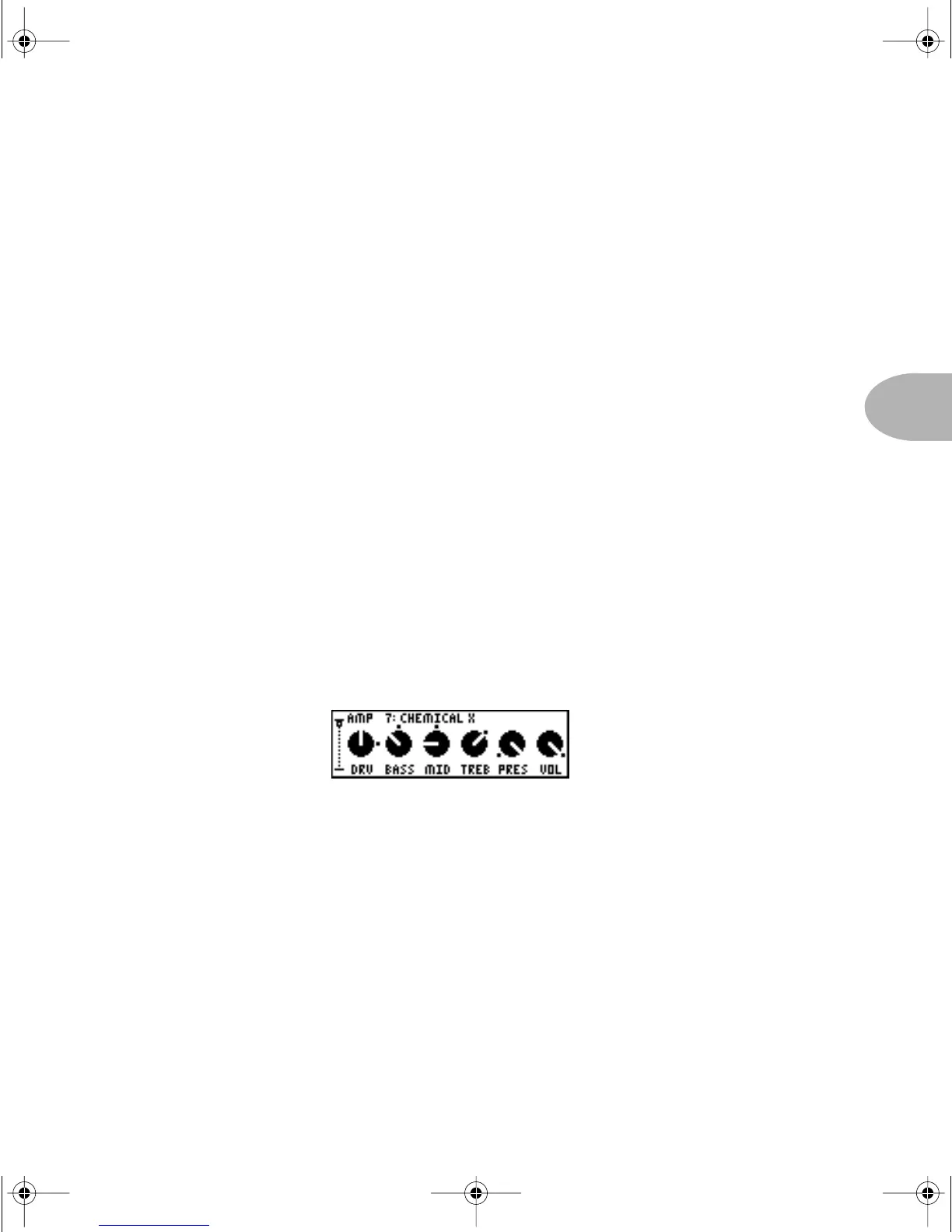
Amp knob settings
With the EDIT button lit, spin the SELECT knob counterclockwise to select the first
page from the E
DIT menu. This page shows the knob settings for the current channel.
It looks like this:
At the top of the display you’ll also see the Amp Model name. Now, spin the A
MP
M
ODELS knob. See how the tone controls change? This shows you the settings that the
helpful elves at Line 6 have programmed for each Amp Model. Read on to find out how
to customize them for your taste.
Look carefully now... do you see the little ‘dots’ by the knobs? These tell you where the
knobs were last saved. Reach up and spin the Drive knob. Notice that the knob moves
on the display. Cool, huh? And notice that the little dots are still where they were. This
allows you to compare your edit with the saved settings for this Channel Memory.
Now, that’s handy!
PODxt Manual Book RevC.book Page 3 Friday, August 29, 2003 5:43 PM



 To Next Page