Creating & Storing Sounds • Inside the Edit Menu
4 • 7
Setting your Tone to Tempo
You’re probably wondering when we were going to let you in on the secret to giving
your effects some groove. Well the secret is Note Values. Note values take the current
tempo and apply a common set of calculations to derive delay times or modulation
speeds that are perfectly in time with your music. Let’s put it this way: Ever wanted to
have a 16th note Tremolo feeding into a dotted-eighth note Delay? Now you can.
Whenever you want to set a Mod Speed or Delay Time to be groov-a-licious:
1. Select the Delay
TIME or Mod SPEED by pressing the button below it.
2. Spin E
FFECT TWEAK counter-clockwise until you start seeing little notes in the
place where milliseconds or Hertz used to be.
3. Tap twice on the T
AP button to set your tempo, and your Delay and/or Mod now
match the tempo you tapped.
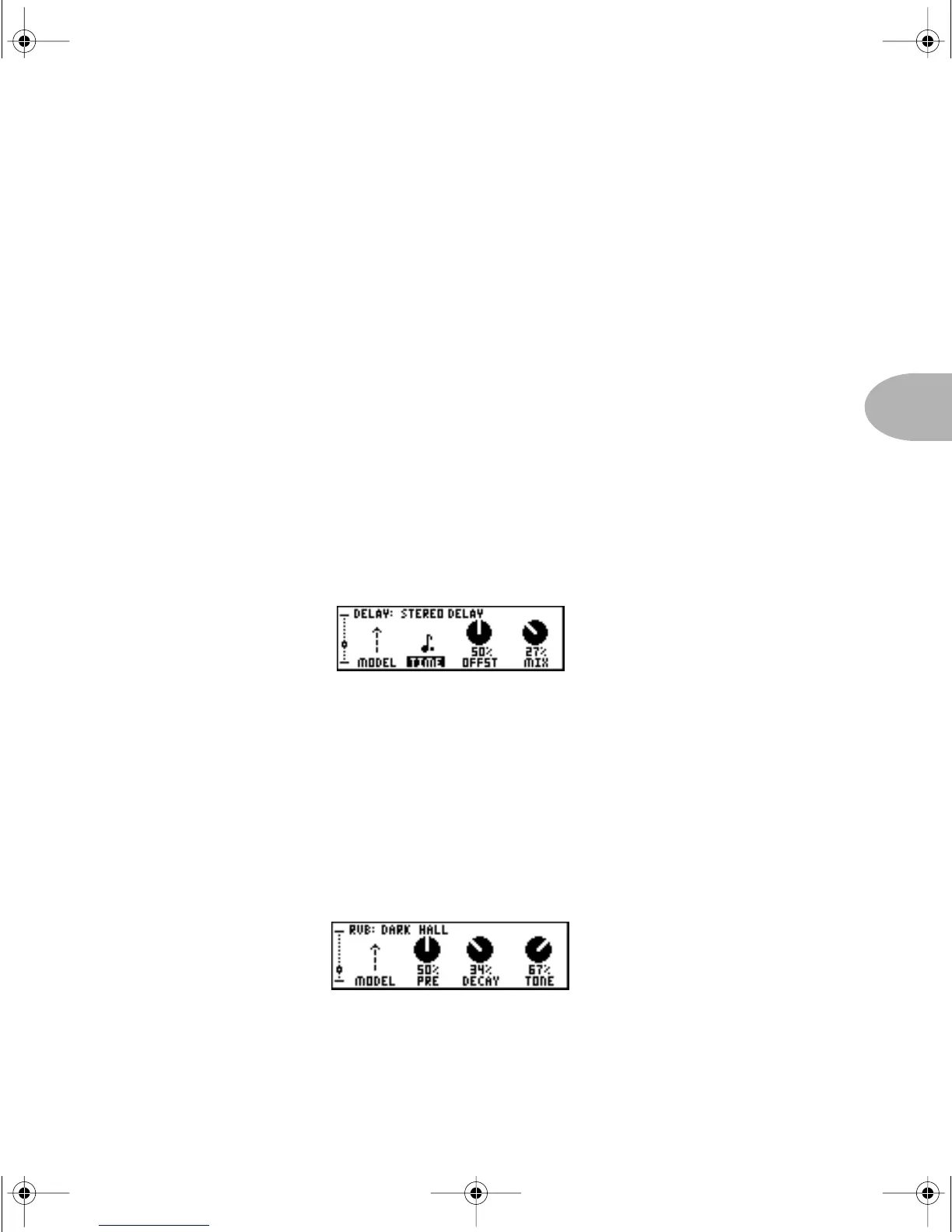
When you set your Delay time to match dotted-eighth notes, for instance, the
TIME
control will look like this:
Reverb
Our next stop on our little trip through the EDIT wonderland is the Reverb page. After
all, what self-respecting twangmaster wouldn’t want some reverb now and then? Here
you’ll find the ability to change the reverb model (POD
XT’s got plenty of them), as well
as the associated parameters necessary to get that really groovy ’verb going on. The only
thing you won’t find is reverb Mix — that’s because the mix is controlled by the
dedicated R
EVERB knob.
PODxt Manual Book RevC.book Page 7 Friday, August 29, 2003 5:43 PM



 To Next Page