Cluana
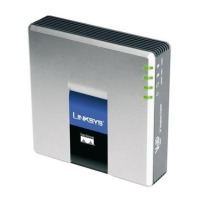
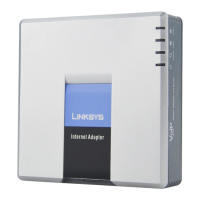
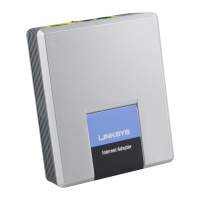
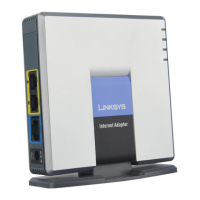
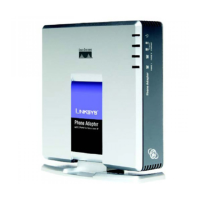
Linksys Cisco FXO adapter SPA 3102 Configuration guide
Cable connection
Step 1: connect your phone cable to the “PHONE” port. Leave the “LINE” port disconnected.
Step 2: connect your LAN cable to the “INTERNET” port. We assume a DHCP server is already running on
your LAN. If not, after step 3 jump to “Static IP configuration”
Step 3: power up the adapter
IP address detection and web management
On your phone
– press **** (star key 4 time)
– press 110# and take note of the annouced IP address. Let's call it “ip_address”
– press 7932# 1# 1 (it's needed to enable web management on the internet port)
– open a web browser to the URL: http://ip_address/admin/advanced

 Need help?





 To Next Page
 General