EasyManua.ls Logo

Linksys SPA941 - User Manual

Linksys SPA941
14 pages
Print Icon
To Next Page IconTo Next Page
Loading...
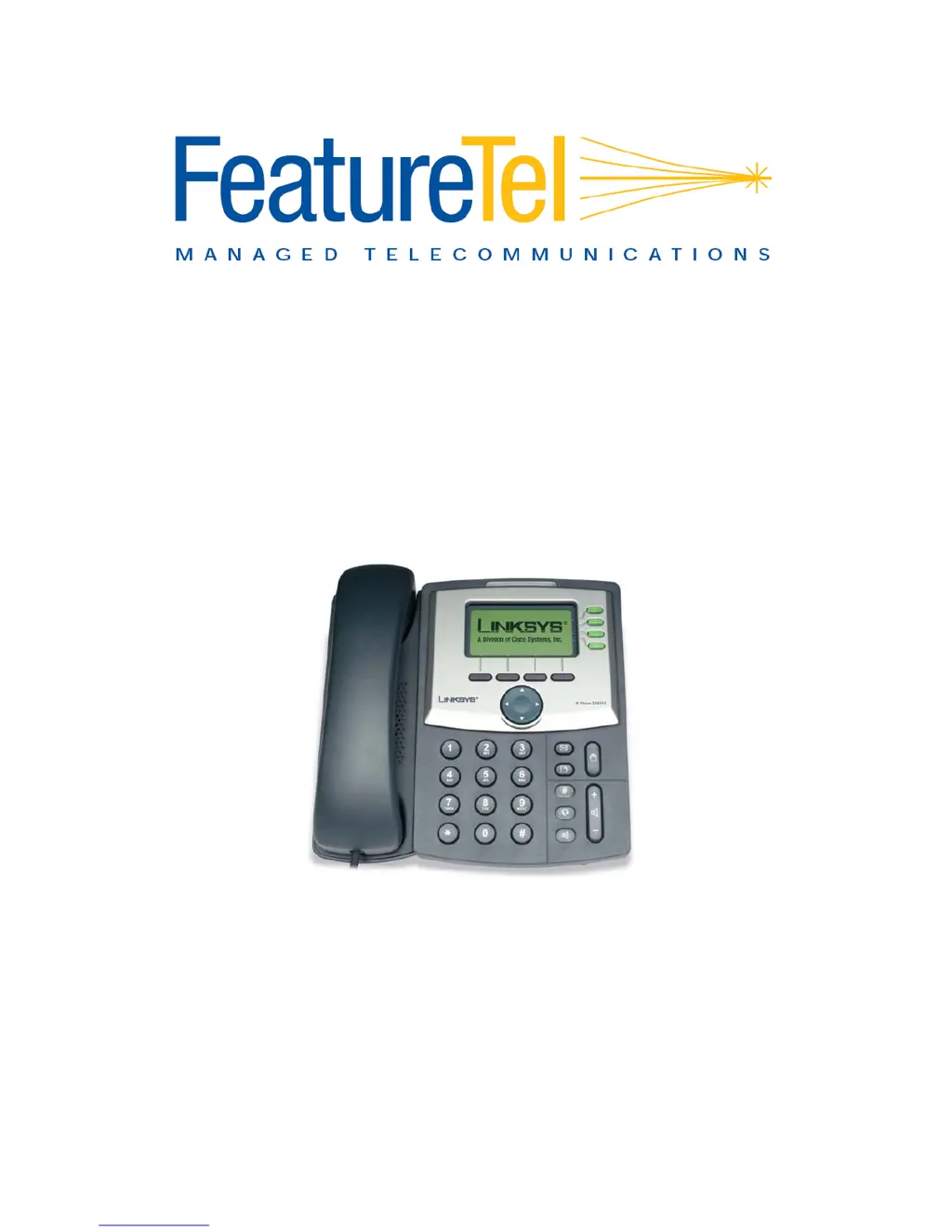
LINKSYS SPA941 / SPA942
User Guide

Other manuals for Linksys SPA941

Questions and Answers

  • T
    Todd BakerAug 1, 2025
    What to do if my Linksys IP Phone has poor voice quality?
    • J
      Jessica CrawfordAug 1, 2025
      Poor voice quality on your Linksys IP Phone can stem from a few reasons. The phone or call controller might be configured improperly, or the transport network could have performance issues. You should identify when and where the issue occurred, and gather call log information. Also, identify the type of voice quality issue, such as dropped conversations, excessive echo, unclear speech, one-way conversation, or low volume. Get the Current IP Address of the phone by pressing menu, '9', '2'.
  • C
    Carl EstradaAug 6, 2025
    What to do if my Linksys Telephone has no ringer sound?
    • Y
      ycarterAug 7, 2025
      If your Linksys Telephone has no ringer sound, there might be a few reasons. First, ensure that the Ethernet cable and AC adapter are properly connected. Also, check the volume settings using the volume button. If you've recently changed settings on the display, try reverting them by disconnecting and reconnecting the Ethernet cable to reboot the device.
  • F
    fstantonAug 13, 2025
    How to fix a general failure on a Linksys Telephone?
    • A
      Aaron WhiteheadAug 13, 2025
      To address a general failure on your Linksys Telephone, try disconnecting and reconnecting the power cable several times, waiting at least one minute between each attempt. If this doesn't improve the situation, contact the manufacturer at shop@agile.ne.jp, and provide your number and broadband product information.
  • Q
    qjacobsAug 18, 2025
    Why my Linksys IP Phone will not make or receive calls?
    • J
      James CooperAug 19, 2025
      If your Linksys IP Phone won't make or receive calls, you can start by checking the registration information. Press the menu button, then '11', then '2'. The screen should display either 'E1 Registered' or 'Not Registered'. You can also get the current IP address of the phone by pressing menu, '9', '2'.
  • K
    kathrynbrownAug 25, 2025
    How to fix a Linksys IP Phone that does not turn on?
    • S
      singhsheilaAug 25, 2025
      If your Linksys IP Phone doesn't turn on or boot up, first check all the connections into the phone, including the 5 Volt Power supply, RJ 45 Ethernet connection, and Handset cord. Then, check the wall socket to confirm that AC power is available by plugging another electrical device into the socket.

Summary

Basic Call Operations

Making and Redialing Calls

Instructions on how to initiate a call and redial the last number.

Call Management and Features

Call Forward (All Calls)

Enabling/disabling forwarding of all incoming calls.

Call Forward (Busy)

Enabling/disabling forwarding of calls when busy.

Advanced Call Forwarding

Call Forward (No Answer)

Forwarding calls when the phone is not answered.

Call Forward (Selective)

Forwarding calls from specific numbers.

Voice Mail System

Accessing Voice Mail

Steps to access voice mail from inside or outside the office.

Voice Mail Operations

Voice Mail Main Menu

Overview of features available in the voice mail main menu.

Voice Mail Playback Options

Available actions while listening to voice mail messages.

Voice Mail Messaging

Composing and Replying to Messages

Steps for composing new messages and replying to received messages.

Forwarding Voice Mail Messages

Procedures for forwarding voice mail messages to other recipients.

Linksys SPA941 Specifications

General IconGeneral
BrandLinksys
ModelSPA941
CategoryIP Phone
LanguageEnglish

Related product manuals