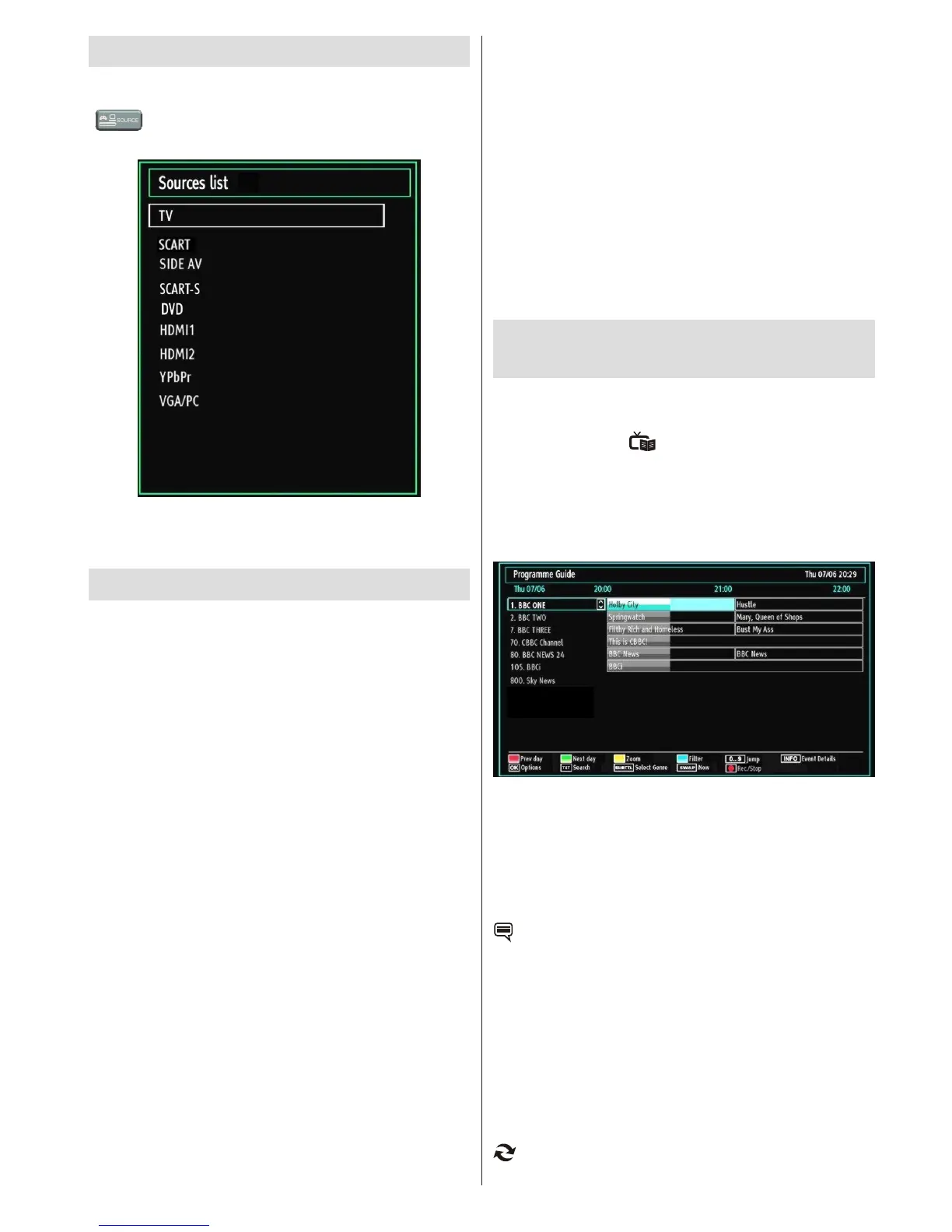
Input Selection
Once you have connected external systems to your
TV, you can switch to different input sources. Press
“ ” button on your remote control consecutively
for directly changing sources.
(optional)
Note : YPbPr mode can be used only when you
connect a device that has a YPbPr output through the
PC input with YPbPr to PC cable (not supplied).
Basic Operations
You can operate your TV using both the remote
control and onset buttons.
Operation with the Buttons on the TV
Volume Setting
You can use the control switch to change the •
volume of the TV. To increase volume, please move
the switch upward. Move the switch downward to
decrease the volume. A volume level scale (slider)
will be displayed on the screen.
Programme Selection
First press the control switch once to change •
channel. You can move the switch upward to select
the next programme or move it downward to select
the previous programme.
Viewing Main Menu
The Main Menu screen cannot be displayed by using •
the control switch on the TV.
AV Mode
Press the control switch consecutively until the •
source OSD is displayed on the screen.
Operation with the Remote Control
The remote control of your TV is designed to control •
all the functions of the model you selected. The
functions will be described in accordance with the
menu system of your TV.
Volume Setting
Press • V+ button to increase the volume. Press V-
button to decrease the volume. A volume level scale
(slider) will be displayed on the screen.
Programme Selection (Previous or Next
Programme)
Press • P- button to select the previous programme.
Press • P+ button to select the next programme.
Programme Selection (Direct Access)
Press the numeric buttons on the remote control to •
select programmes between 0 and 9. The TV will
switch to the selected programme.
Viewing Electronic Programme
Guide (EPG)
Some, but not all channels send information about
the current and next programmes. Press the EPG
button to view the menu.
It is able to get Information on all programmes for
the next 7 days by means of the 7-DAY-EPG. All
programmes on each channel will be displayed.
Info bar commands:
Red button (Prev Day): Displays the programmes of
previous day.Green button (Next day): Displays the
programmes of the next day.Yellow button (Zoom):
Expands programme information. Blue button (Filter):
Views ltering options.
INFO (Details): Displays the programmes in detail.
: Press SUBTITLE button to view Select Genre
menu. Using this feature, you can search the
programme guide database in accordance with the
genre. Info available in the programme guide will be
searched and results matching your criteria will be
listed. Numeric buttons (Jump): Jumps to the preferred
channel directly via numeric buttons.
OK (Options): Displays programme options including
“Select Channel” option.
TXT (Search): Displays “Guide Search” menu.
(Now) : Shows the current programme.



 To Next Page