(RECORD): the TV will start to record the
selected progamme. You can press again to stop
the recording.
Recording via EPG Screen
IMPORTANT: To record a programme, you should
rstconnectaUSBdisktoyourTVwhiletheTVis
switched off. You should then switch on the TV to
enable recording feature. Otherwise, recording feature
will not be available.
(RECORD): the TV will start to record the
selected progamme. You can press again to stop
the recording.
Note: Switching to a different broadcast or source is
not available during the recording.
/ : Page left / Page right.
Programme Options
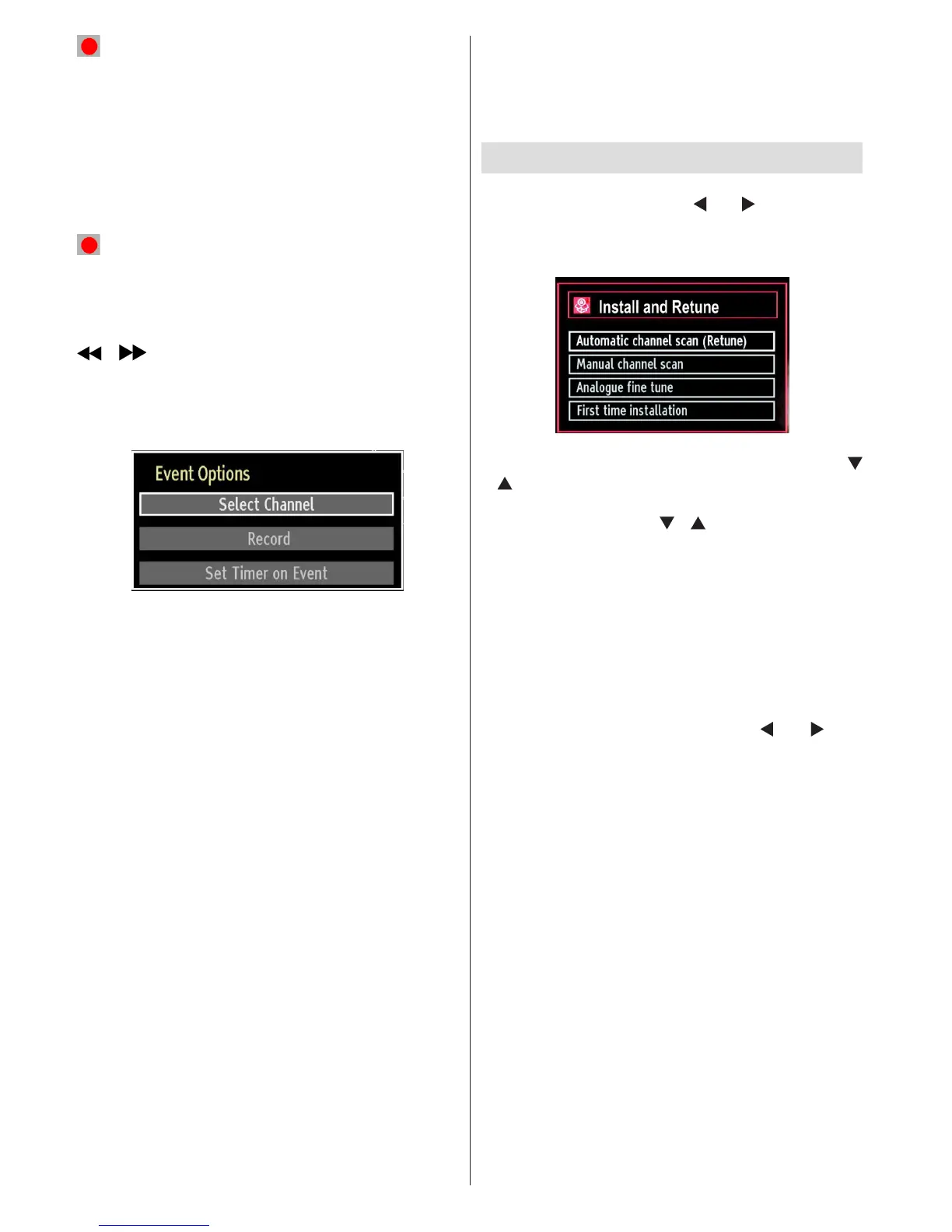
In EPG menu, press the OK button to enter the “Event
Options” menu.
Select Channel
In EPG menu, using this option, you can switch to the
selected channel.
Record / Delete Record Timer
IMPORTANT: To record a programme, you should
rstconnectaUSBdisktoyourTVwhiletheTVis
switched off. You should then switch on the TV to
enable recording feature. Otherwise, recording feature
will not be available.
After you have selected a programme in EPG menu, •
press the OK button and and Options screen will
be displayed. Select “Record” option and press the
OK button. After this operation, a recording becomes
set to the selected programme.
To cancel an already set recording, highlight that •
programme and press the OK button and select
the option “Delete Rec. Timer”. The recording will
be cancelled.
Note: You cannot switch to any other channel or
source while there is an active recording on the
current channel.
Set Timer / Delete Timer
After you have selected a programme in EPG menu,
press the OK button and and Options screen will
be displayed. Select “Set Timer on Event” option
and press OK button. You can set a timer for future
programmes.
To cancel an already set reminder, highlight that
programme and press the OK button. Then select
“Delete Timer” option. The timer will be cancelled.
Note: It is not possible to record or set timer for two or
more individual events at the same time interval.
Installation
Press MENU button on the remote control and
select Installation by using “ ” or “ ” button. Press
OK button and the following menu screen will be
displayed.
Select Automatic Channel Scan (Retune) by using “
”/“ ” button and press OK button. Automatic Channel
Scan (Retune) options will be displayed. You can
select options by using “ ”/“ ” and OK buttons.
Auto Channel Scan (Retune) Menu
Operation
Analogue: Searches and stores analogue stations.
Digital & Analogue: Searches and stores both
analogue and aerial DVB stations.
Whenever you select an automatic search type and •
press OK button, a conrmation screen will appear
on the screen. To start installation process, select
Yes, to cancel select No by using .“ ” or “ ” and
OK button.
After the auto channel scan type is set and selected •
and conrmed, the installation process will start and
the progress bar will move along. Press “MENU”
button to cancel process. Located channels are not
stored if the process is cancelled.



 To Next Page