2.6 Audio Delay
Adjust this item if TV picture display and sound doesn’t work simultaneously.
2.7 SPDIF Delay
Adjust this item if TV picture display and sound doesn’t work simultaneously.
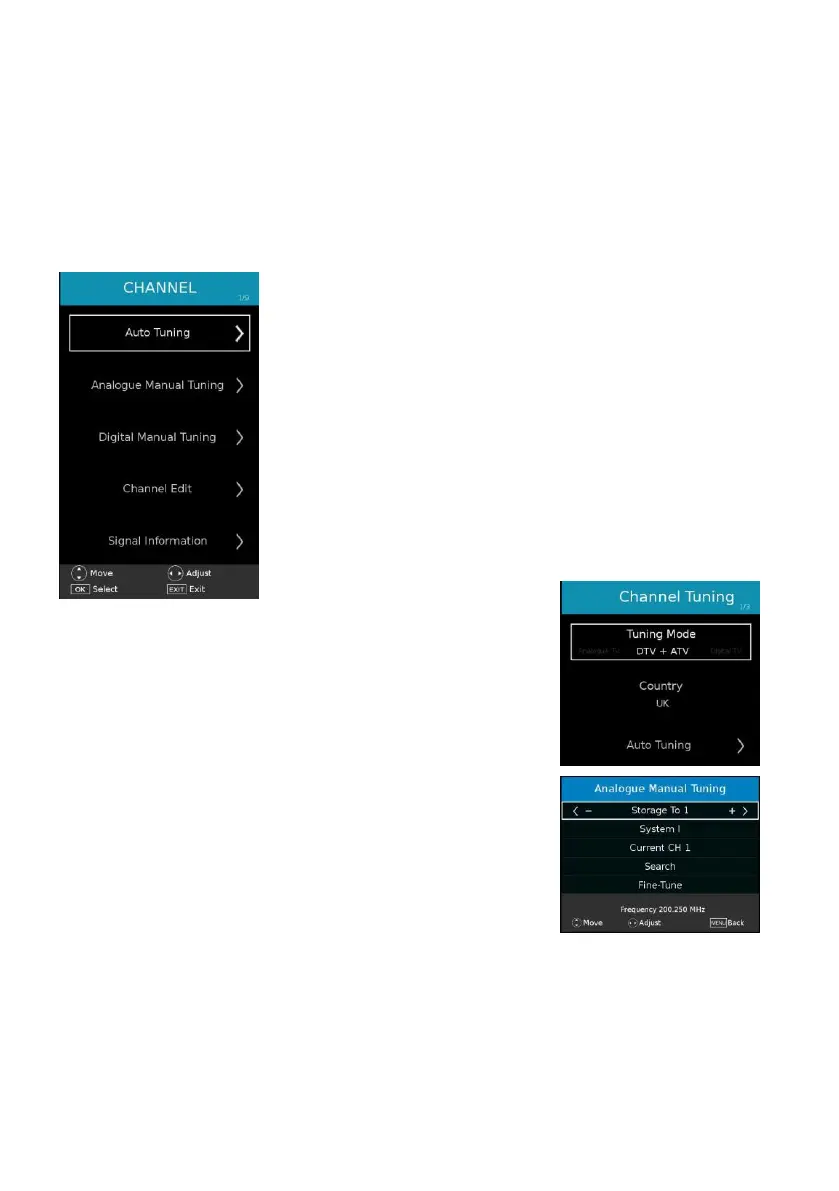
3. CHANNEL
3.1 Auto Tuning
- Press OK or RIGHT navigation button to enter it.
- Use navigation buttons to set the Tuning Mode and Country
- Then highlight “Auto Tuning” and press OK to start program
tuning.
3.2 Analogue Manual Tuning
- Press OK or RIGHT navigation button to enter it.
Storage To: select the channel number to be saved.
System: select available sound system.
Current CH: select current channel.
Search: search available programs.
Fine Tune: fine tune the frequency.



 To Next Page