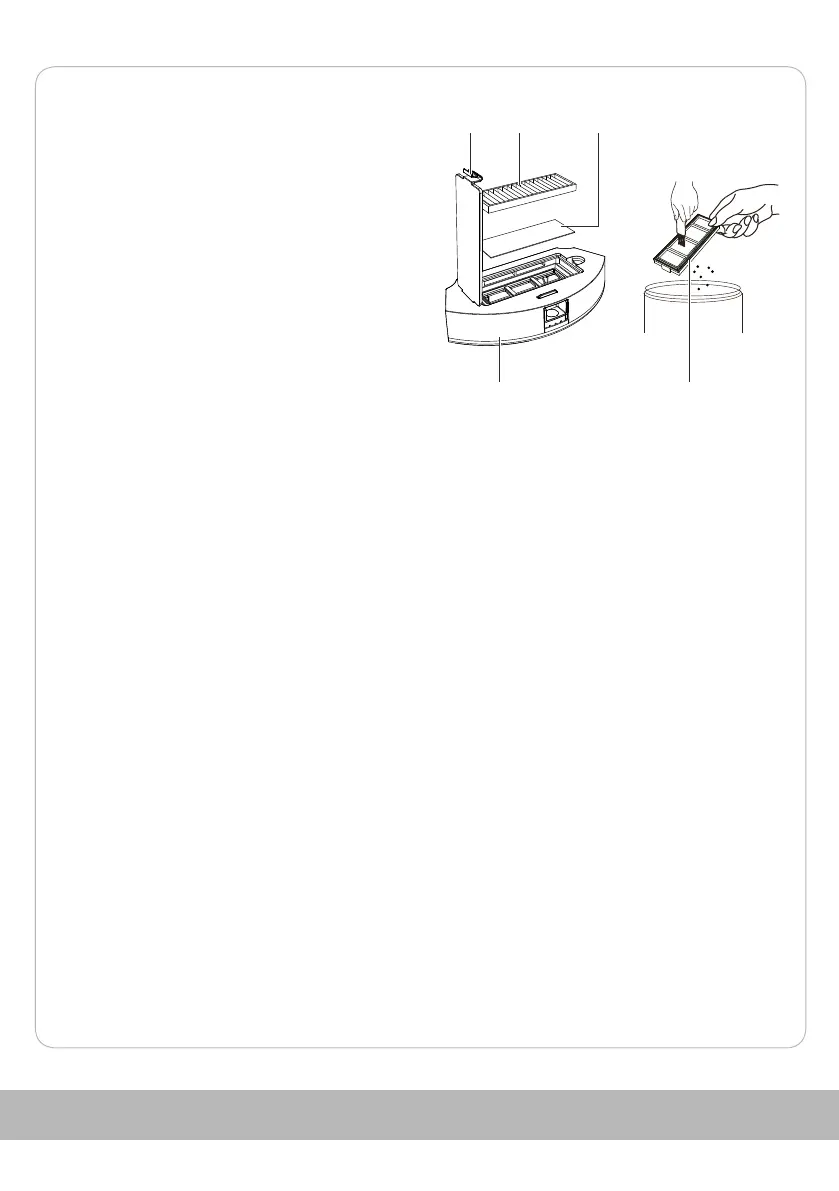
7. Open the flap on the top of the dust
container 18 at the buckle 32.
8. Remove the sieve filter 33, the filter 8 and
the sponge 34.
9. Clean the sieve filter 33 and the sponge
34 under running water.
10. Tap out the filter 8 and clean it using the
cleaning tool 5.
Do not clean the filter 8 with water.
11. Wipe out the dust container 18.
12. Let all parts dry thoroughly before
reassembling them in reverse order.
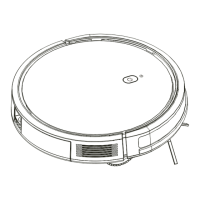
13. Wipe the entire Robot Vacuum Cleaner 1
with a clean, dry and soft cloth.
Take special care to ensure that the charging contacts 17, height sensors 12 and
infrared lens 11 are clean.
14. Wipe the charging station 2 with a clean, dry and soft cloth.
Take special care that the electrodes 23 and infrared lens 21 are clean.
Maintenance
- Replace the side brushes (6, 7) every 3 months to ensure the best possible cleaning
effect.
Unscrew the screws of the side brushes counterclockwise with a Phillips
screwdriver. Mount the new side brushes in reverse order.
Storage
All parts must be completely dry before they are put away.
- Always store the product in a dry place.
- Protect the product from direct sunlight.
- Store the product away from children and safely locked.
Technical data
Model: E0B / RVC-VS-ECOM
Robot vacuum cleaner:
Dimensions: approx. 306 x 73.5 mm
Weight: approx. 2.15 kg
18 33
832 34
124


 To Next Page