TV GUIDE | 37
TV Guide
(Free to air TV)
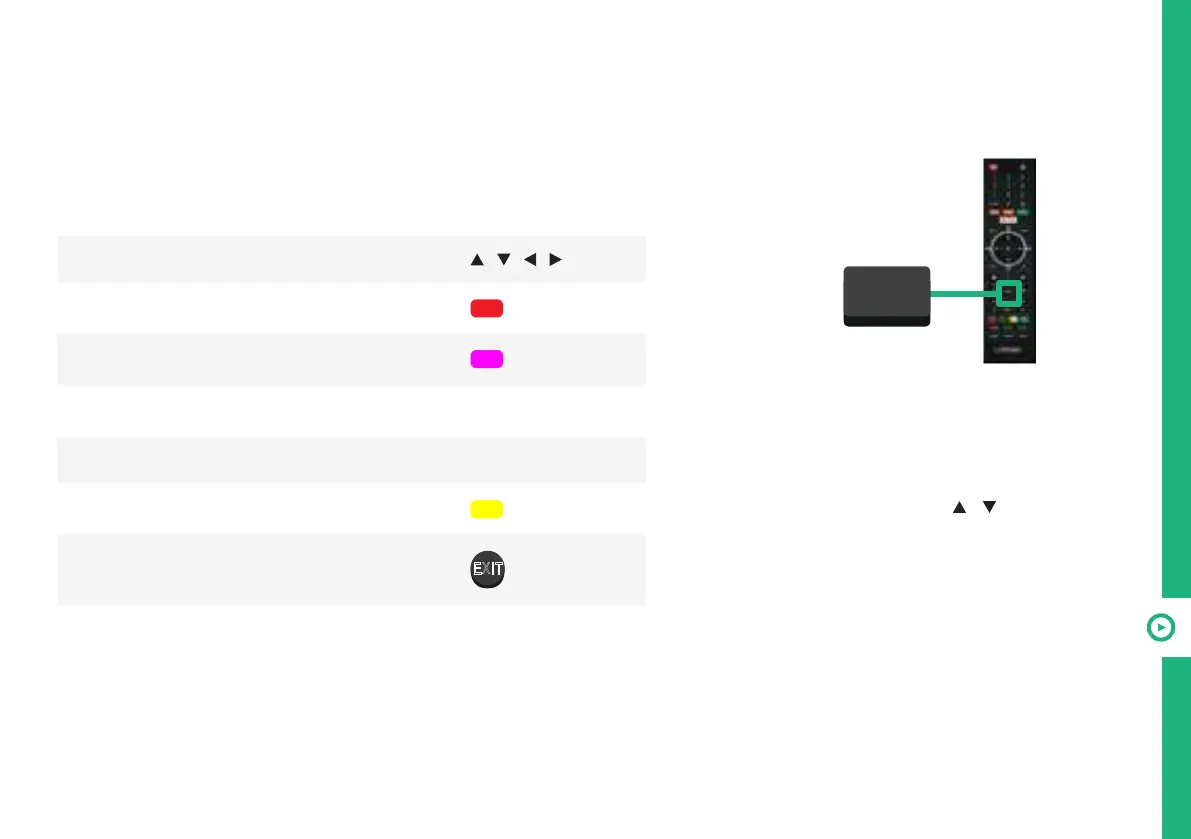
To access the TV guide,
press the GUIDE button on
the remote.
To activate the TV
Channels use the
/
buttons to select a channel
in the left column, then
press OK to confirm.
TV Guide Functions
Function Remote Button
Select a channel or program
/ / /
Schedule selected program for recording
/ RED
Display program guide of previous day
/ GREEN
Display program guide for next day.
/ YELLOW
Show program information INFO
Set program reminder
/ BLUE
Exit TV Guide menu
EXIT
GUIDE



 To Next Page