EasyManua.ls Logo

Linsar LS50UHDZEN - User Manual

Linsar LS50UHDZEN
40 pages
Print Icon
To Next Page IconTo Next Page
Loading...
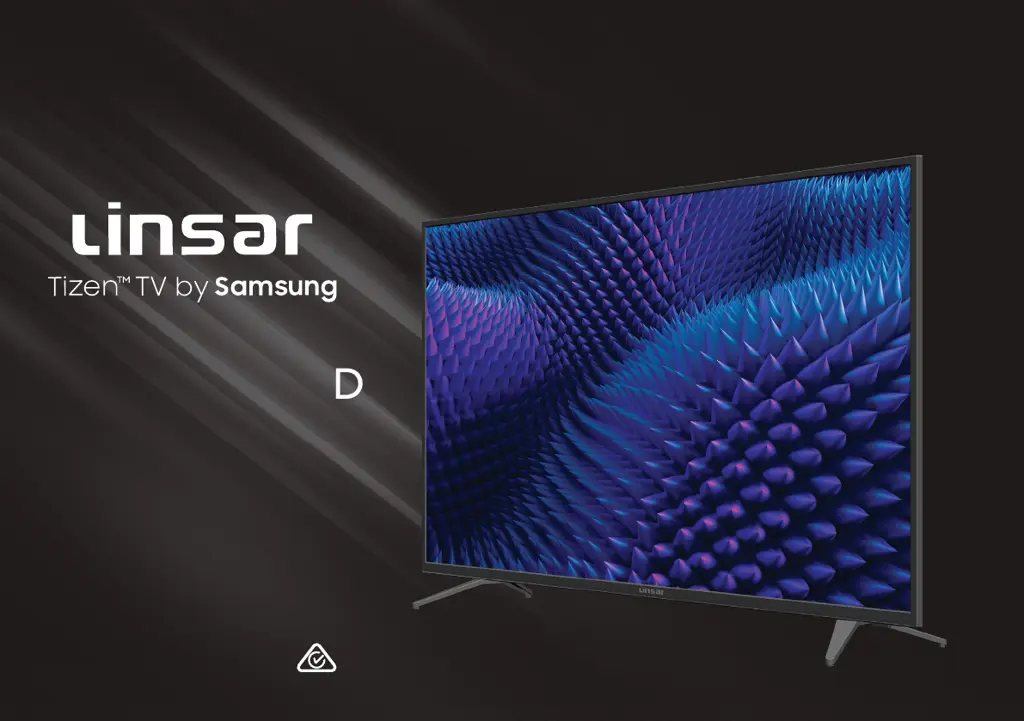
User Manual
LS50UHDZEN
50" 4K Ultra HD
Smart TV

Questions and Answers

Summary

Welcome and Introduction

Welcome to Linsar!

Introduction to the user manual and Linsar's warranty.

Unpack and Prepare TV

Whats in the Box

Lists all items included in the TV package.

Installation Requirements

Lists required tools and assistance for TV installation.

Important Safety Tips

Attaching the TV Stand

Wall-Mounting the TV

Connecting Power and Antenna

Controls and Connections Overview

Identifying TV Controls

Overview of the TV's physical controls and sensors.

TV Buttons Explained

Explanation of the functions of physical buttons on the TV set.

TV Input;Output Ports

HDMI, Antenna, and USB Ports

Details and functions of HDMI, Antenna, and USB ports.

Additional TV Ports

Digital Audio, AV, and LAN Ports

Details and functions of audio and network ports.

Remote Control Setup and Use

Remote Battery Installation

Instructions for inserting batteries into the remote control.

Battery Safety Precautions

Safety advice regarding the use and disposal of remote control batteries.

Remote Control Operation

Using the Remote Effectively

How to operate the remote control and its effective range.

Pairing the Remote Control

Information on how to pair the remote control with the TV.

Smart Remote Features

Remote Pairing Process

Voice Assistant Usage

Initial On-Screen Setup

First Time Setup Menu Guide

Steps involved in the initial TV setup wizard.

Screen Mirroring

Smartphone Screen Mirroring

How to mirror your smartphone's screen onto the TV.

PC Screen Mirroring

Instructions for wirelessly displaying your PC screen on the TV.

External Device Control

Keyboard and Mouse Functions

Smart TV and Smart Hub

Smart Hub Overview

Overview of the Smart Hub platform for apps and content.

On-Screen Virtual Keyboard

Home Screen Navigation

Home Screen Features

Accessing Sources, Search, and Apps

Details on using Source, Search, and Apps features from the Home menu.

Account, Notifications, and Privacy

Managing Samsung account, viewing notifications, and privacy settings.

App Arrangement and Management

How to rearrange or remove apps from the home screen.

Samsung Account Management

Automatic Feature Launching

Smart Hub Auto-Launch

Setting the TV to automatically launch Smart Hub on startup.

Last Used App Auto-Launch

Setting the TV to automatically launch the last used app on startup.

Using the Apps Service

Accessing the e-Manual

System Settings Configuration

Time and Timer Functions

How to set and manage TV clocks and timers.

Automatic Clock Setting

Steps to configure the TV clock to set automatically.

Manual Clock and Timer Settings

Manual Clock Adjustment

Steps to manually set the TV's date and time.

Sleep Timer Functionality

How to set the TV to automatically enter standby after a set period.

Off Timer Scheduling

How to schedule the TV to turn off at a specific time.

Power and Energy Saving

How to configure screen saver and auto power off features.

Software Update Procedure

Voice Feature Configuration

General System Management

Language and PIN Settings

Managing TV menu language and PIN.

External Device Management

Managing connected external devices like mobile phones.

Factory Reset Procedure

How to restore the TV to factory default settings.

High Dynamic Range (HDR) Explained

TV Guide Functionality

Program Schedule Viewing

Setting Up Scheduled Viewing

How to set up scheduled viewing for programs.

Managing Scheduled Viewings

Options for editing, deleting, or viewing details of scheduled viewings.

Troubleshooting Common Issues

Remote Control Problems

Solutions for when the remote control is unresponsive.

TV Power Issues

Steps to resolve issues with the TV failing to power on.

DTV Signal and Picture;Sound

Solutions for signal and picture/sound issues in DTV mode.

Troubleshooting Device and App Issues

External Device Connectivity

Solutions for no picture/sound or distorted output from external devices.

Audio Output Problems

Troubleshooting steps for no or distorted sound from audio devices.

Smart Apps Not Functioning

Solutions for problems with smart apps not functioning correctly.

Network and USB Troubleshooting

Internet Connection Problems

Troubleshooting steps for no or intermittent internet connection.

USB Device Recognition

Solutions for USB devices not recognized or files not playing.

Technical Specifications

Compliance and Disposal Information

Linsar LS50UHDZEN Specifications

General IconGeneral
BrandLinsar
ModelLS50UHDZEN
CategorySmart TV
LanguageEnglish

Related product manuals