CONTROLS AND CONNECTIONS | 9
Controls and Connections
Get to know your TV
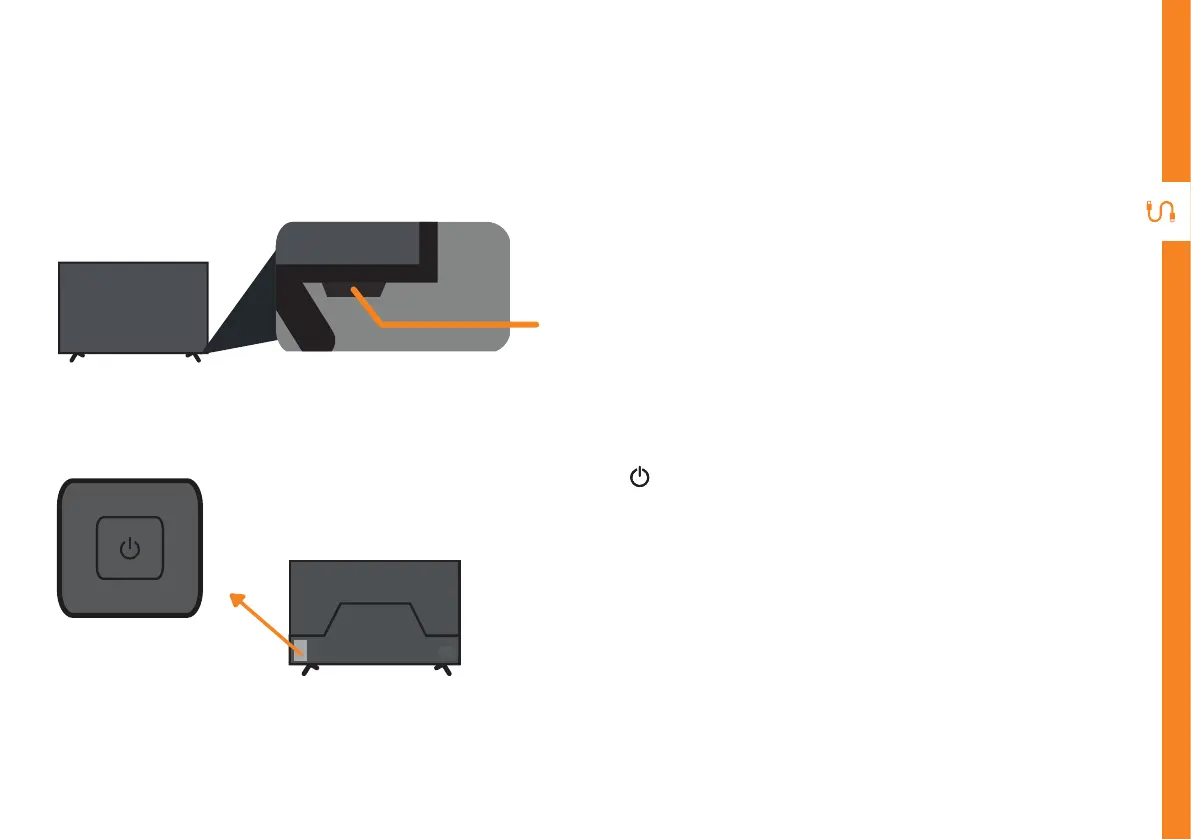
On/Standby light and Remote sensor
Buttons on the TV
• (On/Standby) : When the TV is off, press this
button to turn the TV on.
• When the TV is on, press once to access the on-
screen control menu.
• While on this menu, press once to switch between
menu options; press and hold for 1.5 seconds to
select.
Back of TV



 To Next Page