SMART TV | 23
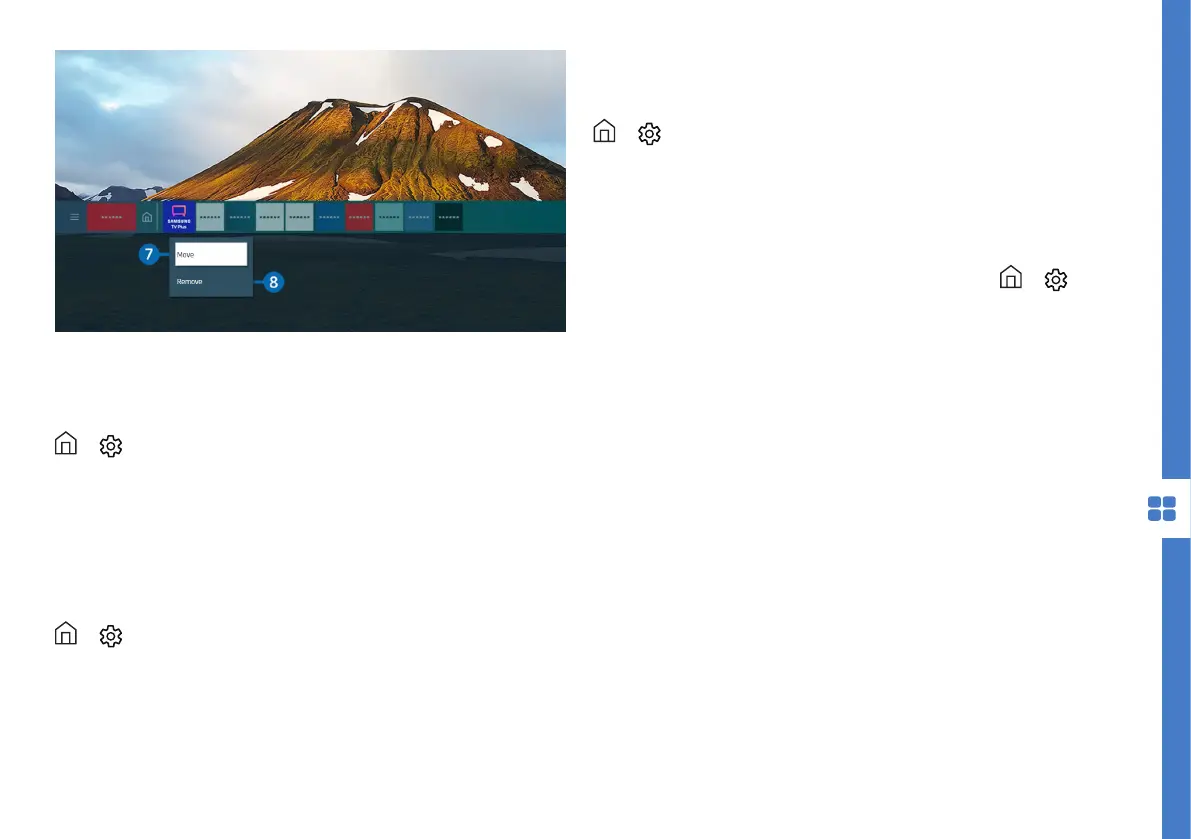
Image is for reference only. The image may differ.
Launching Smart Hub Automatically
> Settings > General > Smart Features >
Autorun Smart Hub
When you set Autorun Smart Hub to On, the TV
displays the Home Screen automatically when you
turn the TV on. You can also turn this function off.
Launching The Last Used App Automatically
> Settings > General > Smart Features >
Autorun Last App
If set to On, the last used app is automatically run
when you turn on the TV. You can also turn this
function off.
Note: this function may not be supported on all apps.
> Settings > General > System Manager >
Samsung Account
Follow the on screen instructions to create, sign in or
sign out of a Samsung account.
After logging into your Samsung account, you can
view the Terms and Policy by navigating to >
Settings > General > System Manager > Samsung
Account > My Account > Terms & Conditions, Privacy
Policy.
Your Samsung account can be used on TV, smart
phone and website all within the one account.
Samsung Account



 To Next Page