EasyManua.ls Logo

Linsar LS58UHDSM20 - User Manual

Linsar LS58UHDSM20
48 pages
Print Icon
To Next Page IconTo Next Page
Loading...
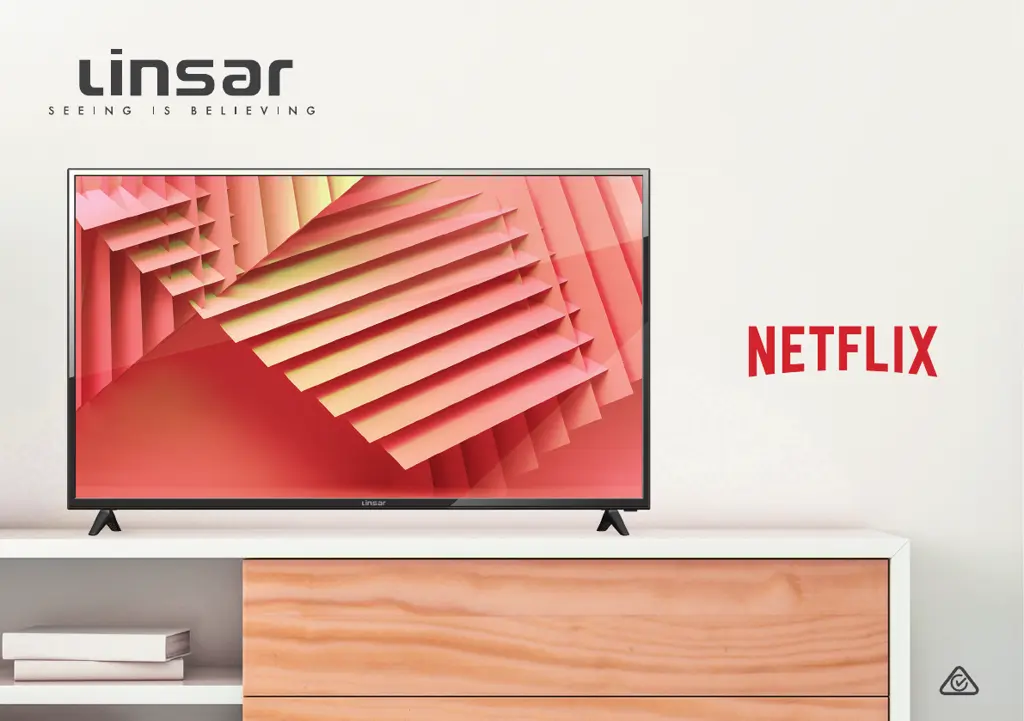
58"
Ultra HD
Smart TV
User Manual
MODEL: LS58UHDSM20

Questions and Answers

  • C
    Carol McphersonAug 14, 2025
    What to do if my Linsar LS58UHDSM20 Smart TV has no power?
    • D
      Dustin HayesAug 14, 2025
      First, check that the power outlet is turned on. If you're using a multi-outlet, make sure it's working correctly. To test the power strip, plug the TV directly into a wall outlet. Also, try turning on the TV using the button on the TV itself.
  • J
    Joe RobertsAug 17, 2025
    Why is there no sound on my Linsar Smart TV?
    • K
      Kayla LindseyAug 17, 2025
      Ensure that all equipment is properly connected and that the input setting for the TV is correct. Also, check the audio settings on any external devices. Make sure the volume isn't muted; if it is, press the MUTE button. If earphones are connected, unplug them. Adjust the volume using the VOL+ / VOL- buttons. If using an external audio device, check that the Menu > Sound > Digital Audio Output setting is set to 'PCM'. If using an external audio device via HDMI, ensure it supports HDMI-ARC.
  • J
    Jacob ShawAug 20, 2025
    What to do if my Linsar LS58UHDSM20 Smart TV has picture issues?
    • M
      Matthew DeleonAug 20, 2025
      Make sure all equipment is connected properly. If you're using an external device, try turning it off and then on again. If the screen says there's no signal, select the correct source input. Adjust the antenna position. Move the TV away from electronic devices that could cause interference. Auto-tune the free-to-air TV channels again. Try switching to another channel. If the image flickers when connecting an HDMI cable, ensure the cable is correctly connected and not faulty. Adjust the Menu > Function > HDMI EDID setting.
  • T
    Theresa HunterAug 25, 2025
    Why is my Linsar LS58UHDSM20 Smart TV remote not working?
    • C
      Chad PerryAug 25, 2025
      Check that the batteries are correctly installed and not exhausted; replace them if necessary. Point the remote control at the remote control sensor and try again, ensuring you're within 5 meters of the sensor. Remove any obstacles between the remote control and the sensor.
  • C
    cmillsAug 27, 2025
    What to do if button operation is not effective on Linsar LS58UHDSM20?
    • L
      Latasha GreenAug 27, 2025
      Disconnect the power plug and then reconnect it. The unit may not be operating properly due to lightning, static electricity or other factors.
  • C
    Courtney AcostaAug 30, 2025
    Why doesn't my Linsar LS58UHDSM20 Smart TV recognize my USB device?
    • R
      rblakeAug 31, 2025
      Refer to the instructions describing how to use USB devices with this TV. Your USB device may not be compatible. This TV has been tested with many Flash memory-based devices and hard disks; however, it may not be compatible with certain devices, particularly external self-powered hard disks. Some USB storage devices may not be compatible. Only use a USB storage device formatted in a FAT32 file system provided with the Windows operating system. If it is formatted by a different utility program that is not supported by Windows, it may not be recognised.
  • A
    Amanda HooverSep 3, 2025
    What to do if Linsar Smart TV displays 'Disk not ready' error?
    • P
      pagejaredSep 3, 2025
      If you're in time-shift recording mode, without removing the USB recording device, you might encounter issues with scheduled recordings. Remove the USB device, as it needs to reset after each recording to prevent damage. If you see the message ‘DISK NOT READY’, remove the device, reconnect it, and proceed with your recording.
  • K
    Kara ThompsonSep 6, 2025
    Why is my media loading slowly on Linsar Smart TV?
    • J
      jeffreyphillipsSep 6, 2025
      For large file sizes and large capacity storage devices, the loading speed may be slower. The recognition speed of a USB storage device may vary depending on the device.
  • A
    Andrea WigginsSep 9, 2025
    What does 'unsupported file' message mean on Linsar Smart TV?
    • M
      michaelfarrellSep 10, 2025
      If an “Unsupported File” message is displayed, it means the file extension, video codec, image resolution, or frame rate is not supported.

Summary

Controls and Connections

Remote Control

On-Screen Set Up

First Time Setup Menu

Guides users through initial TV configuration steps upon first power-on.

Networking

Connecting to a Wireless Network

Step-by-step guide for connecting the TV to a Wi-Fi network.

Connecting to a Wired Network

Instructions for establishing an internet connection using an Ethernet cable.

TV Setting Menus

Picture Settings

Options for adjusting picture mode, contrast, brightness, colour, sharpness, and backlight.

Sound Settings

Options for adjusting sound mode, equalizer, balance, and audio output.

PVR Settings

Configuration for USB disk selection, time shift size, and format for recording.

Smart TV

PVR Recording

PVR Recording Important Tips

Crucial advice for using USB drives for recording and time-shifting.

Recording Live TV

Step-by-step guide to start and stop recording live television programs.

Pause Live TV (Time-shift)

Instructions for pausing and resuming live TV broadcasts.

USB Mode

Troubleshooting

Troubleshooting No Power Issues

Solutions for problems related to the TV not turning on.

Troubleshooting Picture Issues

Solutions for problems with screen display, flickering, or signal.

Troubleshooting Network Connection Issues

Solutions for problems connecting the TV to the internet.

Troubleshooting Sound Issues

Solutions for problems with audio output or external audio devices.

Troubleshooting Remote Control Operation

Solutions for remote control unresponsiveness and button issues.

Troubleshooting USB Device Recognition

Solutions for when the TV fails to detect USB storage devices.

Specifications

Linsar LS58UHDSM20 Specifications

General IconGeneral
BrandLinsar
ModelLS58UHDSM20
CategorySmart TV
LanguageEnglish

Related product manuals