TV GUIDE | 35
1 2
3
4
5
7 8
0
AUDIO
6
9
GUIDE
INFO
LIST
QMENU
OK
SOURCE
MENU EXIT
REC
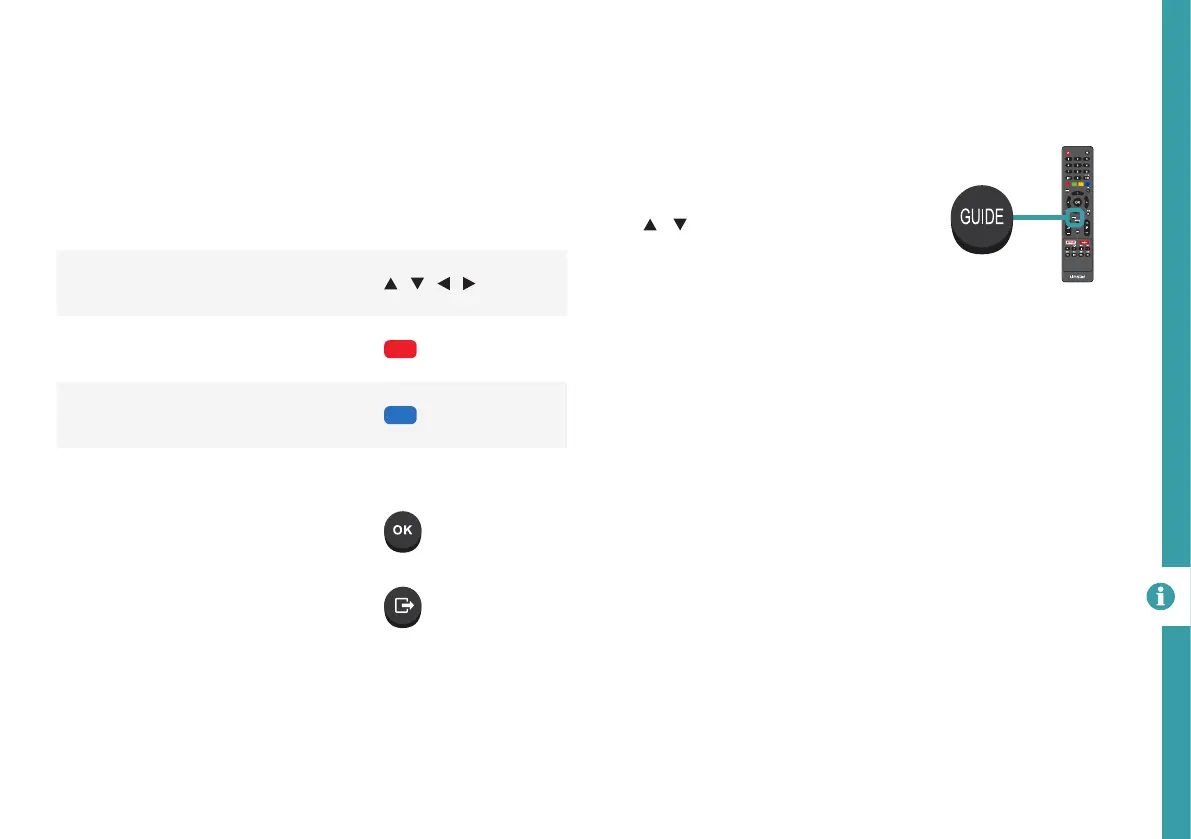
Function Remote Button
Select a Channel, Time or
Programme
/ / /
Schedule selected programme for
recording
RED
View the list of programs scheduled
for recording
BLUE
Show program information INFO
Set program reminder
Exit TV Guide menu
TV Guide
(Free to air TV)
To access the TV guide, press the
Guide button on the remote.
To activate the TV Channels use
the / buttons to select a
channel in the left column, then
press OK to confirm.
TV Guide Functions



 To Next Page