8 | UNPACK AND PREPARE
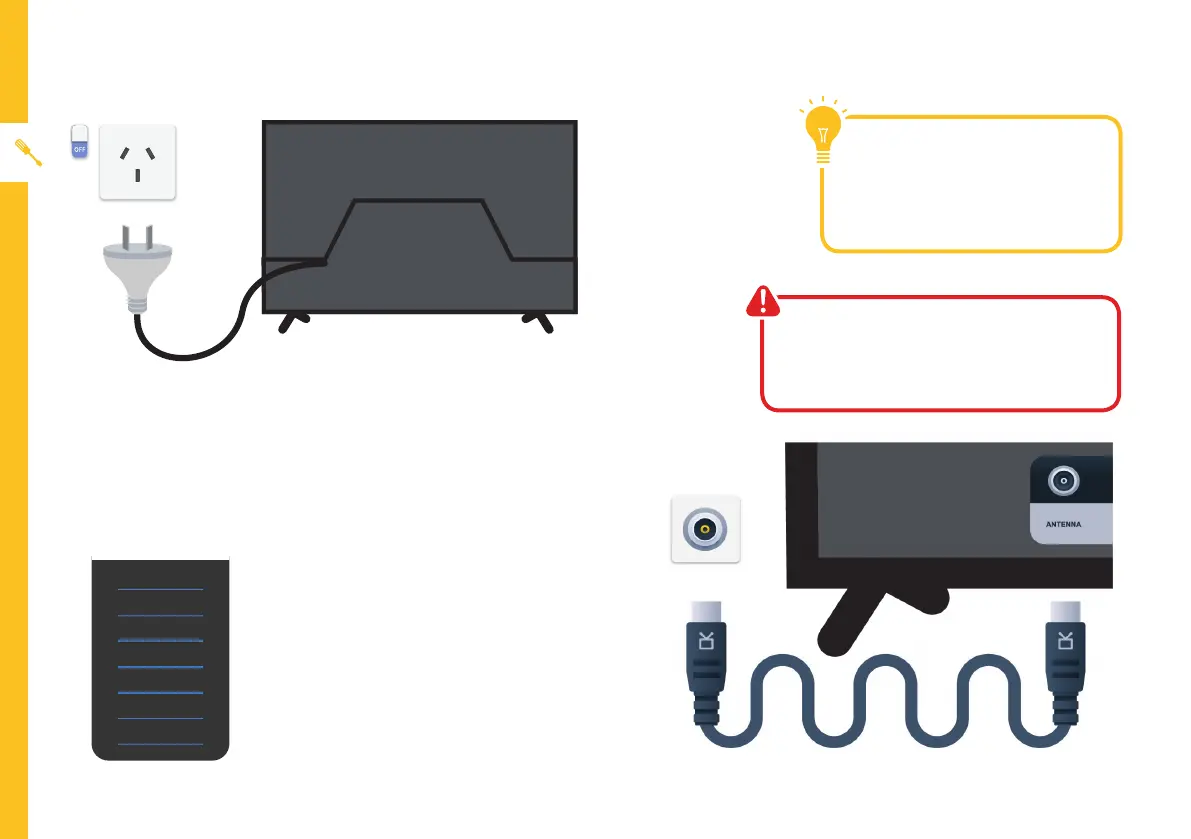
Connect to power
Make sure the TV is switched off at
the power outlet until you have finished
connecting your cables.
Antenna cable not included.
Don't forget to plug in the
TV to the power outlet. Leave
the power switched off until
installation is finished.
Free-to-air TV in HD (High Denition)
High Definition (HD) channels
provide the best viewing quality
and are available with a digital
antenna connection.
TV channels in Ultra HD resolution are
not currently available in Australia.
Therefore when you watch HD
broadcast signals on an Ultra HD TV,
the picture can appear 'soft' and lacks
the detail you see when watching the
same content on an HD TV.
Connect your antenna
ABC HD
SBS ONE HD
7HD
9HD
10 HD
PRIME7 HD
WIN HD
HD Channels



 To Next Page