10 | CONTROLS AND CONNECTIONS
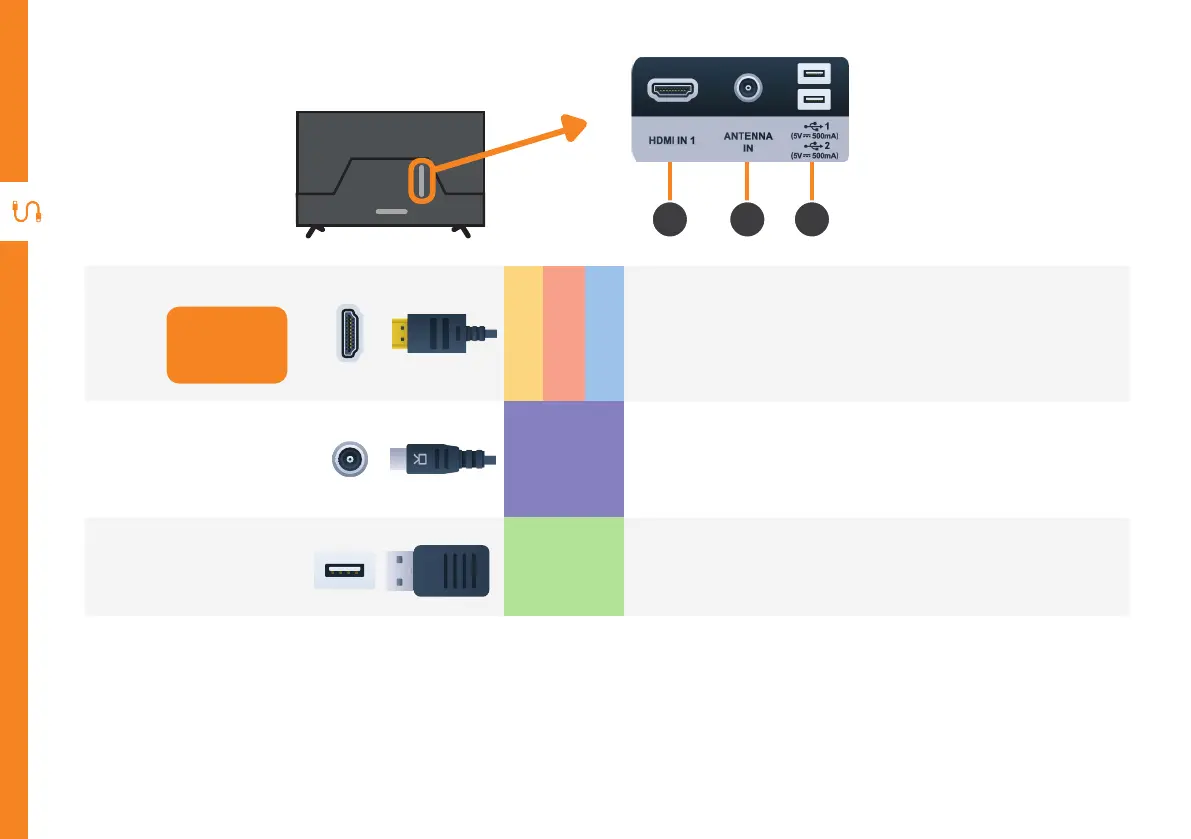
Ports on the TV
1
HDMI IN
Use a high-speed
HDMI cable for
best picture and
sound quality.
SOUND
PICTURE
COMPUTER
All-digital connection between the TV and any HDMI device.
Supports Ultra HD. Requires a HDMI cable (not included).
2
ANTENNA IN
FREE TO-AIR
TV
Connect your antenna for live TV. (Antenna cable not included).
3
USB
STORAGE
Plug in a USB stick/drive to play media files stored on your
USB storage device (supported file codecs and extensions may
vary).
1 3
2



 To Next Page