48
48
CHAPTER -5: OPERATING YOUR MACHINE
STARTING THE PROGRAMME
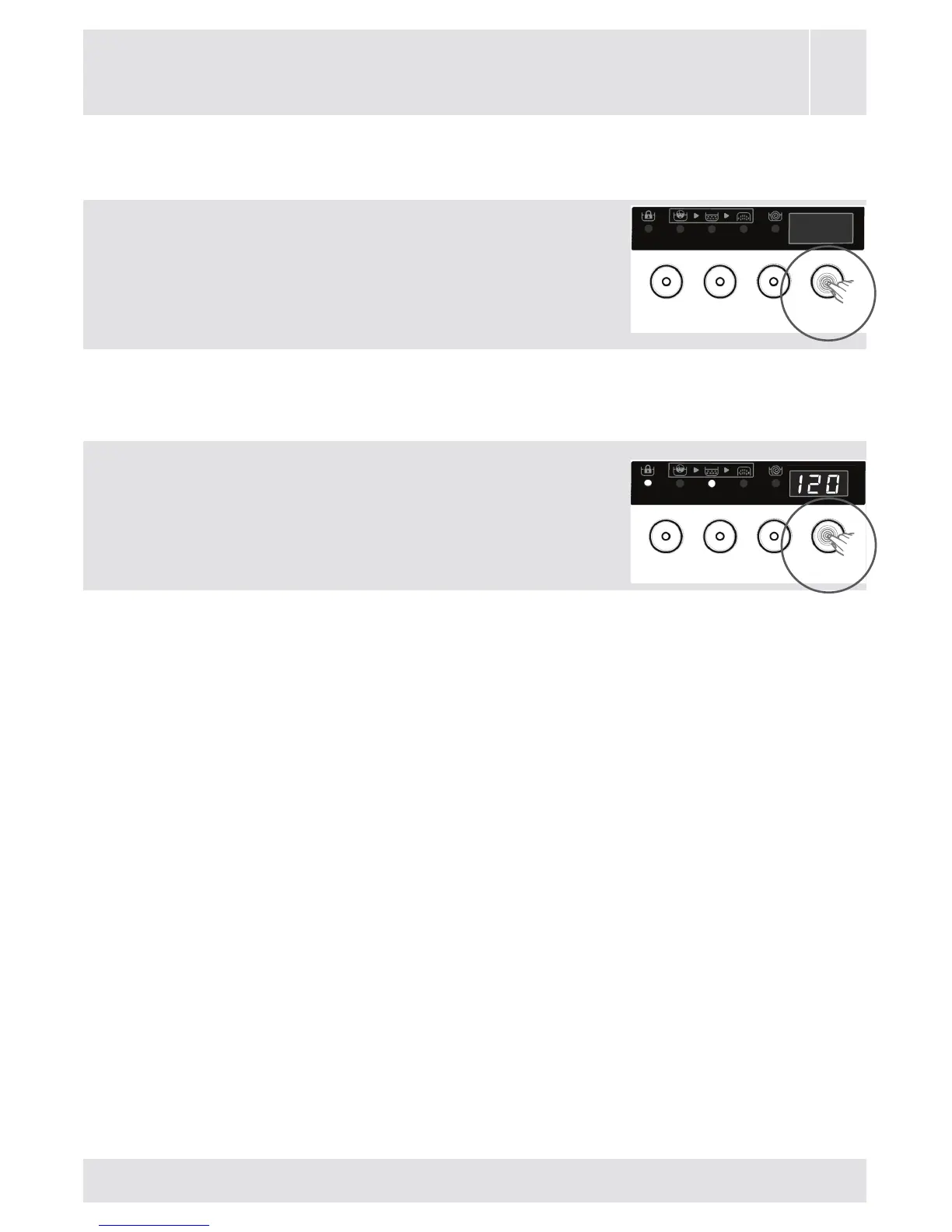
Start/Pause button
BypressingtheStart/Pausebutton,you
maystarttheprogrammeyouhavese-
lected,suspendarunningprogramme.If
youswitchyourmachinetopausemode,
theelectronicdisplaywillblink.
Whenyoustartyourmachine,
thefollowingsymbolsfortheprogrammes
youhaveselectedwillbeavailableon
electronicdisplay.
-Symbolsofwash,rinseorspin.
-Programmeendingtimeorprogrammedelaytime
basedonyourselection.
-Symboloflockeddoor.



 To Next Page