lion alcolmeter
®
500 Mk IV User Handbook
10
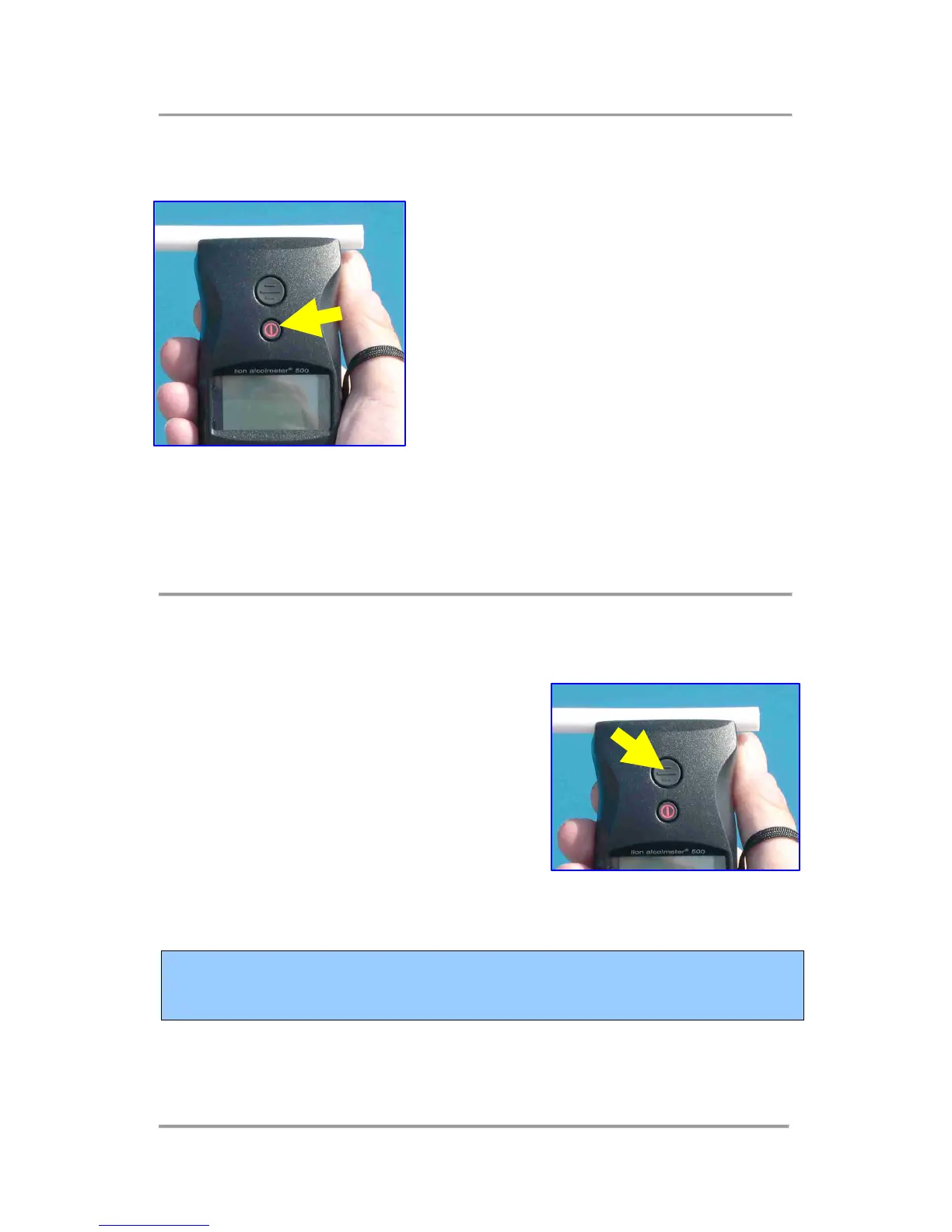
2.1 Function Switch A
The smaller button, bearing a red power
symbol and located directly above the
display, is Function Switch A [FSA].
This switches the instrument ON:
simply press FSA and release.
FSA may also be used at certain stages
in the 500’s operation to switch it OFF.
However, for operational reasons, this
action cannot occur once a breath test sequence has been started.
This button is also used in situations where the subject fails or
refuses to supply a specimen of their breath into the instrument.
2.2 Function Switch B
Located directly above FSA, the larger
button is Function Switch B [FSB]. It is
used for manual breath sampling [if this
feature is active in the particular
instrument’s software], as well as during
calibration checking and adjustment.
Do NOT press either of these two button very hard: a gentle
but positive finger or thumb action is all that is required !



 To Next Page