EasyManua.ls Logo

LION alcolmeter 500 - Page 37

LION alcolmeter 500
54 pages
Print Icon
To Next Page IconTo Next Page
To Previous Page IconTo Previous Page
Loading...
lion alcolmeter
®
500 Mk IV User Handbook
37
3. Now select NEXT, by pressing and releasing FSA [the
smaller, red button]. This brings up:
The Exit option returns to the Calibration CHECK menu page.
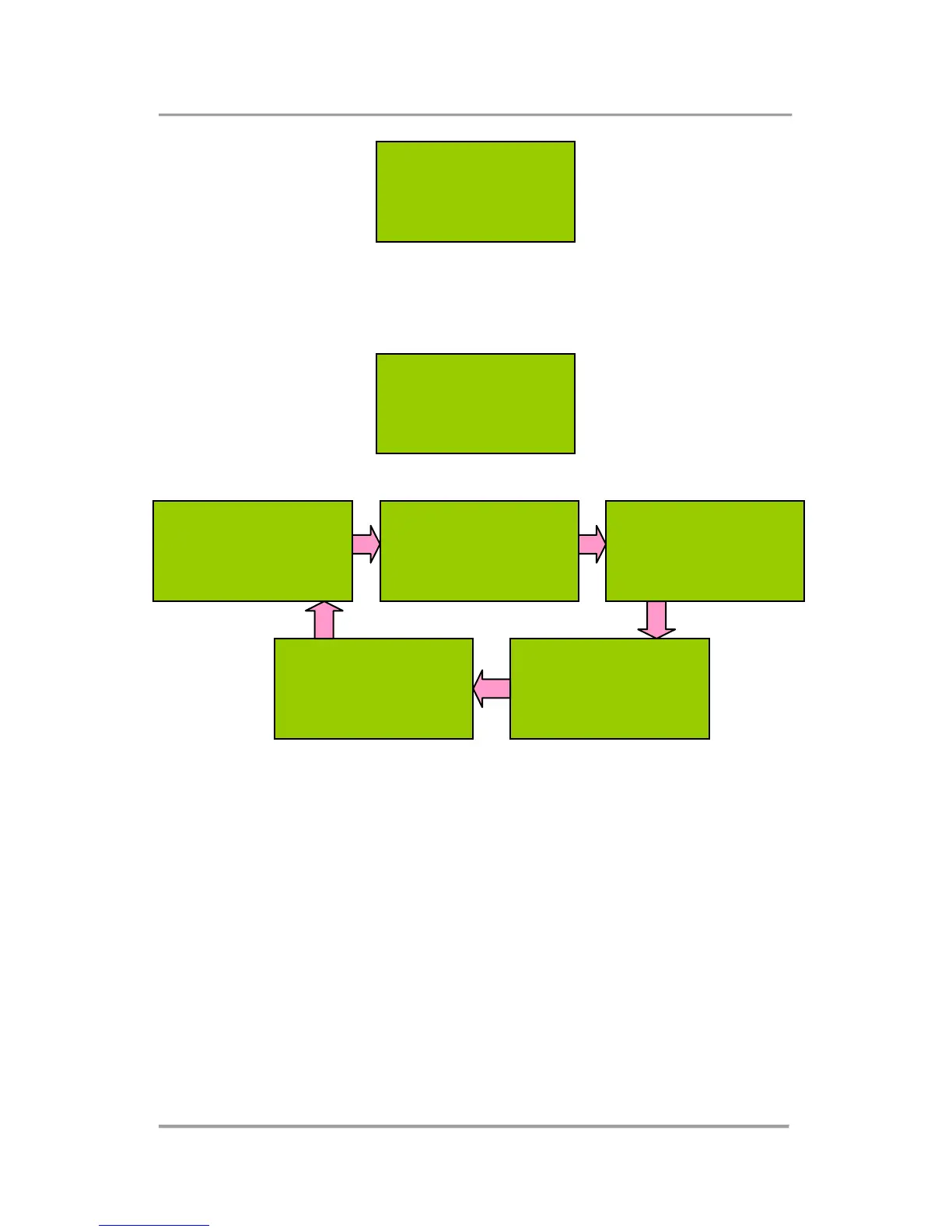
Supervisor
Menu
Large Button: SELECT
Small Button: NEXT
Supervisor Menu
Stored Data
Large Button: SELECT
Small Button: NEXT
Supervisor Menu
Calibration
Large Button: SELECT
Small Button: NEXT
Supervisor Menu
Set Date/Time
Large Button: SELECT
Small Button: NEXT
Supervisor Menu
Manual Sampling
Large Button: SELECT
Small Button: NEXT
Supervisor Menu
Exit
Large Button: SELECT
Small Button: NEXT
SWITCH OFF
Large Button: SELECT
Small Button: NEXT

Table of Contents

Related product manuals