TrainMaster Command operations
Assign a new ID# to your
Command-equipped locomotive
Set the Command reverse unit switch
to PROG/LOCK
Command Base plugged in
Place the locomotive on track
PowerMasters set to CMD or traditional
power supplies ON FULL (no more than
20 volts)
Turn track power on (PowerMasters):
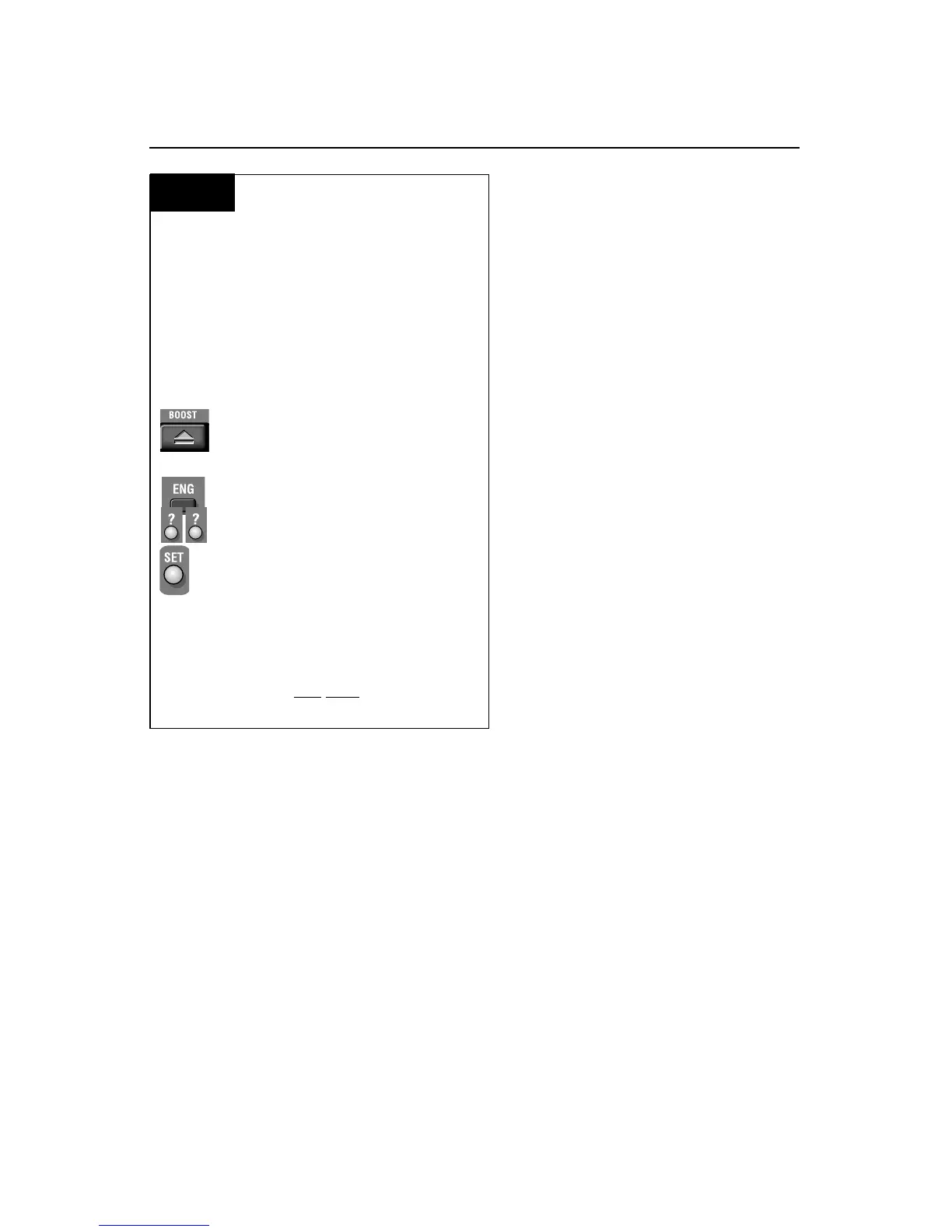
Press BOOST
Program the locomotive with a new ID#:
Press ENG
Press a number you choose
(the ID#)
Press SET
Set the Command reverse unit switch to
FWD/RUN
Your locomotive remembers its ID#
forever; change it any
time with these
steps
Example
We recommend that you choose an easy to
remember ID# for your engine. Some possi-
bilities are part of the engine road number,
your age, or any two digit number that is not
used by another engine. Write the number on a
small piece of tape and put this on the bottom
of the fuel tank to aid in remembering.
Y
our powered F-3 B-Unit locomotive has
been factory-programmed as ID# 1.
To change the individual ID#, switch the
Command reverse unit switch to
PROG/LOCK on the underside of the unit.
Refer to Figure 1 on page 4 for the switch
location. Plug in the Command Base, set
the unit on the track, then power up. Using
your CAB-1 Remote Controller, press ENG,
enter your ID# (between 1 and 99), then
press the SET button located under the
removable panel on the CAB-1 Remote
Controller. Slide the reverse unit switch
back to FWD/RUN.
Assigning your locomotive a new ID#
8










 To Next Page