Rev: 09.27.21 Page 5 CCD-0004071
4. OneControl BT requires location permission to find and connect to available networks (Fig. 5). Tap
Continue button to proceed with setup.
5. Allow OneControl BT access to the device's location (Fig. 6). Make a selection to move forward with
setup. Tapping the Deny button will stop the process.
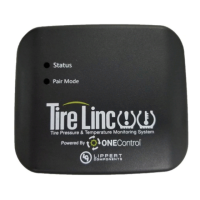
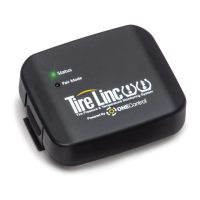
6. Look for Tire Linc and tap the listing. If more than one Tire Linc option appears in the list, select the one
with the strongest RSSI value. The RSSI value shown below is displayed at the end of the listing, which
is -37dB (Fig. 7).
7. Examples on how to determine a stronger RSSI value:
A. -60 is greater than -70; select -60 because it is the stronger number.
B. 20 is greater than 10; select 20 because it is the stronger number.
Fig. 5 Fig. 6
Fig. 7
RSSI Value



 To Next Page
 Loading...