Rev: 05.20.2022 Page 20 CCD-0001745
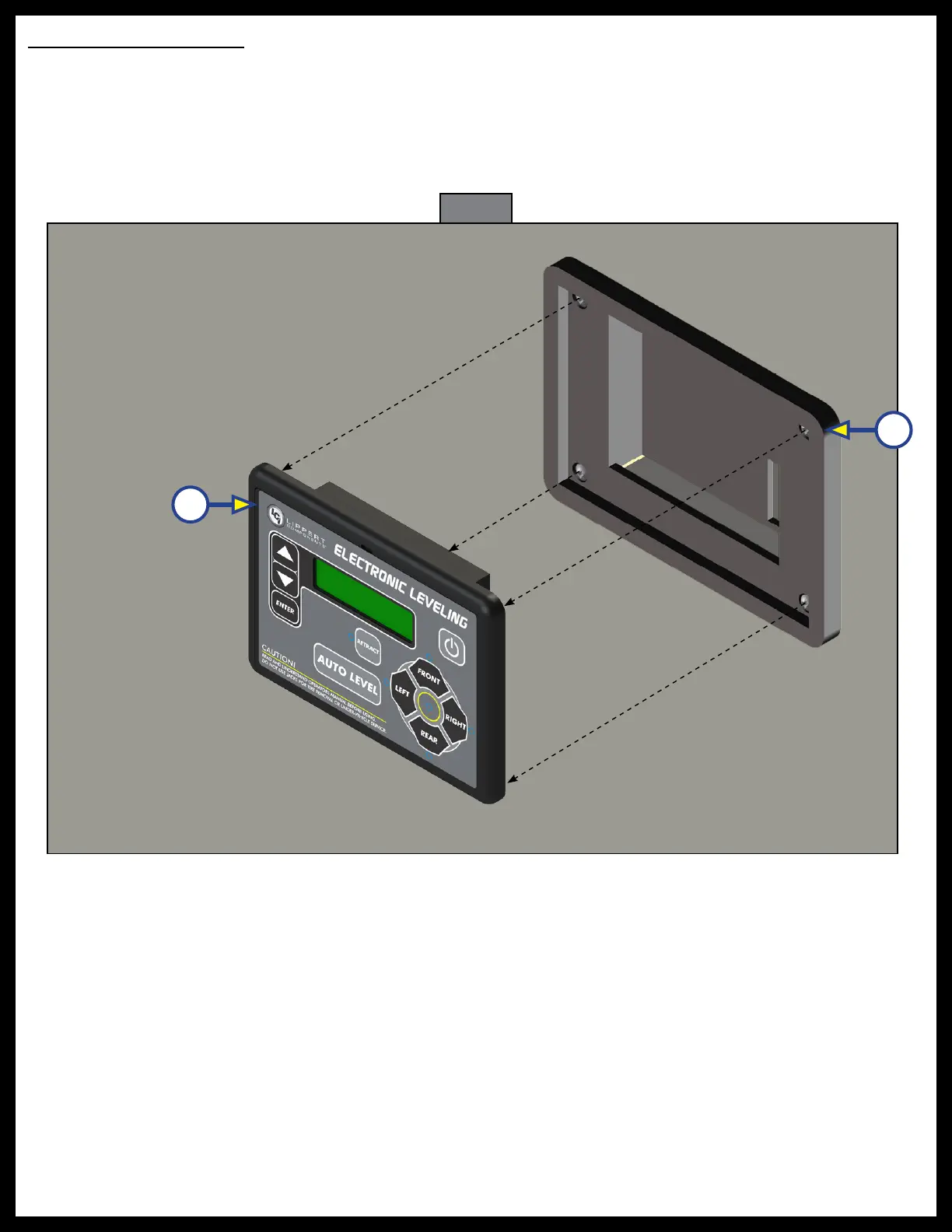
Fig. 29
B
A
Touchpad Replacement
1. Remove the face plate of the touchpad (Fig. 29A) from the mounting bezel (Fig. 29B).
2. Unplug the harness from the connector on the back of the old touchpad face plate.
3. Plug the touchpad harness into the connector on the back of the new touchpad face plate, then snap
the new face plate into the bezel.
NOTE: LCI recommends zip-tying the harnesses tight to prevent damage to the harnesses.



 To Next Page