Rev: 05.20.2022 Page 8 CCD-0001745
Zero Point Calibration
The “Zero Point” is the programmed point that the 5th Wheel will return to each time the auto level feature
isused.
NOTE: Prior to starting this procedure, double check all connections on the controller, jacks and touchpad.
1. In manual mode, run the jacks to level the 5th Wheel. This is best achieved by placing a level in
the center of the 5th Wheel and leveling it both front-to-back and then side-to-side. See Basic Jack
Operation section for instructions on how to manually operate the system.
2. Once the 5th Wheel is level, turn off the touchpad.
3. With the touchpad off, press and release the FRONT button (Fig. 1G) five times, then press and release
the REAR button (Fig. 1J) five times.
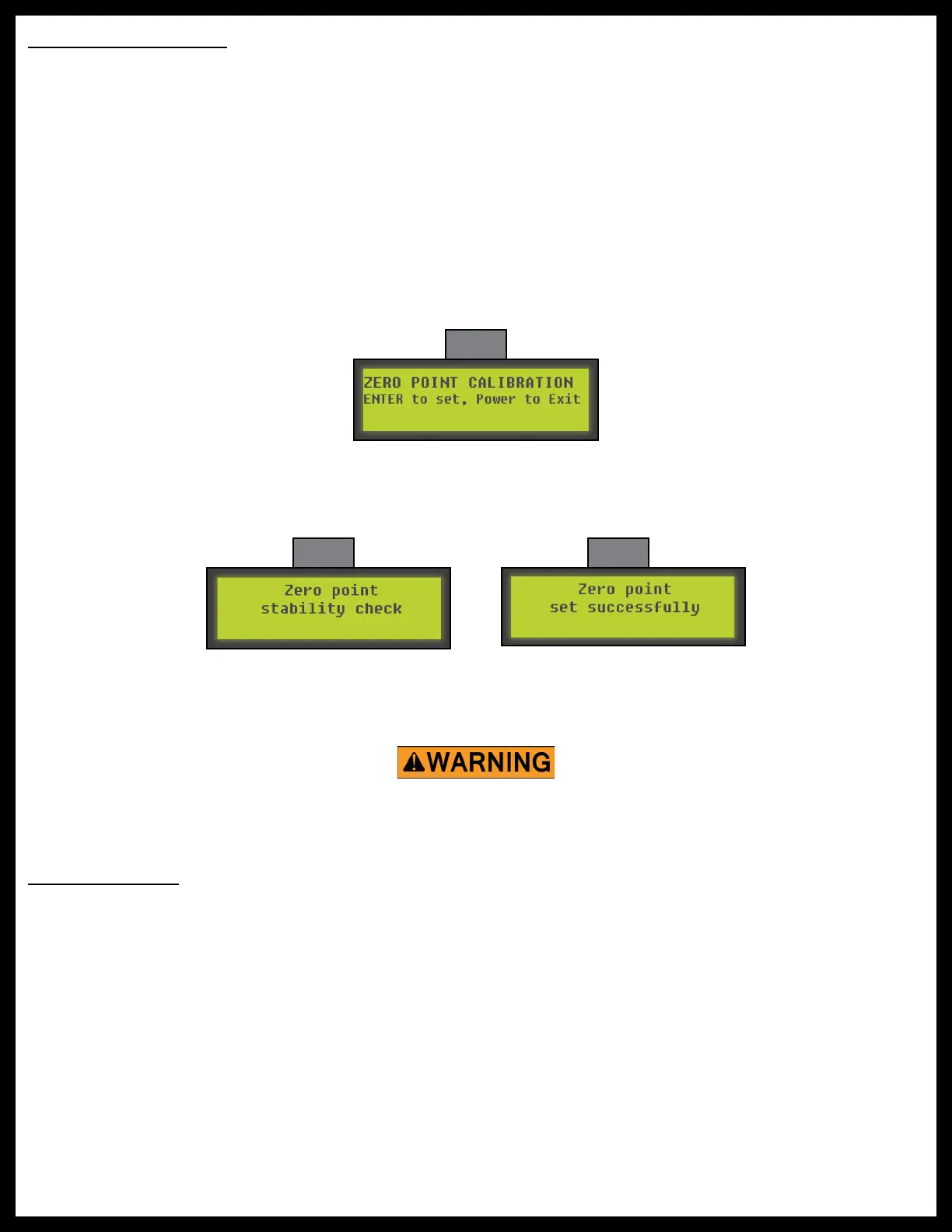
4. The touchpad will flash and beep and the display will read “ZERO POINT CALIBRATION ENTER to set,
Power to Exit” (Fig. 7).
Make sure the 5th Wheel is supported at both the front and rear with jack stands before performing any
troubleshooting or service to the 5th Wheel. Failure to do so may result in death, serious personal injury,
severe product and/or property damage.
Fig. 7
5. To set the current position as the zero point, press the ENTER button (Fig. 1C).
6. The LCD display will read “Zero point stability check” (Fig. 8).
7. The LCD display will read “Zero point set successfully” once the process is complete (Fig. 9).
Fig. 8 Fig. 9
8. The system will set this point as its level state and the touchpad will turn off.
Troubleshooting
Manual Override
If manual override is necessary, there are two options; Top of Jack Motor Override, Bottom of Jack
MotorOverride.
For ease of manual override, it is recommended to unplug the power harness to the motor prior to
performing the manual override procedure.



 To Next Page