6.2 Part Two - File Size Test
When recording video it is very important that you are already familiar with the file
size that your computer can store and playback. If you record a continuous video
clip onto the CAMERA MASK internal memory or onto a Micro SD Card, you may
not be able to download or play the video file on your computer because of the large
file size.
Please conduct a FILE SIZE TEST before you use your CAMERA MASK to capture
important images and video. Test various video file sizes to make sure your
computer will be able to store and play the videos that you record. If you have
difficulty in playing back video files smoothly, try taking a shorter video. You may
also try opening the video file with a different media player as not all media players
work the same.
Please read the sample chart below to estimate your file size per minute of
recording time.
Approximate Video File Sizes -
NOTE: Depending on the batteries that you use and if you add a Micro SD Card
with 2 GB, you may be able to record a video for an hour or more. It is, however,
best to take short videos. This will make transferring files and playing them back
easier.
ENG-14
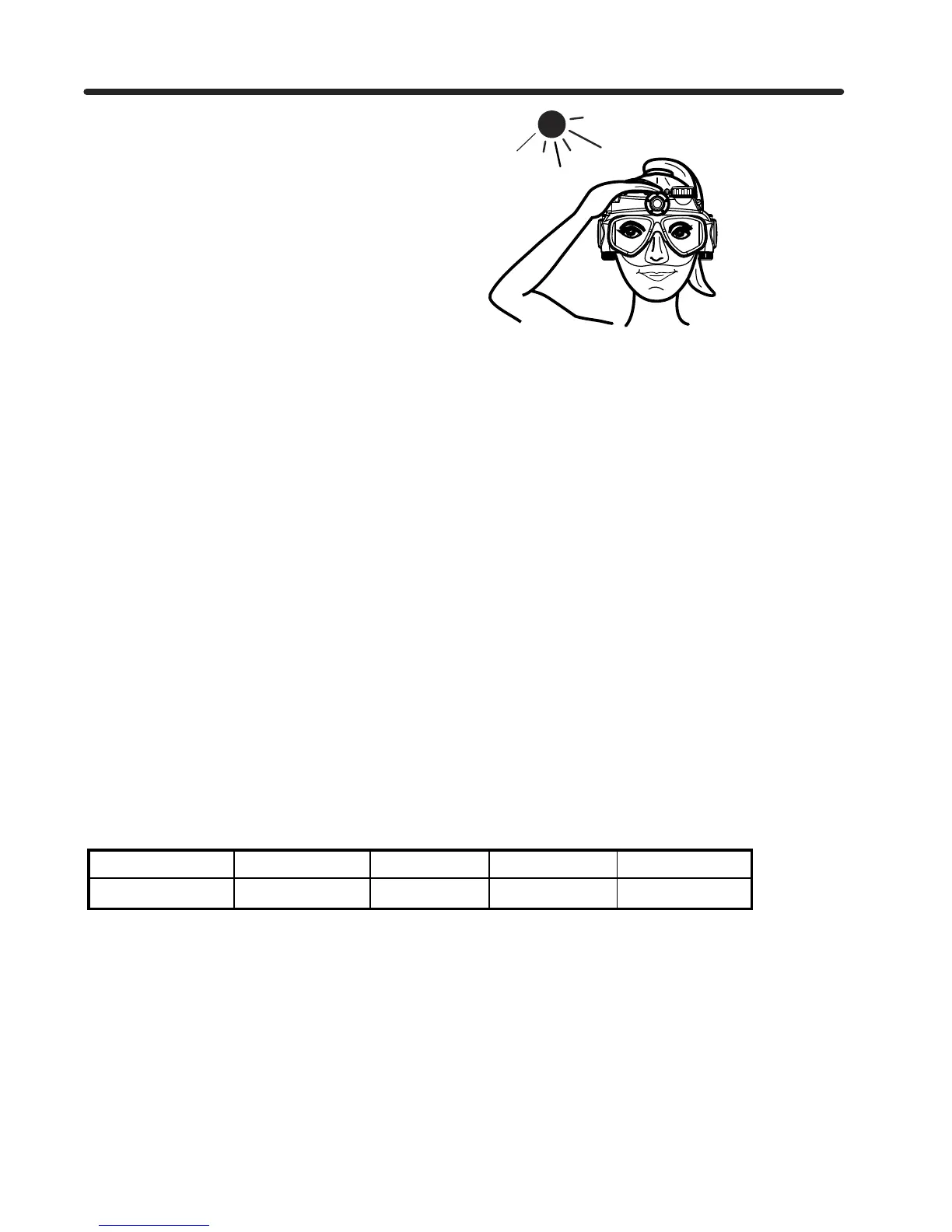
In bright sunshine, the LED light
may be hard to see. Shade the
area over your eye with one hand
to see the MODE LIGHT easier.
NOTE: Video file sizes will vary due to the complexity of the scene. The file sizes listed are only estimates.
TIME (min): 0.5 1 10 30
SIZE OF FILE: 18MB 36MB 360MB 1080MB


 To Next Page