EPX-
410D/420D/430D/810D/820D/830D [
4-1 ID Number
Each EPX/EDX series
need to adjust the ID number
, but when several devices
different ID number.
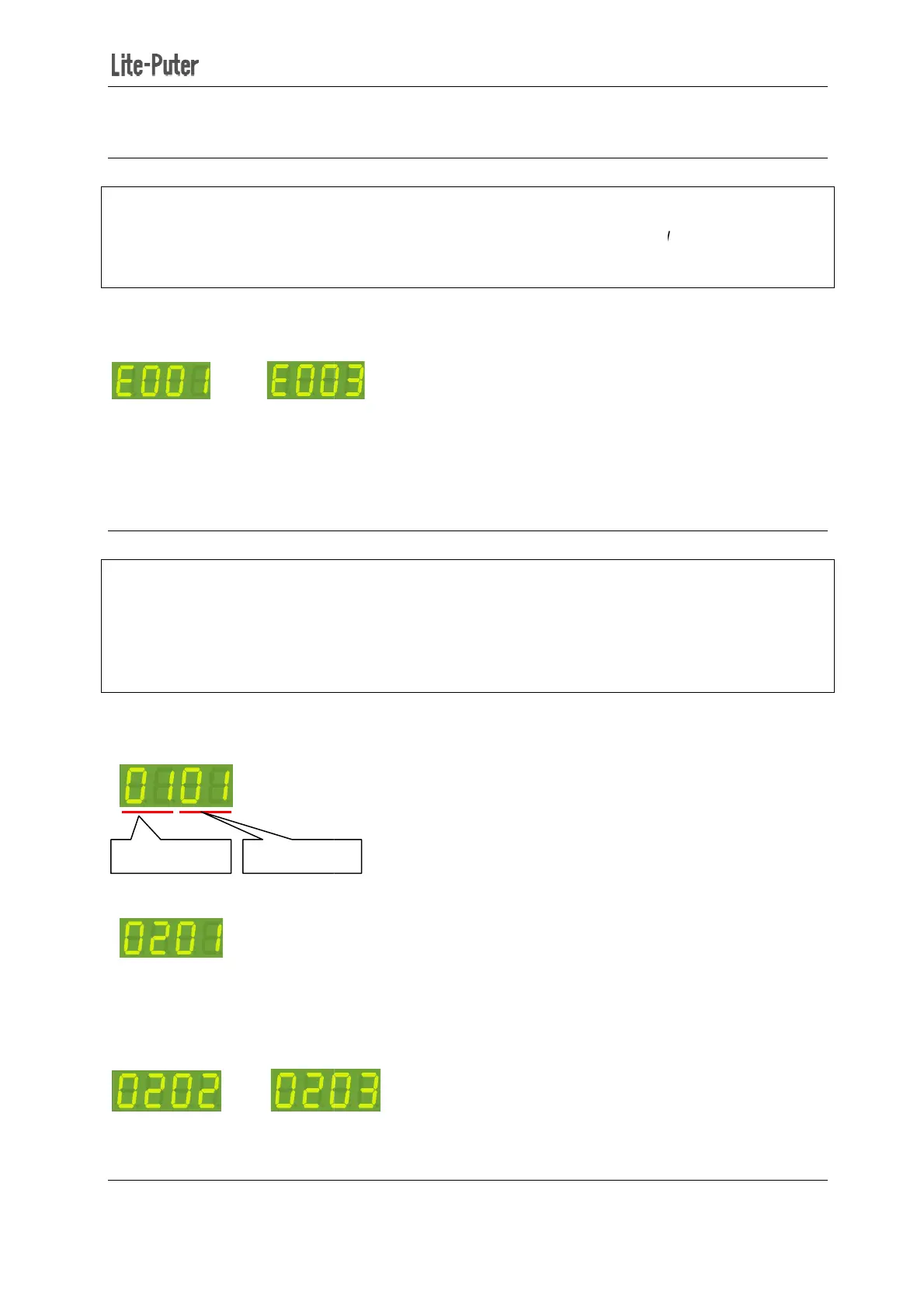
STEP-1 In the main screen
STEP-2 Press【▲】or【▼】
Press 【▲】twice to c
hange ID number from 001 to 003.
STEP-3 Press【DMX】to save.
3-2 Zone Number
Definition of zone:
the zone number
and another is the start channel address.
For example: There is 4 EPX-
device should be 01-01, 01-05,
STEP-1: In the main screen,
zone and start channel setting is shown as below:
Press【▲】or【▼】
STEP-2: Press right button
once shift to start channel
channel address (up to 99 channel). After setting, press
For example: change
channel address from 02 to 03.
zone number
410D/420D/430D/810D/820D/830D [
EUM-B]
st have a ID number. When one
, but when several devices
’
working together, each devic
【FCN】to enter ID number setting.
e ID number.
hange ID number from 001 to 003.
zone number
before use, which consists of two
and another is the start channel address.
(16 channels in total) in the first
-09, 01-13 separately.
zone and start channel setting is shown as below:
umber (up to 99 zone). After setting, press
once shift to start channel
setting. Press【▲】or【▼
channel address (up to 99 channel). After setting, press
【DMX】to save.
channel address from 02 to 03.
12
, there is no
working together, each devic
e must have a
before use, which consists of two
parts, one is
umber of each
DMX】to save.
to modify the start


 To Next Page