EPX-
410D/420D/430D/810D/820D/830D [
4-5-1
Enable/Disable Partition Function
STEP-1: Press【FCN】
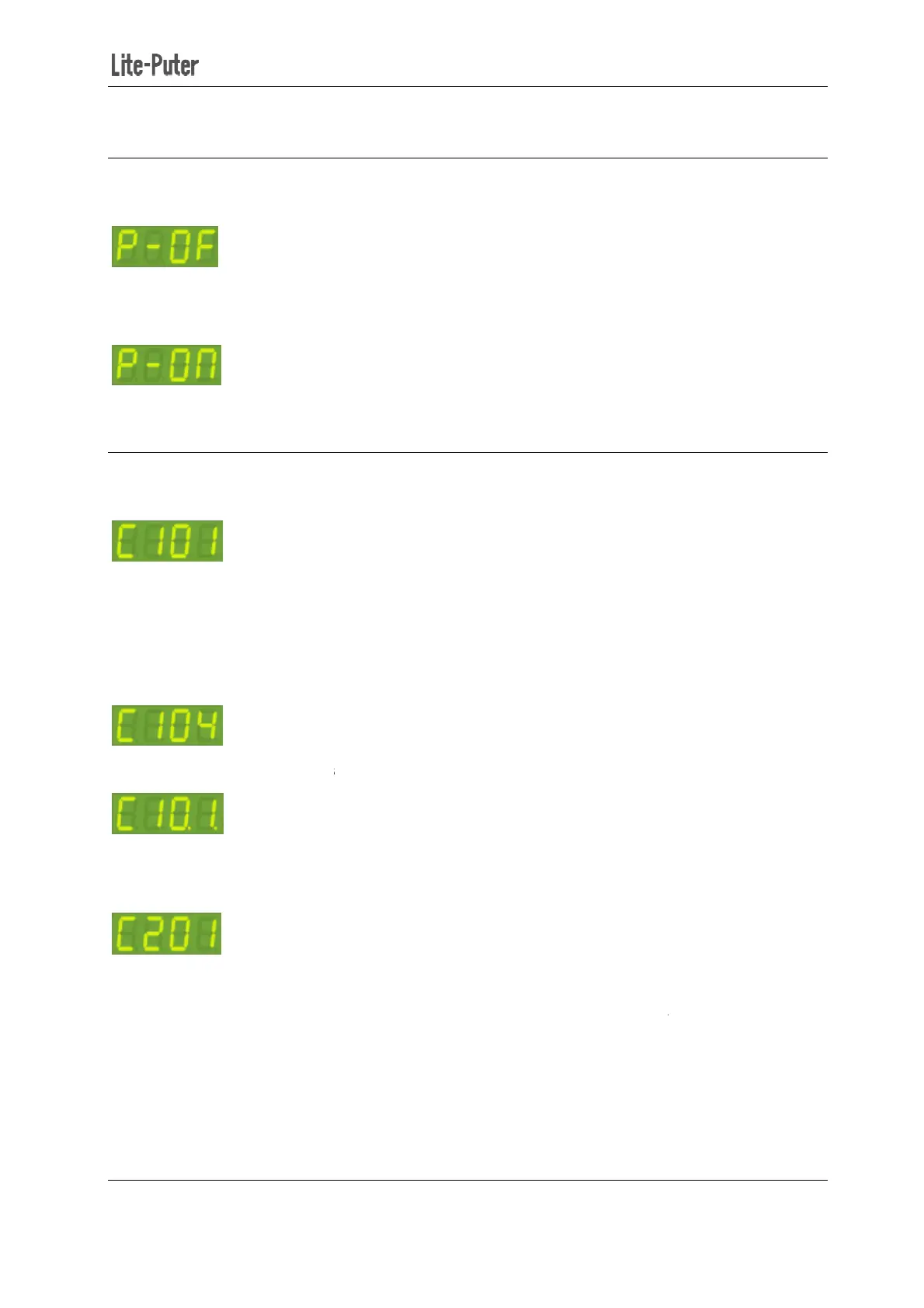
several times until LED shows
It means partition function is disabled.
Press 【▲】
to turn on partition function
.
4-5-2 Partition Setting
STEP-1: Press【FCN】
several times until LED shows
It means
that channel 1 belongs to zone 1.
STEP-2: Press 【▲】or【▼】
to change the zone number which channel 1 belongs to. Here we make
channel 1 belonging to zone 4 by pressing
STEP-3: Press【►】
to select start channel of the zone.
STEP-4: Press 【▲】or【▼】
to select a start channel number.
STEP-5: Press【◄】twice
to select channel digits. Then press
It shows that channel 2 belongs to zone 1.
STEP4: Repeat step 2, 3, 4,5
410D/420D/430D/810D/820D/830D [
EUM-B]
Enable/Disable Partition Function
several times until LED shows
It means partition function is disabled.
to turn on partition function
several times until LED shows
that channel 1 belongs to zone 1.
to change the zone number which channel 1 belongs to. Here we make
channel 1 belonging to zone 4 by pressing
【▲】3 times.
to select start channel of the zone.
“0.1.”
means the start channel is 1.
to select a start channel number.
to select channel digits. Then press
【▲】
once to select channel 2.
It shows that channel 2 belongs to zone 1.
and start channel
16
to change the zone number which channel 1 belongs to. Here we make
means the start channel is 1.
once to select channel 2.


 To Next Page