EPX-
410D/420D/430D/810D/820D/830D [
4-3
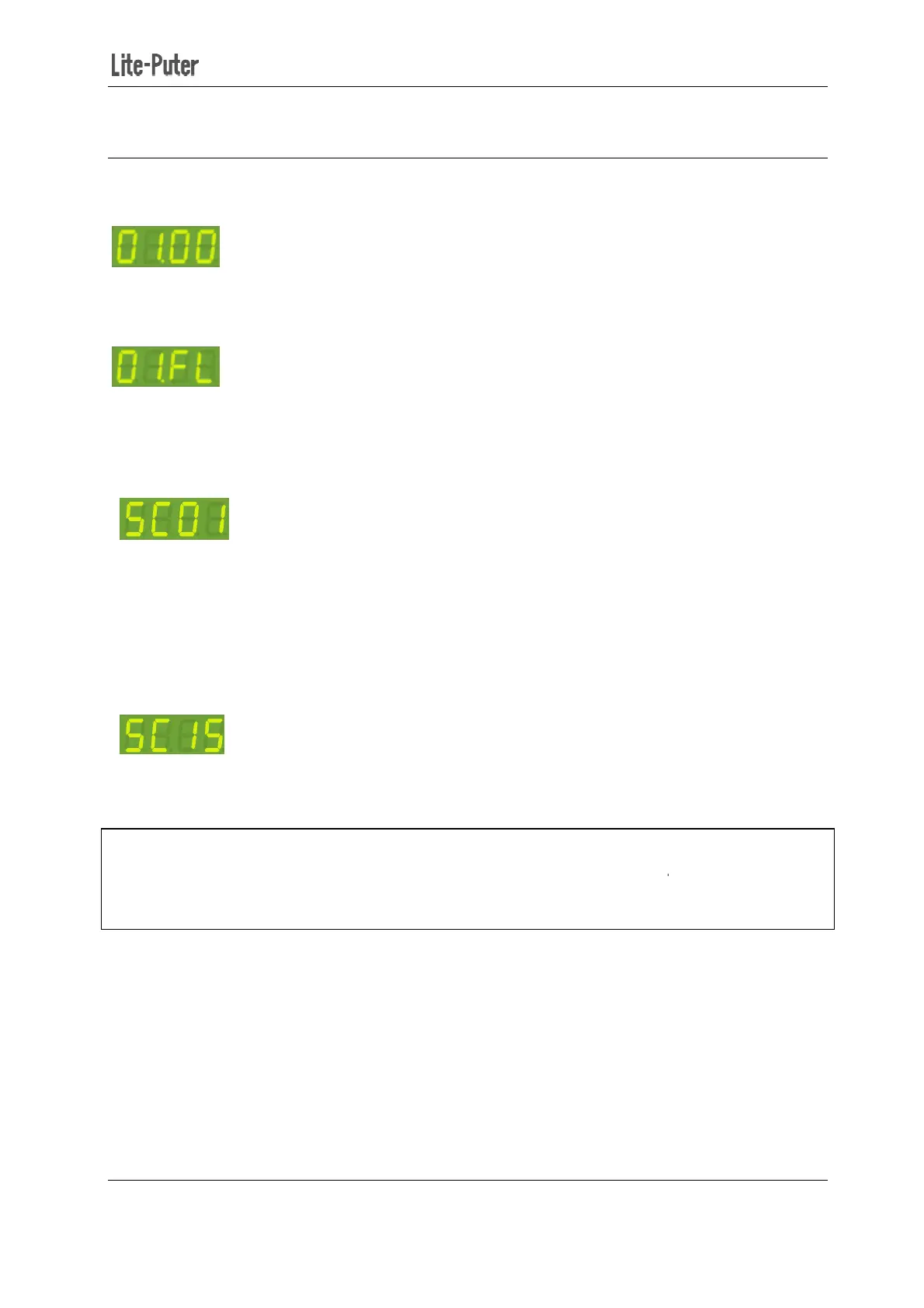
STEP-1: In the main screen,
STEP-2: Press【▲】or【▼】
to set the level of channel 1. Here we press
channel one to 100%.
STEP-3: Press【◄】 or【►】
STEP-4: Press【DMX】
It means that the current scene is going to be stored in scene 01.
STEP-5: Press 【▲】or【▼
If you enabled
Primary/secondary scene function (refer 4
scene.
Secondary
STEP-6: Press【DMX】to save
When Primary/Secondary
recalled; when Primary/
recalled.
410D/420D/430D/810D/820D/830D [
EUM-B]
【◄】 or【►】to select a
channel. Here we select channel one.
to set the level of channel 1. Here we press
【▲
channel. Repeat step 2 and 3 to edit the scene.
It means that the current scene is going to be stored in scene 01.
to select a scene number to store the current scene.
Primary/secondary scene function (refer 4
-
4), you can select secondary scene to store the
1
enabled (refer 4-4), Secondary scene (
scene is disabled, only primary scene (
13
channel. Here we select channel one.
to make the output of
channel. Repeat step 2 and 3 to edit the scene.
to select a scene number to store the current scene.
4), you can select secondary scene to store the
) can be edited or
) can be edited or


 To Next Page