EPX-
410D/420D/430D/810D/820D/830D [
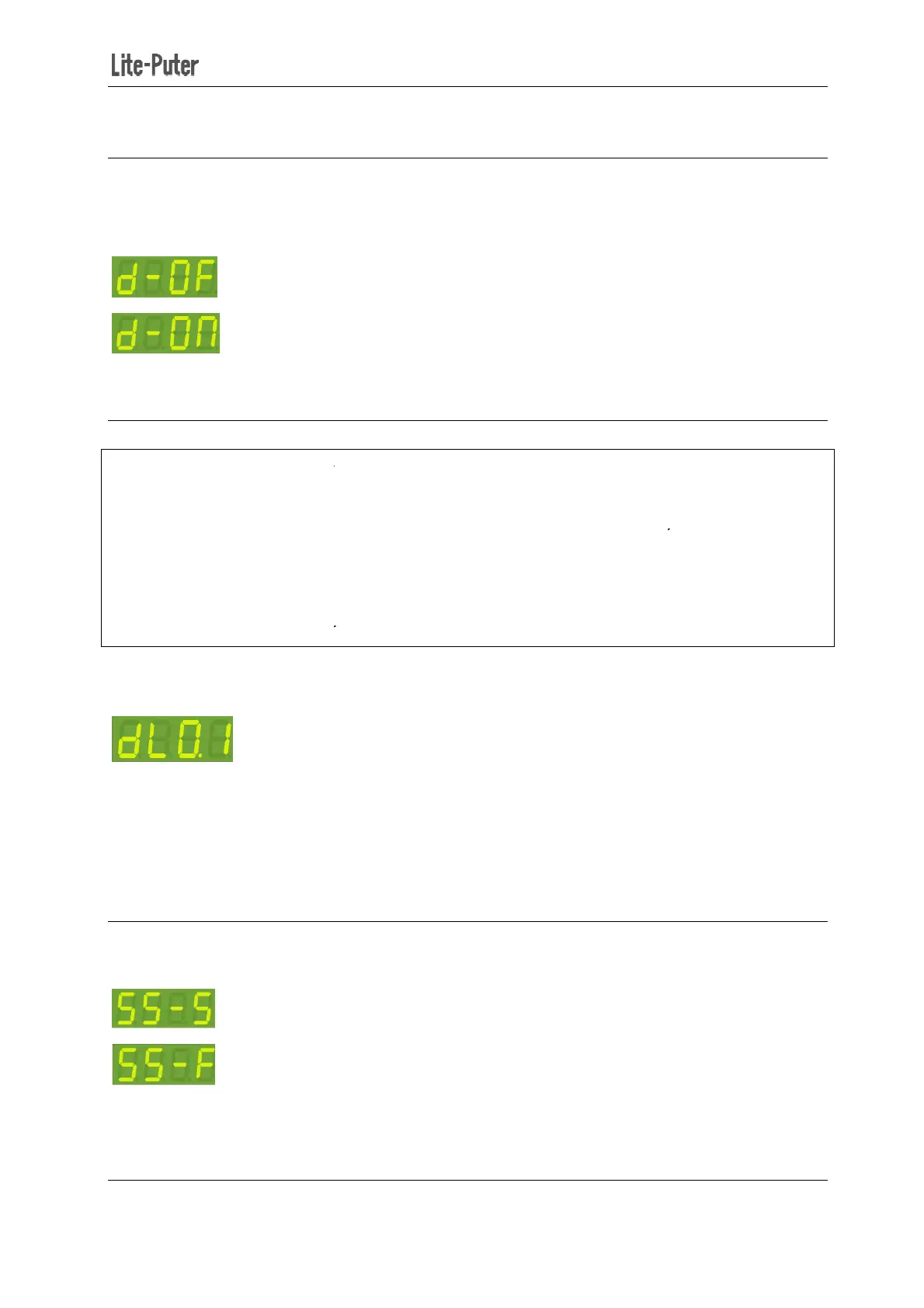
3-4 DMX IN Setting
Press【FCN】to shift to
【DMX】
to confirm and back to time screen:
Receive
N
3-5
Delay time is the time between
channels to be reacted by the control signal.
For example, if delay time is set as 0.5 second, and EPX
EPX-
420D will turn off 1st channel immediately and then turn off 2
turn off 3
rd
channel after 1 second and then turn off 4
The function is to avoid large surge current if all relays activated simultaneously.
STEP-1: O
It means the delay time is 0.0 second.
STEP-2: Press【▲】or【▼】
to change delay time(range from 0.0S~10S)
STEP-3: Press【DMX】
3-6
There are two modes for channel status, shown as below:
Switch Mode
Fade Mode
Switch Mode
: only two status, 0 and 100%
Fade Mode
: the value can be adjusted from 0 to 100%.
410D/420D/430D/810D/820D/830D [
EUM-B]
itialization, turns d-OF. Press【▲
to confirm and back to time screen:
channels to be reacted by the control signal.
For example, if delay time is set as 0.5 second, and EPX
-
420D received a signal to turn off all channels,
420D will turn off 1st channel immediately and then turn off 2
nd
channel after 0.5 second and then
channel after 1 second and then turn off 4
th
channel after 1.5 second.
The function is to avoid large surge current if all relays activated simultaneously.
【FUNC】eight
times to enter delay time setting.
It means the delay time is 0.0 second.
to change delay time(range from 0.0S~10S)
【FCN】to cancel.
There are two modes for channel status, shown as below:
: only two status, 0 and 100%
: the value can be adjusted from 0 to 100%.
8
or【▼】 to adjust and
420D received a signal to turn off all channels,
channel after 0.5 second and then
times to enter delay time setting.


 To Next Page