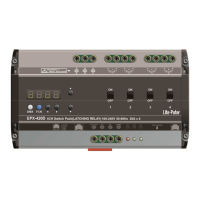
EPX-
410D/420D/430D/810D/820D/830D [
3-7
STEP-1: In the main screen
It means the channel will be
STEP-2: Press【▲】or【▼】
STEP-3: After setting, press【
The switching-
off level is 5% lower than switching
switching-off level will be 85%.
By default, the channel mode (refer 3
recall a scene
on an ECP panel, it will instantly turn on the channels
If the ECP panel also controls other dimmable loads, it might be not desirable to have some
lamps instantly turned-
on, but other dimmable load
By changing channel mode from switch to fade mode can solve this issue.
loads to be turned on when dimmable loads are turning to 80%, you can simply change the channel
mode to fade mode (3-
In some applications, turning switching loads on instantly might b
switching mode would be better.
3-8
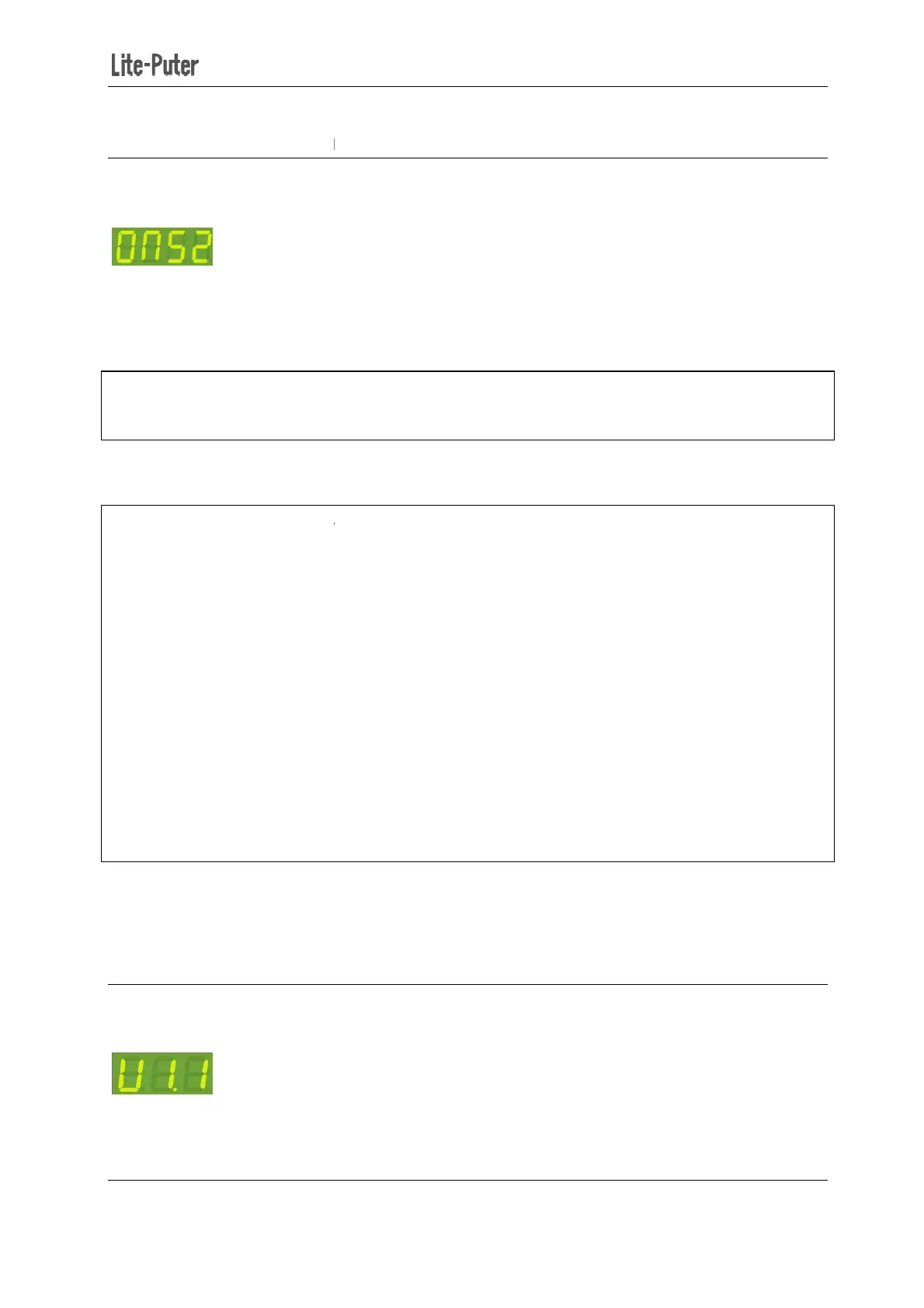
In the main screen, press【FCN
410D/420D/430D/810D/820D/830D [
EUM-B]
-on Level Setting
【FUNC】
to enter the switch on value setting.
level is 52%.
set the switching-on level from 10% to 90%.
】to save.
off level is 5% lower than switching
-
on level. For example, if switching
By default, the channel mode (refer 3
-
6) is switch mode. In switch mode, if you press up/down buttons
on an ECP panel, it will instantly turn on the channels
in EDX
If the ECP panel also controls other dimmable loads, it might be not desirable to have some
on, but other dimmable load
s are turned on for some time.
By changing channel mode from switch to fade mode can solve this issue.
If you want the switching
loads to be turned on when dimmable loads are turning to 80%, you can simply change the channel
-on value to 80% (3-7).
In some applications, turning switching loads on instantly might b
e preferable. Setting channel mode as
in succession to check the software version.
9
to enter the switch on value setting.
on level. For example, if switching
-on level is 90%, the
6) is switch mode. In switch mode, if you press up/down buttons
or
If the ECP panel also controls other dimmable loads, it might be not desirable to have some
switching
If you want the switching
loads to be turned on when dimmable loads are turning to 80%, you can simply change the channel
e preferable. Setting channel mode as


 To Next Page
 Loading...