EPX-
410D/420D/430D/810D/820D/830D [
3 Operations
3-1 Initialization
Hold【▲】and【▼】
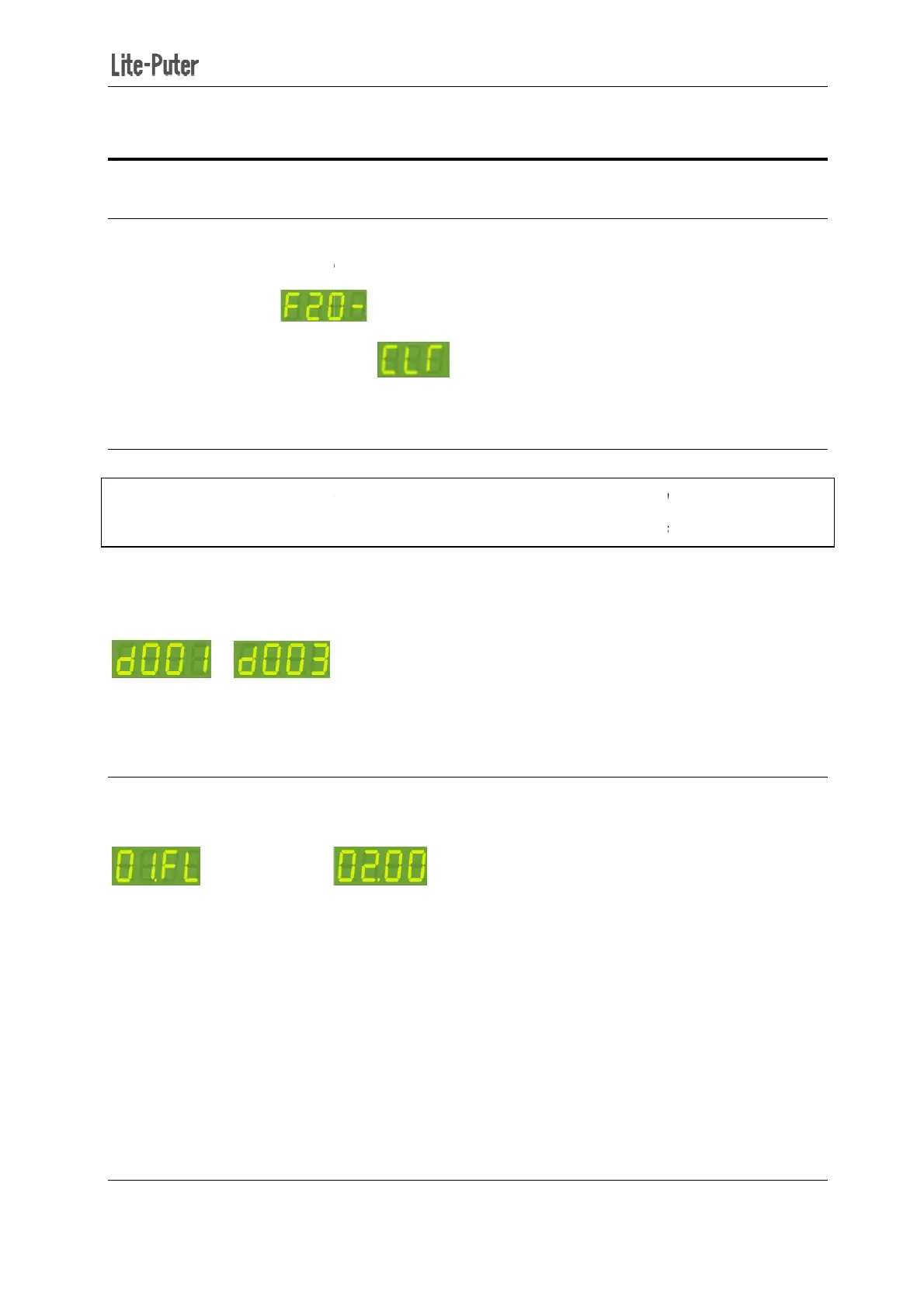
The LED screen shows
Press【DMX】to
3-2 DMX
Standard DMX console can output 512 channels and
output channel. The number
of the first channel of these 4 continuous channels is start
Press 【DMX】+【▲】or【▼】
to change DMX address. For example
003,
Note: Press【DMX】
once to check the DMX address.
3-3 Channel Output
In the main screen, press【◄】
First channel is on ON mode.
Second channel is on OFF mode.
410D/420D/430D/810D/820D/830D [
EUM-B]
and restart the device:
.
.
Standard DMX console can output 512 channels and
EPX-420D c
an use 4 continuous channels as the
of the first channel of these 4 continuous channels is start
to change DMX address. For example
,
change DMX address from 001 to
once to check the DMX address.
or【►】to enter channel status check.
Second channel is on OFF mode.
7
an use 4 continuous channels as the
of the first channel of these 4 continuous channels is start
channel address.
change DMX address from 001 to


 To Next Page