DX-1210/DX-1210T/DX-1220/DX-1220AF/DX-1230/DX-630/DX-640 [EUM-O] 16
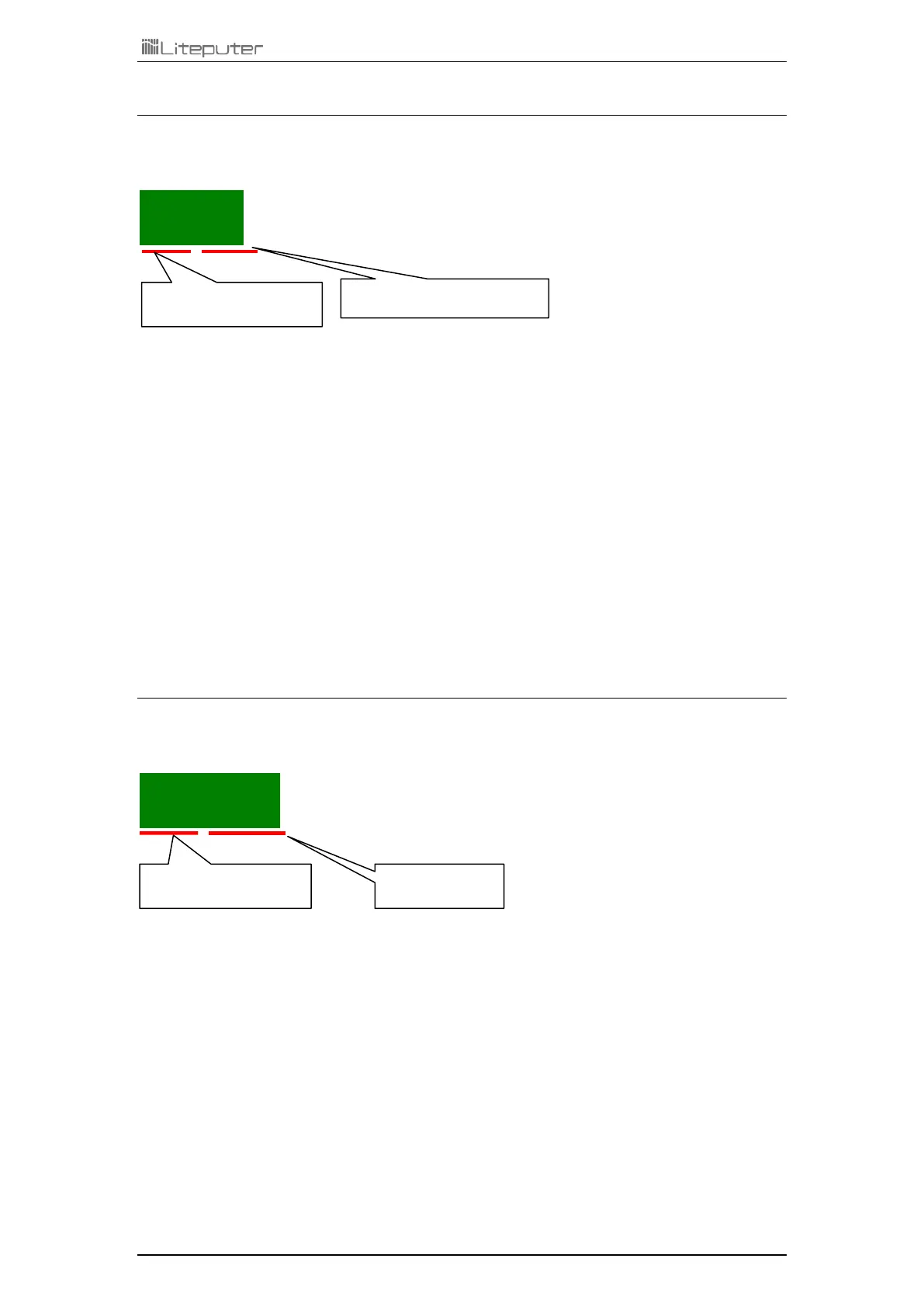
4-5-2 Dimming Output Test
Please turn off DMX signal input and analog signal input before using this function.
.
Press【►】: Test single channel - Increase 1 channel
e.g.: Led displays from 0 1. 0 0 to 0 2. 0 0.
Press【◄】: Test single channel - decrease 1 channel
e.g.: Led displays from 0 2.0 0 to 0 1. 0 0.
Press【▲】: Increase dimming level.
e.g.: Led displays from 0 8.0 0 to 0 8. F L .
Press【▼】: Decrease dimming level.
e.g.: Led displays from 0 8.F L to 0 8. 0 0 .
Press【CAN】: Return
4-5-3 Fade In / Fade Out Test
Please turn off DMX signal input and analog signal input before using this function.
....
Press【►】: Auto fade one channel - Increase channel.
Press【◄】: Auto fade one channel - decrease channel.
Press【SEL】: Confirm
Press【CAN】: Return


 To Next Page