DX-1210/DX-1210T/DX-1220/DX-1220AF/DX-1230/DX-630/DX-640 [EUM-O] 15
4-4 Lock/Unlock
LOCK: Press 【FNC】+【MODE】+【▲】
UNLOCK: Press 【FNC】+【MODE】+【▼】
4-5 FUN (FUNCTION)
Press "FNC" key in turn and the LED will display 5 functions as follows:
(1) Display dimming level.
(2) Dimming output test.
(3) Fade in/ fade out test.
(4) Display voltage input.
(5) Display internal temperature.
4-5-1 Display Dimming Level
..
Press【►】: Increase 1 channel.
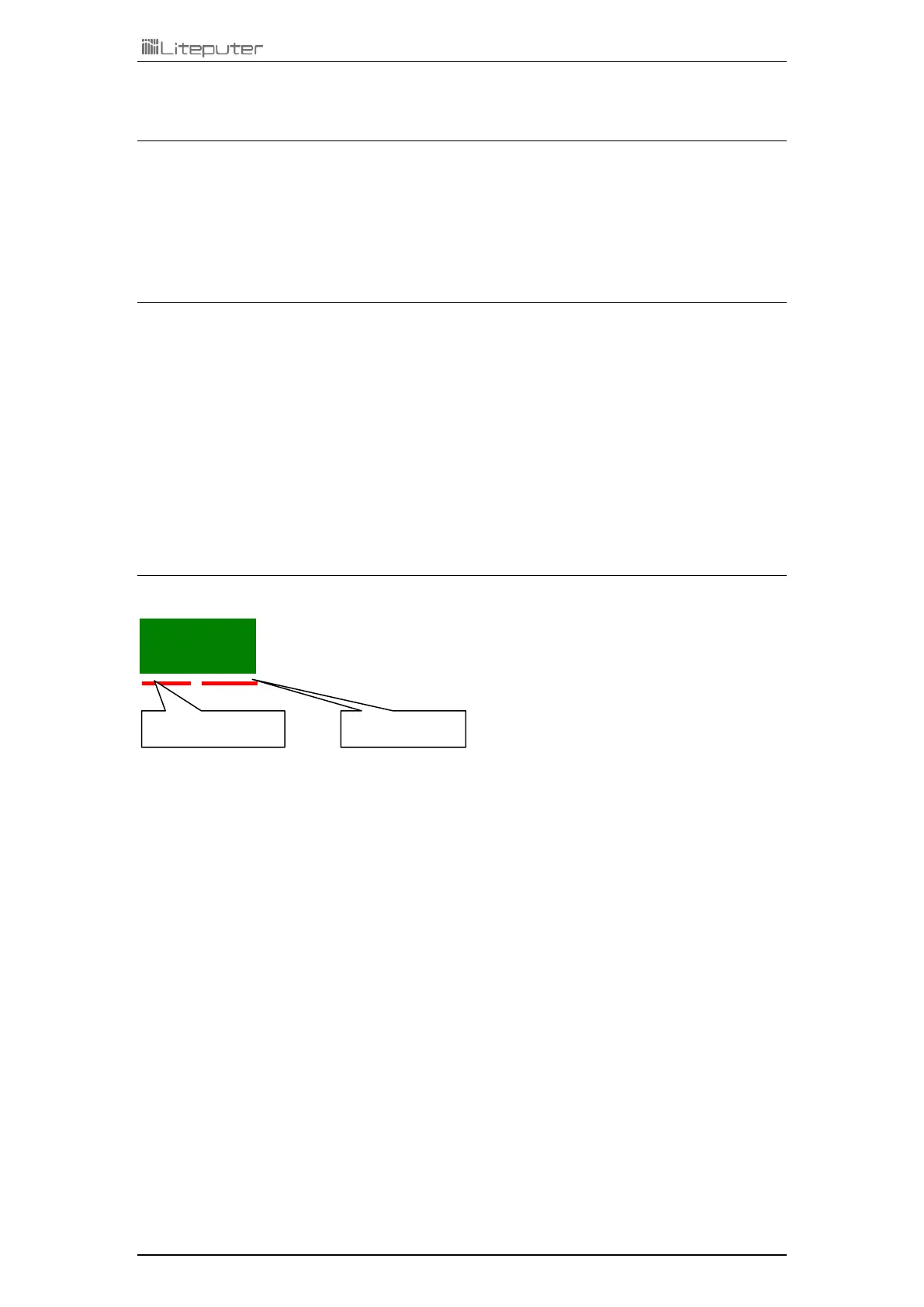
e.g.: Led display from 0 1.0.0 to 0 2.0.0
Press【◄】: Decrease 1 channel.
e.g.: Led display from 0 2.0.0 to 0 1.0.0
Dimming Level
00 - FL(100%)


 To Next Page