36
LIVA X
2
MINI PC USER MANUAL
Chapter 2
:Select Screen
F1:General Help
F2:Previous Values
F3:Optimized Defaults
F4:Save & Exit
ESC:Exit
+/- : Change Opt.
Enter : Select
:Select Item
Version 2.16.1242. Copyright (C) 2013 American Megatrends, Inc.
Administrator Password Status Not Installed
User Password Status Not Installed
Administrator Password
Secure Boot menu
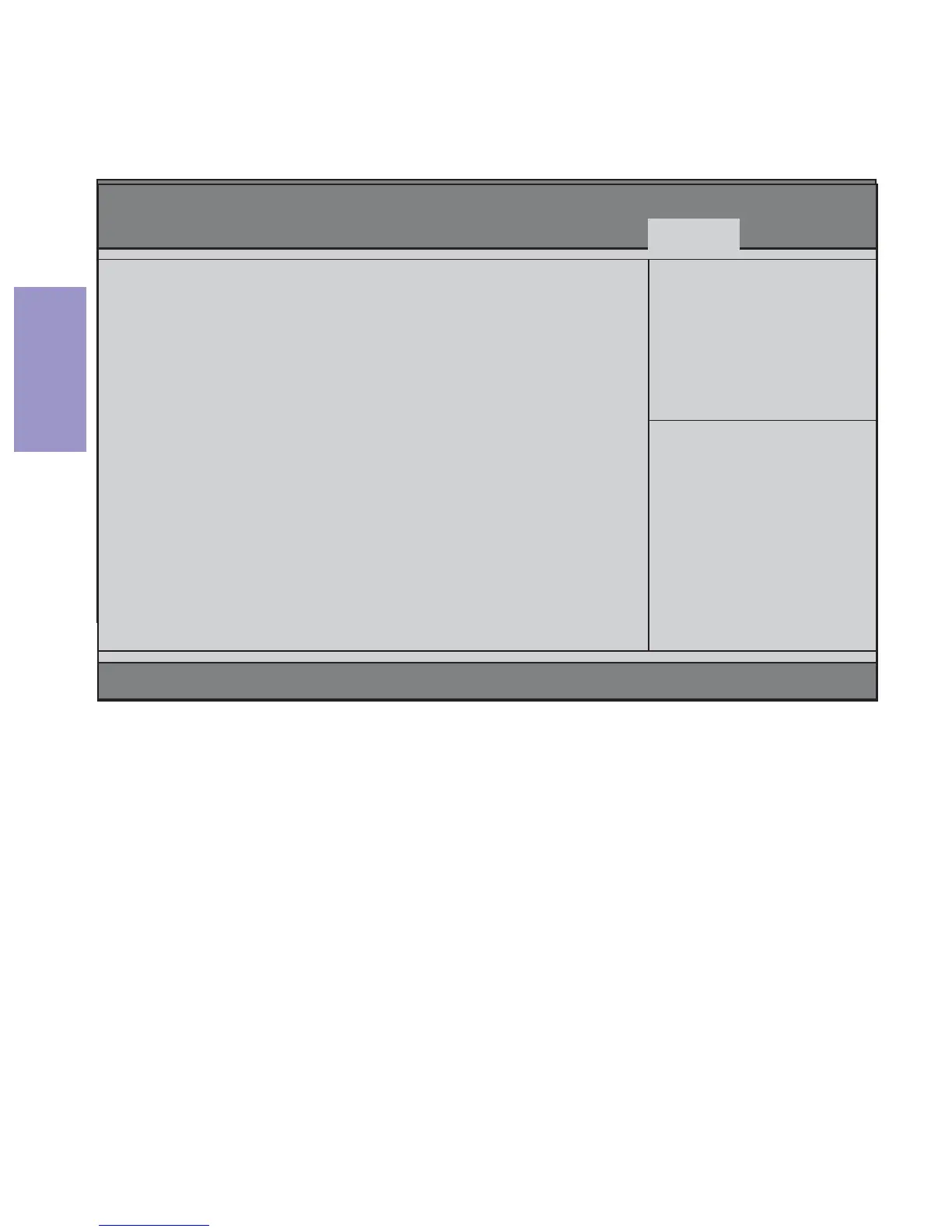
Scroll to this item and press <Enter> to view the following screen:
Secure Boot Menu
Password
Secure Boot Mode (Standard)
This item is used to select secure boot mode, when you select stan-
dard mode, secure boot policy is fixed; when you select custom
mode, the image execution policy and secure boot key datebases
are changeable.
Secure Boot (Enabled)
This item is used to control the secure boot flow, it is possible only if
system runs in User Mode.
:Select Screen
F1:General Help
F2:Previous Values
F3:Optimized Defaults
F4:Save & Exit
ESC:Exit
+/- : Change Opt.
Enter : Select
:Select Item
Version 2.17.1249. Copyright (C) 2015 American Megatrends, Inc.
Secure Boot can be
enabled if 1.System
running in User mode
with enrolled Platform
Key(PK) 2.CSM
function is disabled
System Mode Setup
Secure Boot Not Active
Vendor Keys Not Active
Secure Boot [Enabled]
Secure Boot Mode [Standard]
Key Management
Main Advanced Chipset M.I.B III Boot Security Exit
Aptio Setup Utility - Copyright (C) 2015 American Megatrends, Inc.
Key Management
Scroll to this item and press <Enter> to view the submenu.



 To Next Page