LIVA X
2
MINI PC USER MANUAL
37
Chapter 2
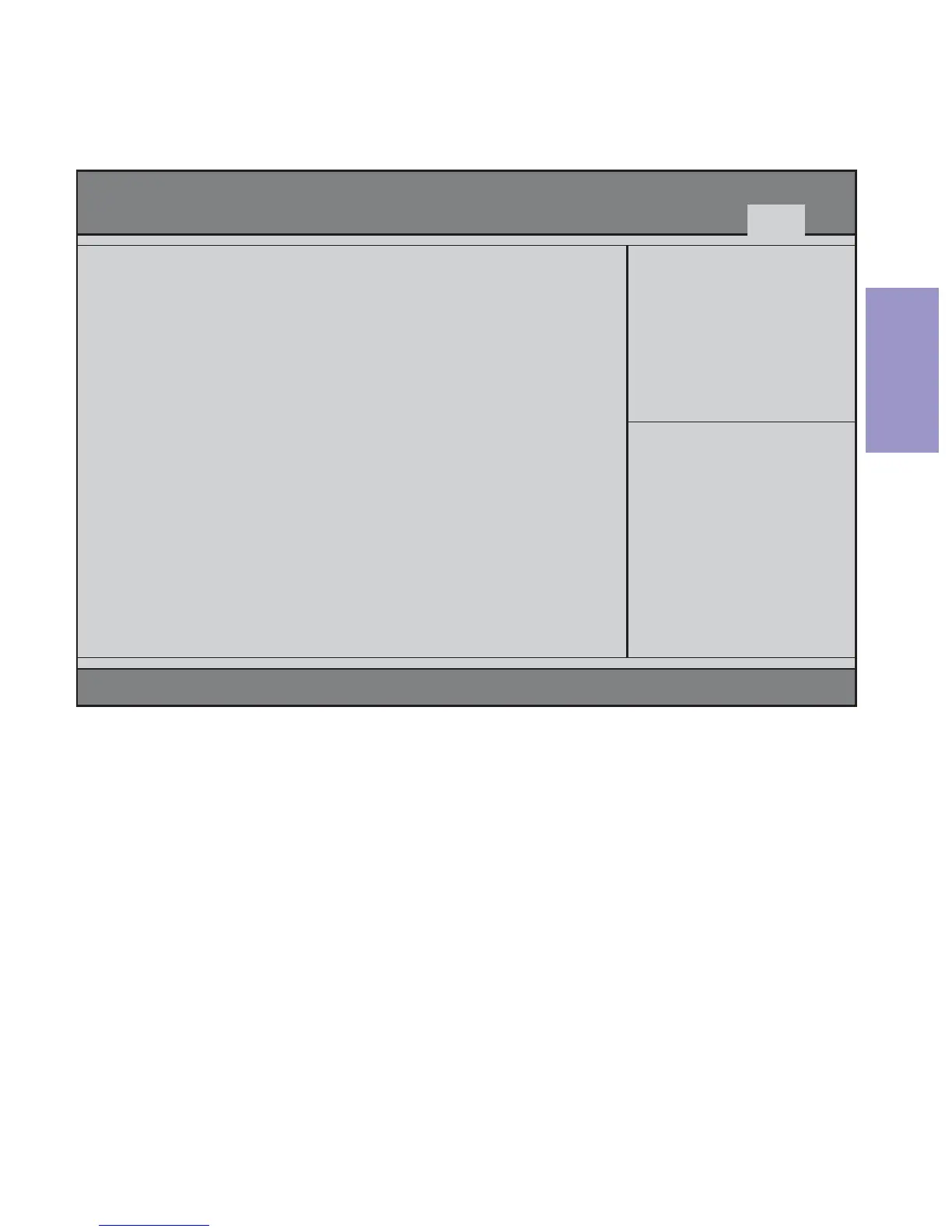
This page enables you to save or discard the changes of items.
Exit Menu
Save Changes and Exit
This item enables you to exit the system setup after saving the
changes.
Discard Changes and Exit
This item enables you to exit the system setup without saving any
changes.
Version 2.17.1249. Copyright (C) 2015 American Megatrends, Inc.
Exit system setup after
saving the changes.
Save Changes and Exit
Discard Changes and Exit
Save Changes and Reset
Discard changes and Reset
Save Options
Save Changes
Discard Changes
Restore Defaults
Save as User Defaults
Restore User Defaults
Boot Override
Windows Boot Manager
UEFI: UT165 1.00, Partition 1
:Select Screen
F1:General Help
F2:Previous Values
F3:Optimized Defaults
F4:Save & Exit
ESC:Exit
+/- : Change Opt.
Enter : Select
:Select Item
Save Changes and Reset
This item enables you to reset the system after saving the changes.
Main Advanced Chipset M.I.B III Boot Security Exit
Aptio Setup Utility - Copyright (C) 2015 American Megatrends, Inc.



 To Next Page