Version 7.0
5
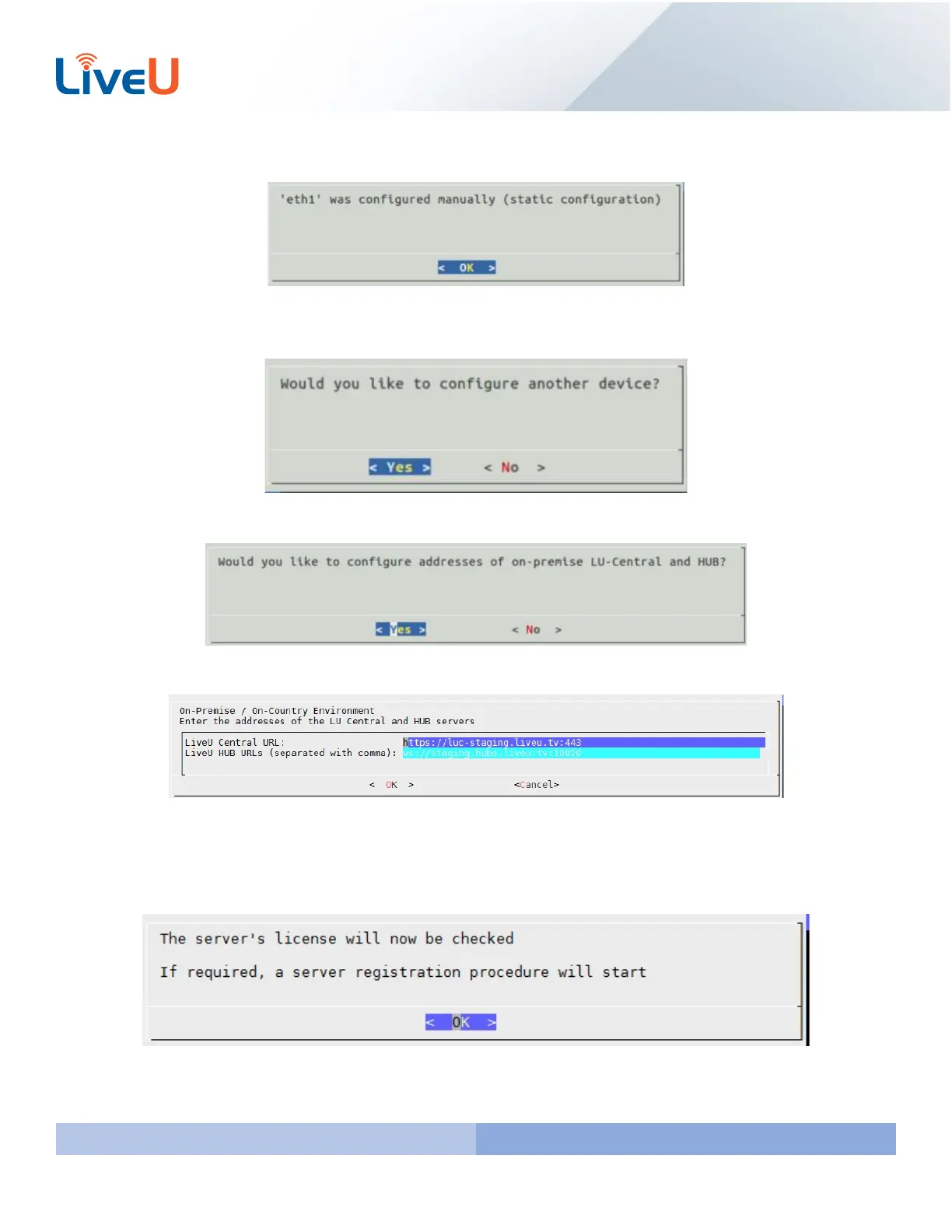
If done successfully you should get the following message
If you would also like to configure the other ethernet port you will select “Yes” on this screen. If you do not need to
setup the other ethernet port select “No” and press “Enter” to continue.
Since you are connecting to the default LiveU-Central and HUB you will want to select “Yes”
This information is filled in for default. You can just hit “Enter”
With 7.0 each server will have its own unique license. The server you configure should already have a license by default.
Press “Enter” to proceed. IF IT ASKS FOR A LICENSE SELECT MANUAL AND THEN ENTER THE SERIAL NUMBER OF THE
SERVER. IT IS LOCATED ON THE SERVER ITSELF.



 To Next Page