Loewe bild
User handbook
153
With a further touching of the displayed information, this increases
and displays additional time information. Use the icon at the bottom
right to start streaming this program onto your tablet or smartphone.
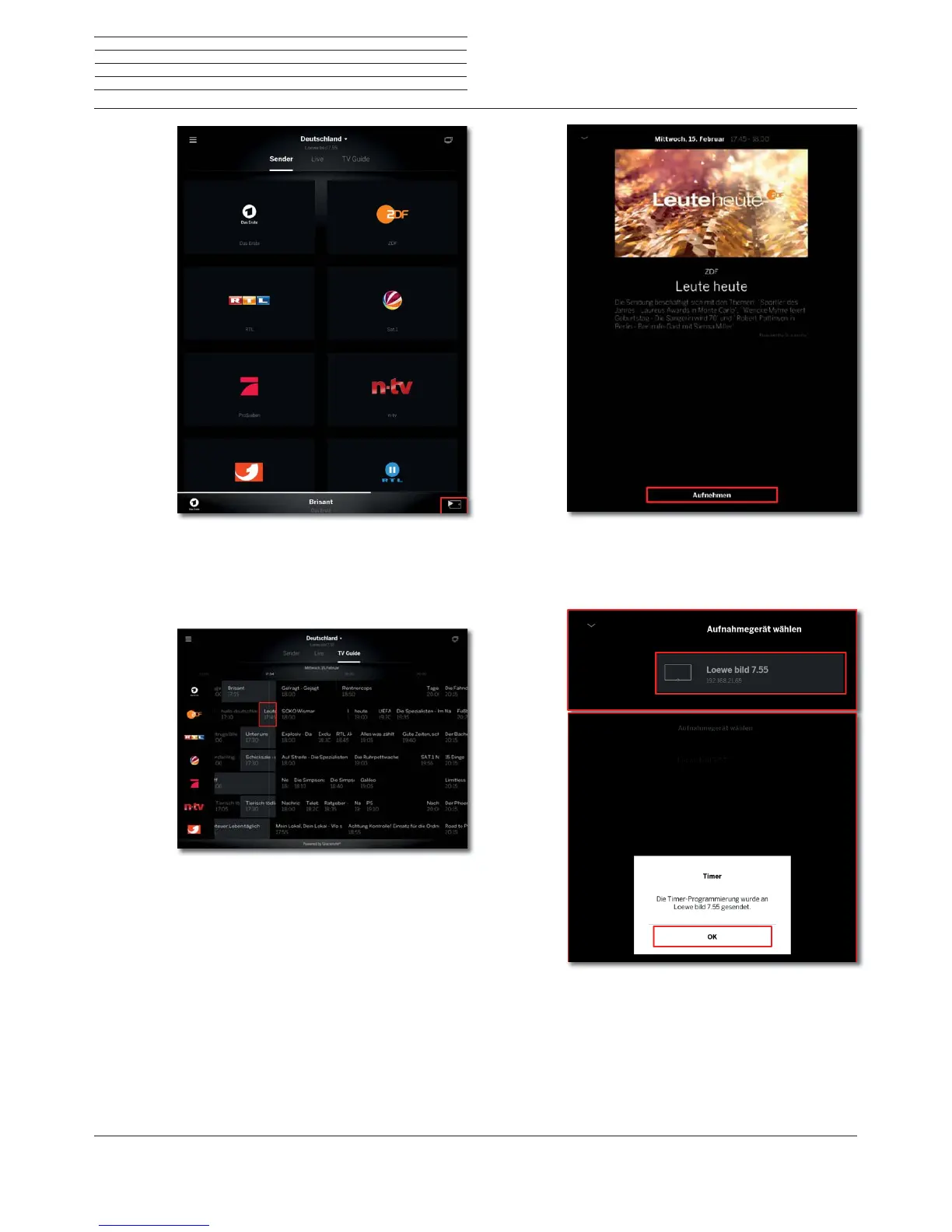
Recording via TV Guide
To record a program or program a recording, select the respective tile
of your desired program with a finger tip.
In addition to the detailed information, a recording button is available.
To use the mobile recording function, it must be activated on the TV
set and the corresponding device with an Internet connection is in
standby mode.
In the last step, you will be asked which TV set to use to start the
recording. To close the timer information, tap OK.
Loewe app



 To Next Page