Loewe bild
User handbook
48
(1
Depending on the settings selected.
TV
HbbTV / MediaText
HbbTV / MediaText
HbbTV
(1
(Hybrid broadcast broadband television) offers the user
comprehensive multimedia contents, e.g., media centres or additional
information on the current programme as far as they are provided by
the channel (Value-added service).
MediaText helps you to use the next generation of teletext/videotext
for HbbTV.
MediaText/HbbTV text can either be started directly or through an
HbbTV application.
Dependent on the selected TV channel, buttons on your remote
control can be locked via MediaText / HbbTV text.
The TV must be connected to the Internet to use HbbTV/MediaText.
A connection speed of at least 6,000 kbit/s (DSL 6000 or
equivalent) is recommended for smooth playback of videos.
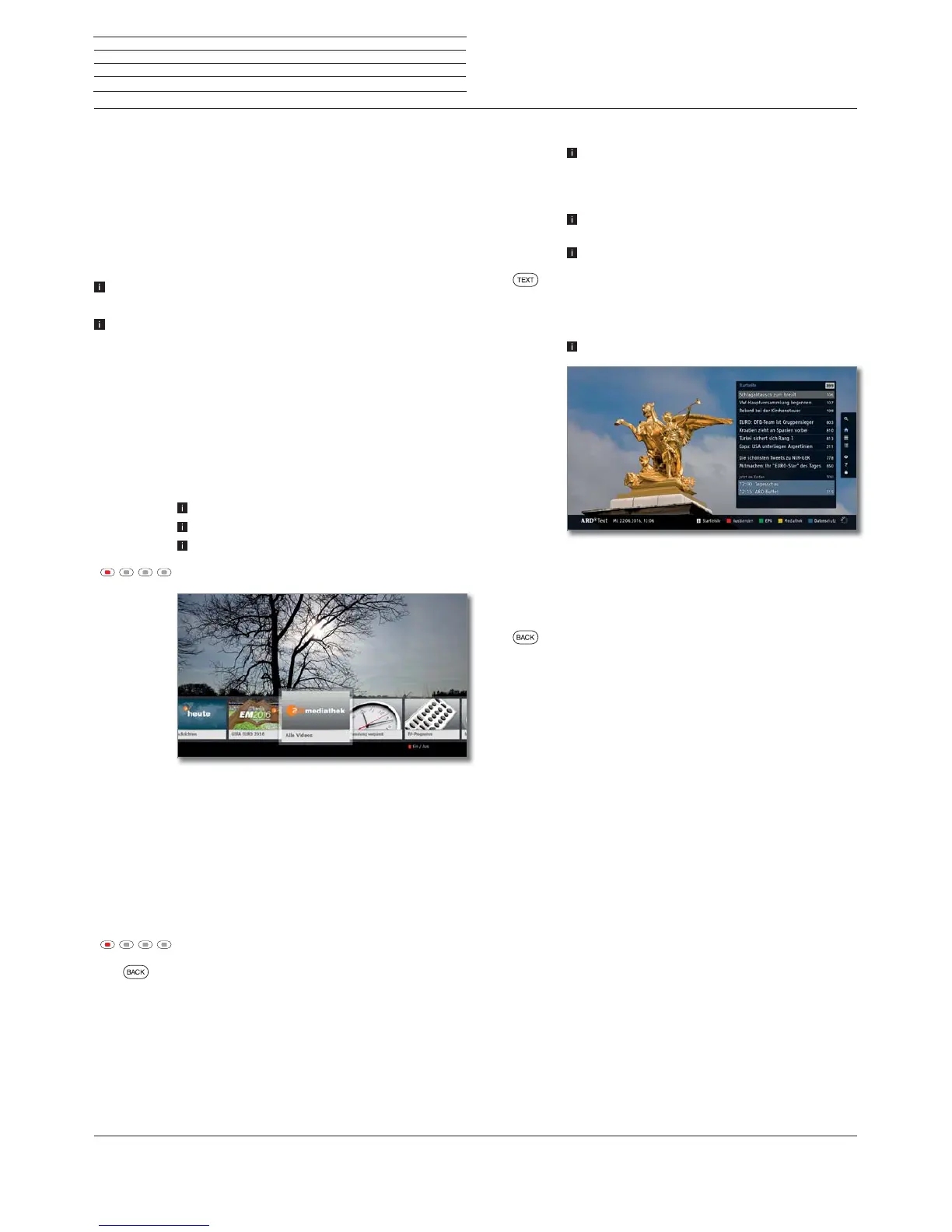
Opening an HbbTV application
If an HbbTV application is available for the chosen channel after
changing channels, this will be loaded during the automatic start
process and a red key symbol will appear. When starting manually,
the application will be loaded not until you press the red key. The start
behaviour can be set under System settings ט Control ט more...ט
HbbTVטStart behaviour of HbbTV stations.
HbbTV is offered by the selected channel.
Connection to the Internet established.
HbbTV mode is set to on.
Red key: Load / display HbbTV application.
The appearance, key assignment and available
functions of the HbbTV applications are dependent on
the provider.
Under certain circumstances, the recording and
bookmarking functions of the applications may not be
supported.
Loewe do not guarantee the accessibility, functionality
or content of HbbTV applications.
Hide / Close HbbTV application
Red key: Fade out HbbTV application.
Press BACK for a long time: Close HbbTV application.
Opening HbbTV text directly
Depending on the programme provider, the direct
Call of MediaText may not be possible. MediaText
must then be opened by means of the HbbTV
application.
MediaText/HbbTV text is offered by the selected
channel.
Connection to the Internet established.
TEXT: Call up “standard” Teletext (see chapter TV,
section Teletext).
By pressing the TEXT key a second time the Media-
Text/HbbTV Text will be called up.
The function of the TEXT key can be set.
Navigation within the HbbTV Text and how the coloured
keys are assigned can vary depending on the provider.
Terminating the HbbTV Text
Press BACK for a long time: End HbbTV text.
HbbTV services for DVB radio
Various DVB radio channels also offer HbbTV text/media text. The
functionality is the same as in TV mode.



 To Next Page