Loewe bild
User handbook
66
Sources
Sources
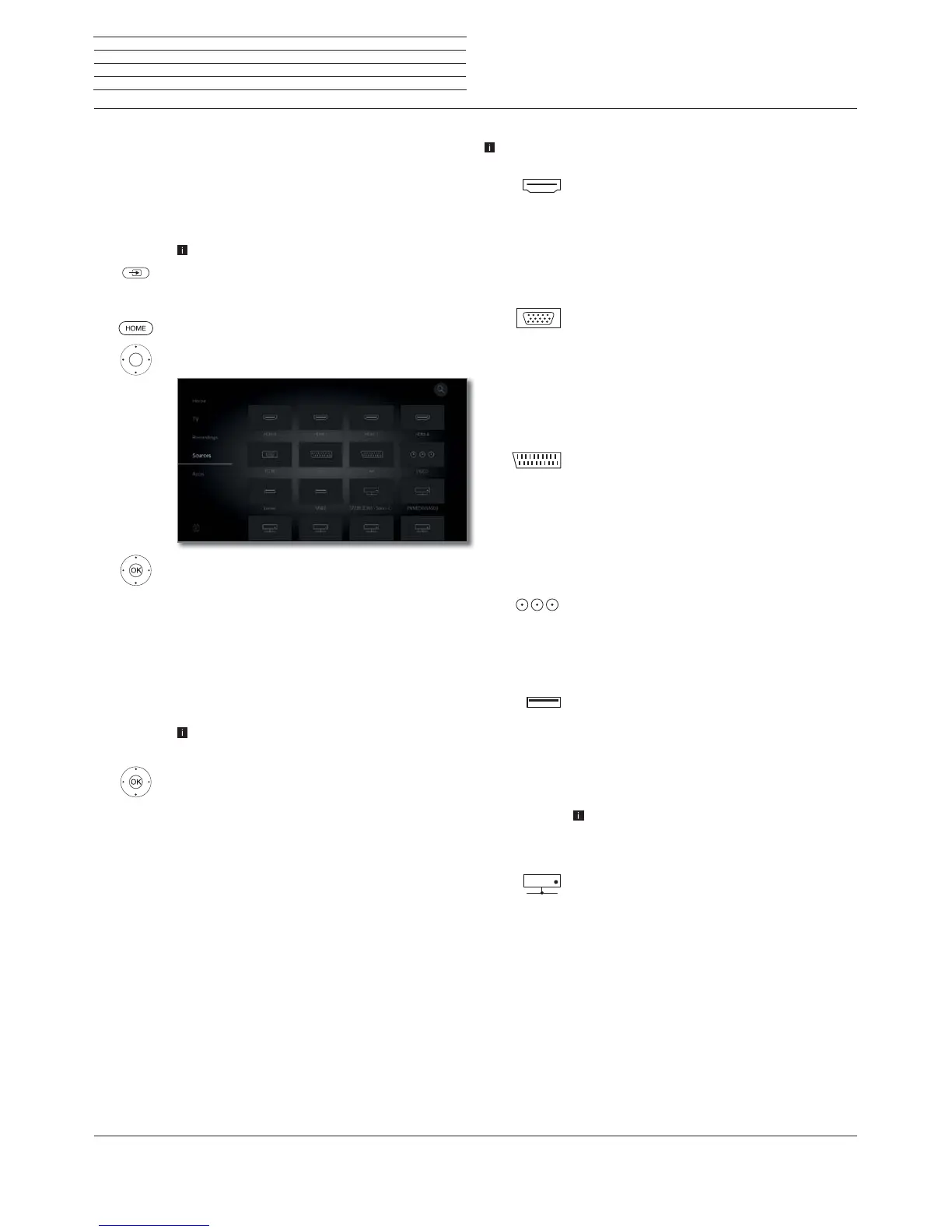
You will receive access to all devices connected to the TV set locally
via the Sources point in the Home view (e.g. to AV, HDMI, USB), as
well as all available devices on the home network in order to playback
multimedia content on the TV set.
Selecting the content source
In normal TV mode, without other displays.
Open Sources.
Or:
HOME: Calling the Home view.
Call Sources
Select source,
OK call.
If you have selected, for example, an HDMI connection,
it will change over to the respective connection. The
TV set is ready to present the content of the source.
Where the selected source delivers a signal, this should
now be visible.
When selecting a connected USB hard disk or a media
server, you must select another playable file in the file
structure.
The structure and the presentation of the files/fold-
ers are dependent on the selected source.
If applicable, select the desired folder,
OK then open the folder.
If required, repeat.
Select the desired file,
OK start playback of the selected file.
Possible sources
The media sources displayed depend on your devices.
HDMI
Source on HDMI connection of the TV set.
Depending on the content being played back from
the external source, see chapter Sources, section
Video-, Audio- and Photo playback.
For the connection and the configuration of external
devices, see the section External devices, section
Devices to the HDMI connections.
PC IN
Source on the AV connection (with VGA adapter)
of the TV set.
Depending on the content being played back from
the external source, see chapter Sources, section
Video-, Audio- and Photo playback.
For the connection and the configuration of external
devices, see the section External devices, section
Devices on AV.
AVS
AV
Source on the AV connection (with scart adapter)
of the TV set.
Depending on the content being played back from
the external source, see chapter Sources, section
Video-, Audio- and Photo playback.
For the connection and the configuration of external
devices, see the section External devices, section
Devices on AV.
VIDEO
Source on the ANT TV connection of the TV set.
When selecting VIDEO, you switch to the signal
source Cable analogue, channel E36. The TV set
can display the signal from an external source via
the antenna input TV ANT.
USB
Source (e.g. USB hard disk, USB stick) to an USB
connection of the TV set.
The exact description is dependent on the respective
storage medium.
Depending on the content being played back from
the external source, see chapter Sources, section
Video-, Audio- and Photo playback.
Please also refer to the chapter System settings,
section Control - Software update for the USB
sticks!
Network
Source (e.g. media server, NAS), which is available
via the Home network.
Depending on the content being played back from
the external source, see chapter Sources, section
Video-, Audio- and Photo playback.
The exact description is dependent on the respective
storage medium.



 To Next Page