Loewe bild
User handbook
77
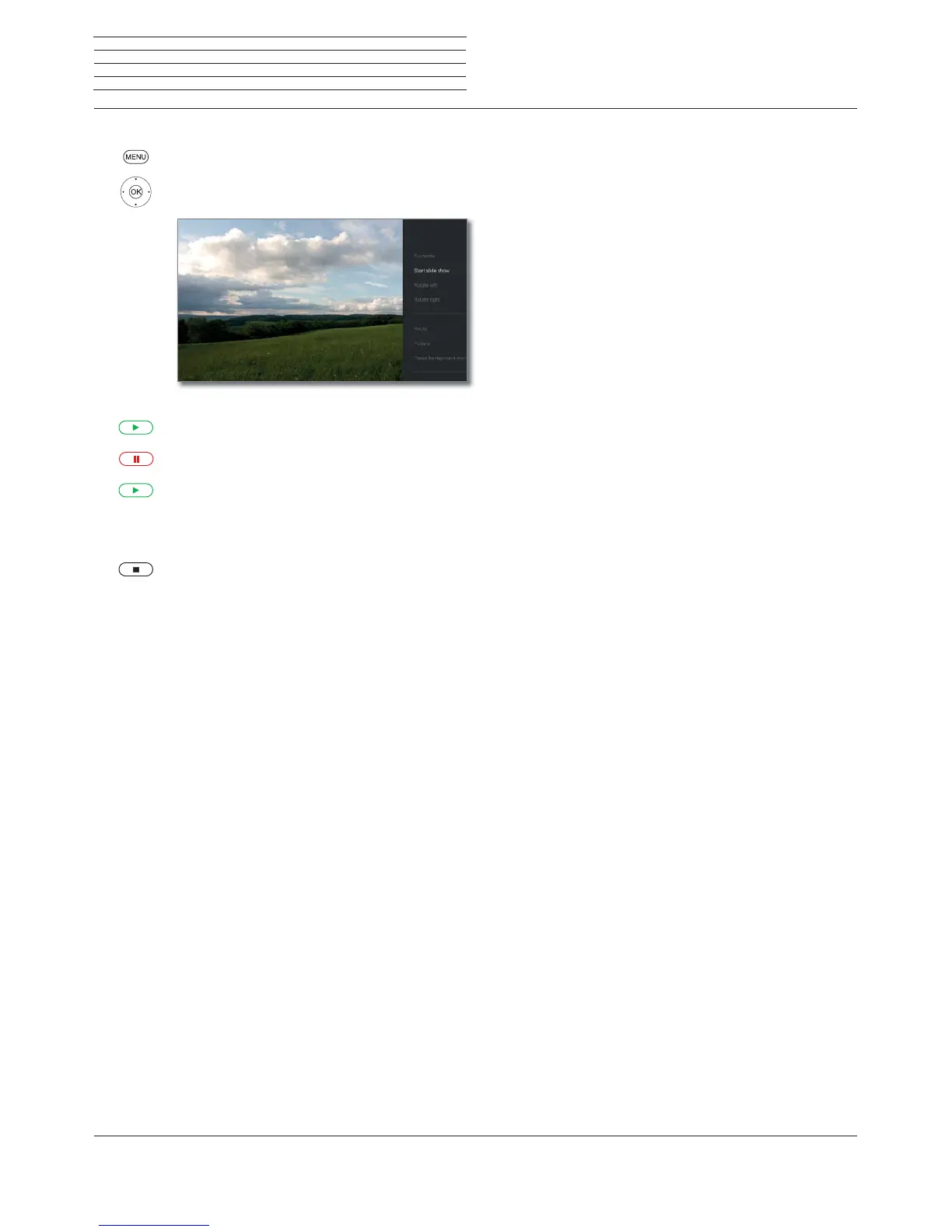
Slide show
MENU: Call up menu options.
Mark Start slideshow,
OK start slide show.
Or:
PLAY key: Start slide show.
PAUSE key: Pause slide show.
PLAY key: Continue paused slide show.
Photo in full-screen mode / exit slide show
STOP key: Full-screen mode / end slide show and
return to photo selection.
Sources
Photo



 To Next Page