76
English
Daily operation of the set – switching off sound/headphones
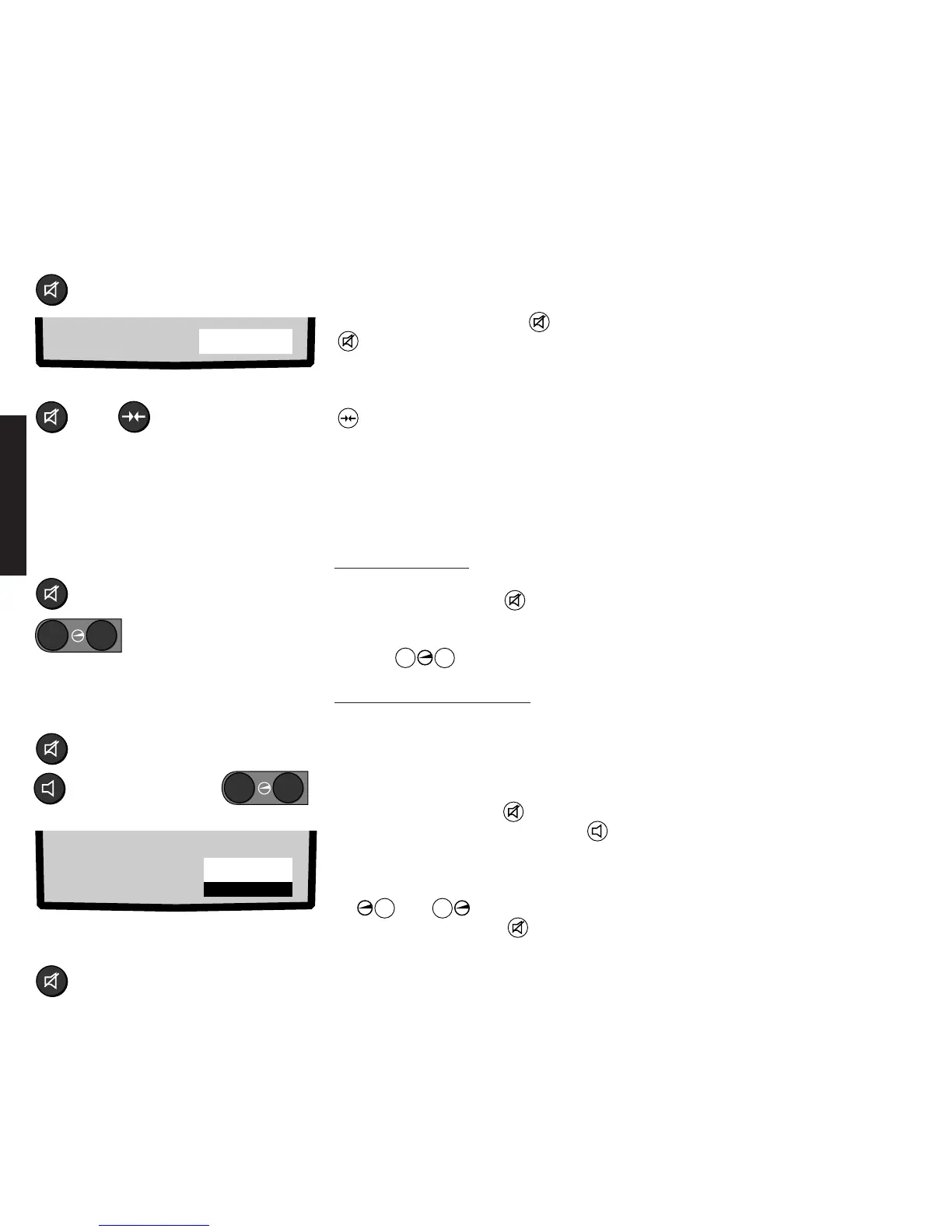
Switching off the loudspeaker sound:
Switching sound back on:
or
Switching sound off, on
The loudspeaker sound is switched off and
<Mute> displayed in red for a few seconds
on pressing the Mute button . Press the
button again to switch the sound back
on.
The sound can also be switched back on
with the Picture/sound normal button
.
Mute
Adjusting the volume
First switch off the loudspeaker sound by
pressing the Mute button .
Display: <Mute>
Then set the volume with the volume
buttons
–
+
.
Selecting Sound 1 or Sound 2
The sound channel can be selected
separately for headphones and
loudspeakers for 2 Sound broadcasts.
Select the sound channel for the
headphones:
1. Press the Mute button .
2. Press the Sound functions button
until Sound 1 or Sound 2 is marked
white.
3. Switch over the sound channel with the
+
or
–
button.
4. Press the Mute button again., the
loudspeaker sound is switched back on.
Depending on the selection, it is now
possible for different sounds to be listened
to on headphones and loudspeakers, e.g.
the main sound 1 on the loudspeakers and
the foreign language sound 2 on the
headphones.
Listening with headphones
The headphones jack is designed for 6.3 mm stereo jack plugs and is on the set’s local
control panel. Use headphones with an impedance of 32 ohms or higher. You can adjust
the headphones volume independently of the loudspeaker volume.
HP vol 3O
Sound 2
–
+
Adjusting the headphones volume:
Selecting Sound 1 or Sound 2 for the
headphones:
Switching the loudspeaker sound back
on:
Mute
Adjust volume
Mute
Select language
–
+










 To Next Page