22
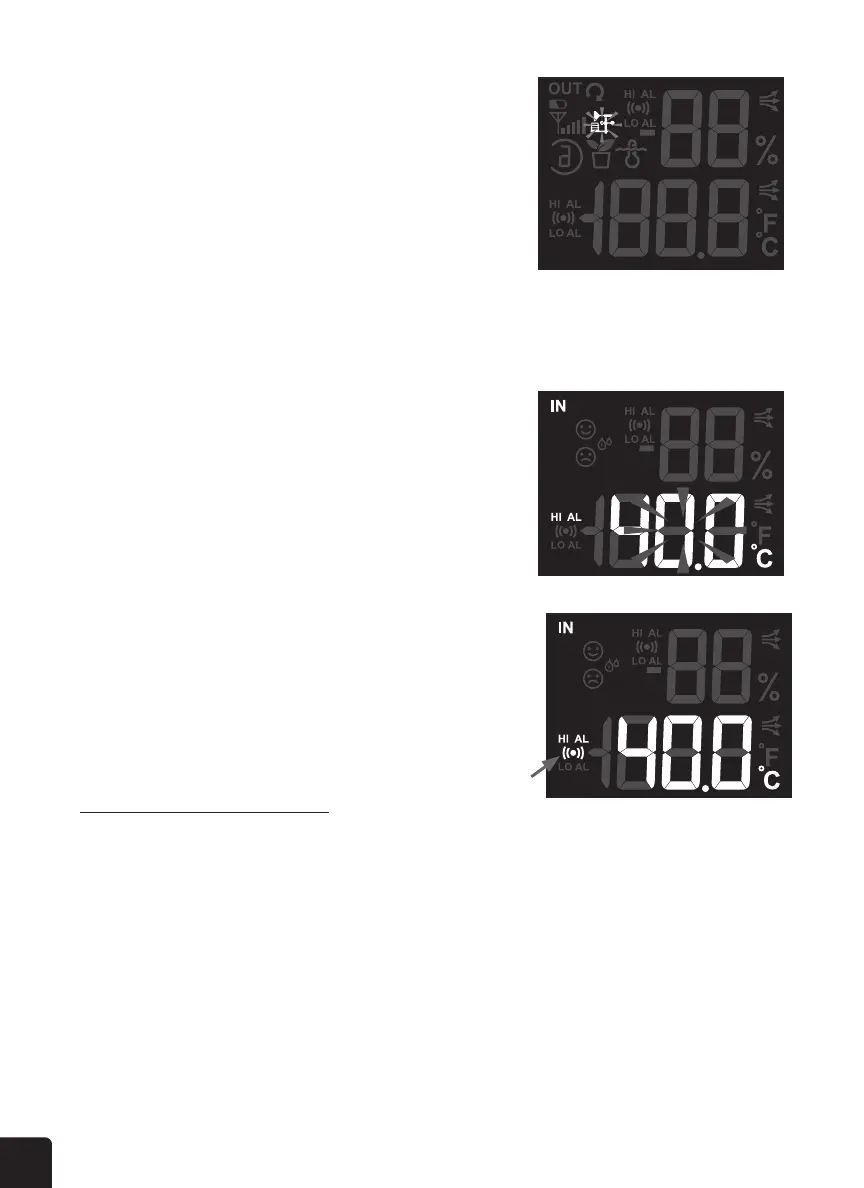
2. Press the UP or DOWN button to select section: Indoor >
Outdoor > CH1 > CH2 > CH3.
3. Once a section is selected, press the ALERT button to select
the alert type
• When Indoor symbol appears, the selected sequence is:
In Temperature HI > In Temperature LO >
In Humidity HI > In Humidity LO > Baro Pressure.
• When Outdoor symbol appears, the selected sequence
is: Out Temperature HI > Out Temperature
LO > Out Humidity HI > Out Humidity LO > Wind HI > Rain rate HI.
• When the CH 1, 2, or 3 symbol appears, the select sequence is: CH Temperature HI > CH
Temperature LO > CH Humidity HI > CH Humidity LO.
4. In the alert type, the selected value will ash, then press the
UP or DOWN button to adjust the value or press and hold the
button to change the value rapidly.
5. Press the ALARM button to toggle the alert on or o.
6. Press the ALERT button to conrm the setting and move to
the next alert reading.
7. When nished, press and hold the ALERT button for two (2)
seconds to exit the alert setting.
Silence the Weather Alert Alarm
Press the SNOOZE or ALARM button to silence the alarm, or it will automatically turn o after two (2)
minutes.
NOTE: Once the alert is triggered, the alarm will sound for two (2) minutes and the associated
alert icon and weather readings will ash.
DISPLAY BACKLIGHT
The weather console backlight can be adjusted, using the OFF/LO/HI slider to select the appropriate
brightness:



 To Next Page